Our verdict: the Keychron Q1 Max is the best mechanical keyboard for most developers. The Keychron K2 V2 is the budget pick, the HHKB Studio is the cult favorite, and the Glorious GMMK 3 PRO is the one to mod.
Most "best mechanical keyboard" lists are written by people who care about RGB lighting profiles. Developers care about typing feel, layout, build quality and not annoying the people around them. Four boards in 2026 cover the whole range, from $49.99 to $449.
What a good coding keyboard costs
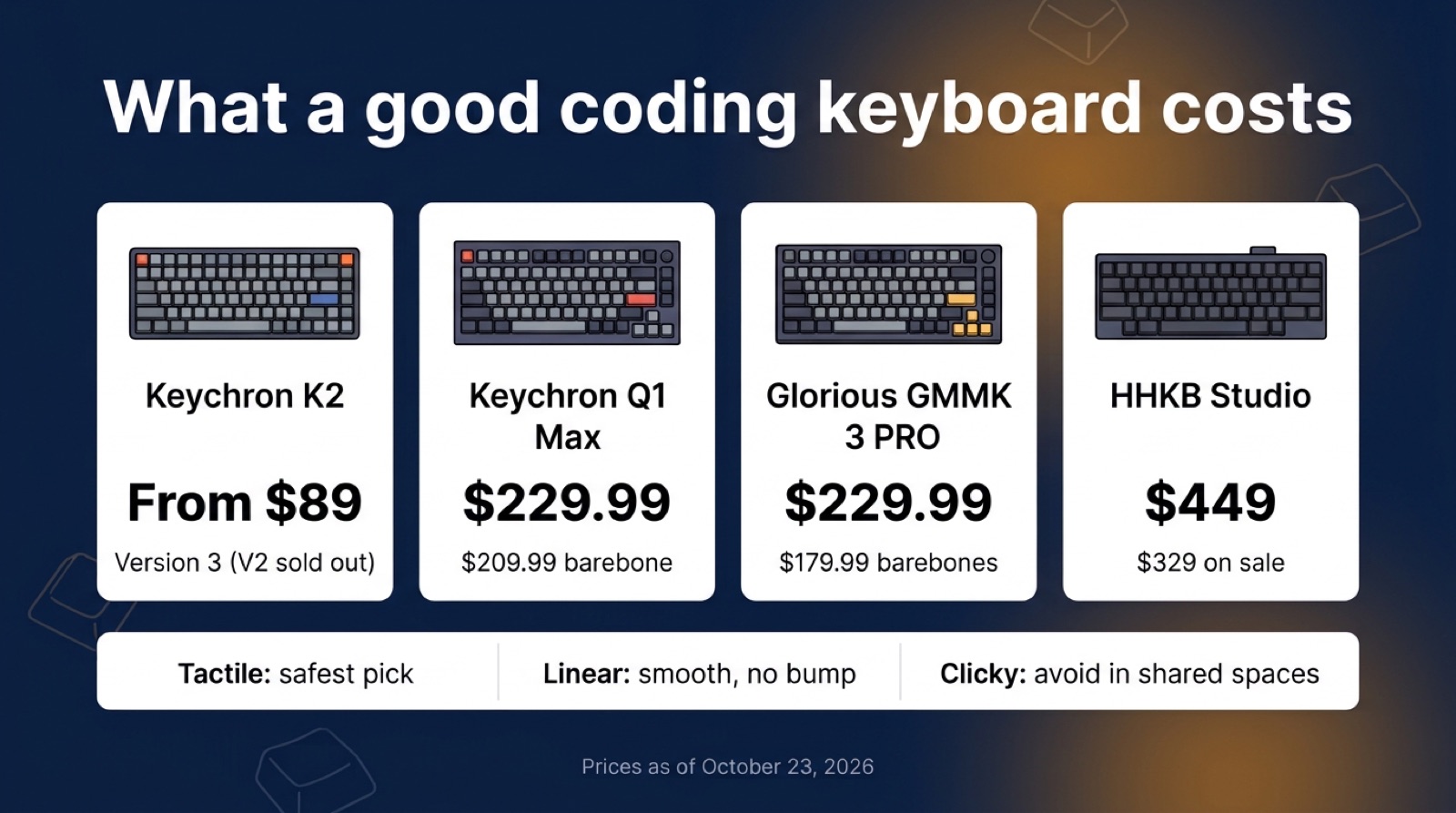
You don't need to spend $449. The $229.99 tier already gets you an aluminum case, hot-swap sockets and a knob. Above that, you're paying for a layout philosophy, not better parts.
The 4 keyboards at a glance
- 75% layout with a rotary knob
- Gasket-mounted aluminum, hot-swap
- Wireless, QMK/VIA programmable
The catch: heavy, and the barebone sells out.
- 60% layout, silent 45g linear switches
- Built-in pointing stick
- Four gesture pads
The catch: no arrow keys or function row.
- Same 75% layout as the Q1 Max
- Wireless and wired
- Cheapest way to try mechanical
The catch: sold out on Keychron's store right now.
- 75%, gasket mount, rotary knob
- Built to be taken apart
- Huge modding community
The catch: wireless costs extra ($349.99).
Prices and layouts
Prices checked October 23, 2026, on each company's own US store. Glorious and PFU are running sales.
| Keyboard | Price | Layout and switches | Best for |
|---|---|---|---|
| Keychron Q1 Max | $209.99 barebone, $229.99 assembled | 75%, hot-swap, gasket-mounted aluminum, wireless | Most developers |
| HHKB Studio | $449 list, $329 on sale | 60%, silent linear switches, pointing stick | Keyboard-first purists |
| Keychron K2 V2 | From $49.99 ($84.99+ hot-swap) | 75%, plastic case, wireless | Your first mechanical board |
| Glorious GMMK 3 PRO | $179.99 barebones, $229.99 prebuilt (sale) | 75%, gasket mount, rotary knob | People who want to mod |
What each one has
| Feature | Q1 Max | HHKB Studio | K2 V2 | GMMK 3 PRO |
|---|---|---|---|---|
| Arrow keys and function row | ✓ | ✗ | ✓ | ✓ |
| Wireless | ✓ | ✓ | ✓ | Wireless model |
| Hot-swap switches | ✓ | ✓ | Hot-swap model | ✓ |
| Rotary knob | ✓ | ✗ | ✗ | ✓ |
| Pointing stick | ✗ | ✓ | ✗ | ✗ |
| QMK/VIA | ✓ | – | – | – |
– means the company doesn't list it for that model.
Keychron Q1 Max: best for most developers
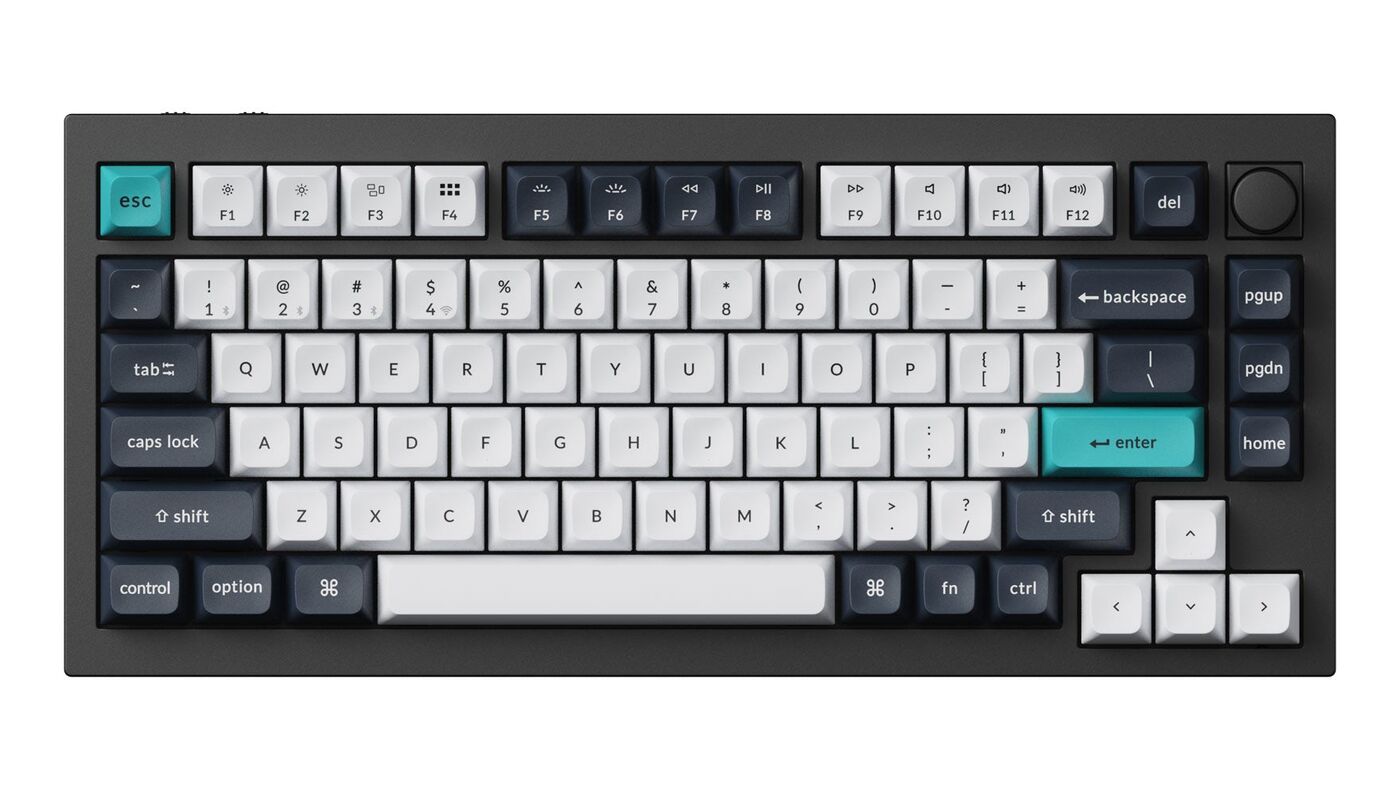
The Q1 Max is the keyboard most developers should buy. You get a 75% layout (full function row, arrow keys, no number pad), a gasket-mounted aluminum case, hot-swap switches, wireless or wired, and QMK/VIA remapping. The function row stays handy for IDE shortcuts and the arrows sit where your right hand expects them.
Stock Gateron Jupiter Brown tactile switches are fine. Since the sockets are hot-swap, you can later try a heavier tactile like the Boba U4T or a smooth linear like the Gateron Oil King without soldering.
HHKB Studio: the cult pick
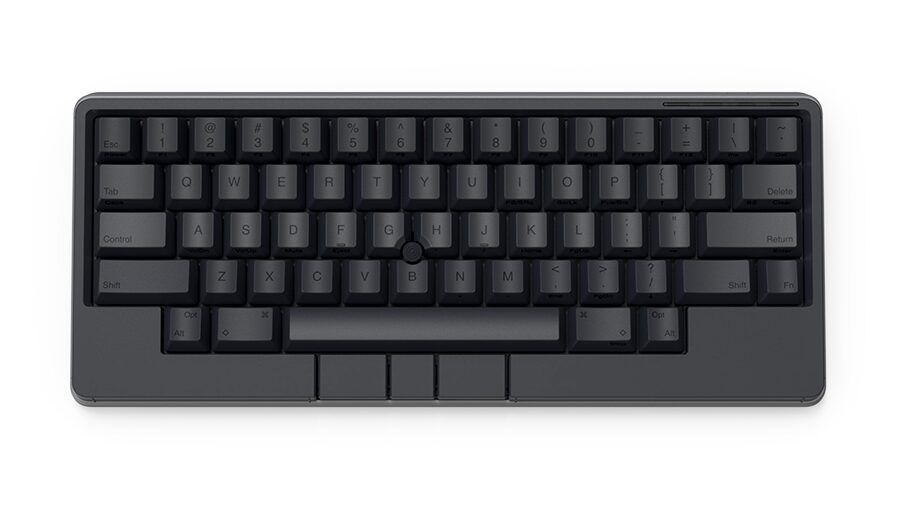
The HHKB Studio is a 60% hot-swap board with HHKB's own 45g silent linear switches, a pointing stick and four gesture pads. It lists at $449, and PFU's US store has it at $329 through November 2. The layout dates to the 1990s: no dedicated arrows or function row, so you reach them with Fn.
If you'll retrain your muscle memory for a week, everything sits closer to the home row and the pointing stick saves trips to the mouse. If you won't, you'll resell it at a loss. Want the classic Topre feel? That's the HHKB Professional line, not the Studio.
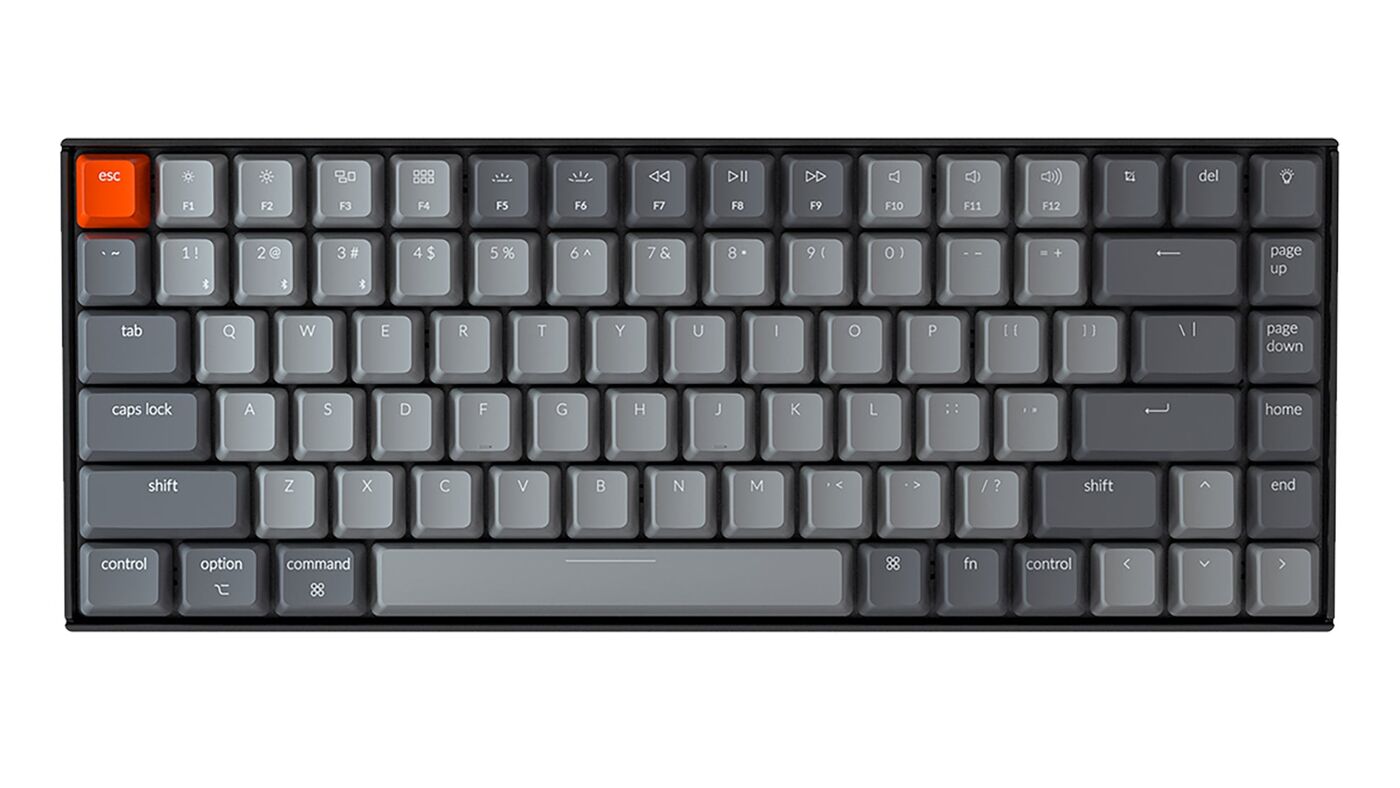
Keychron K2 V2: best under $100
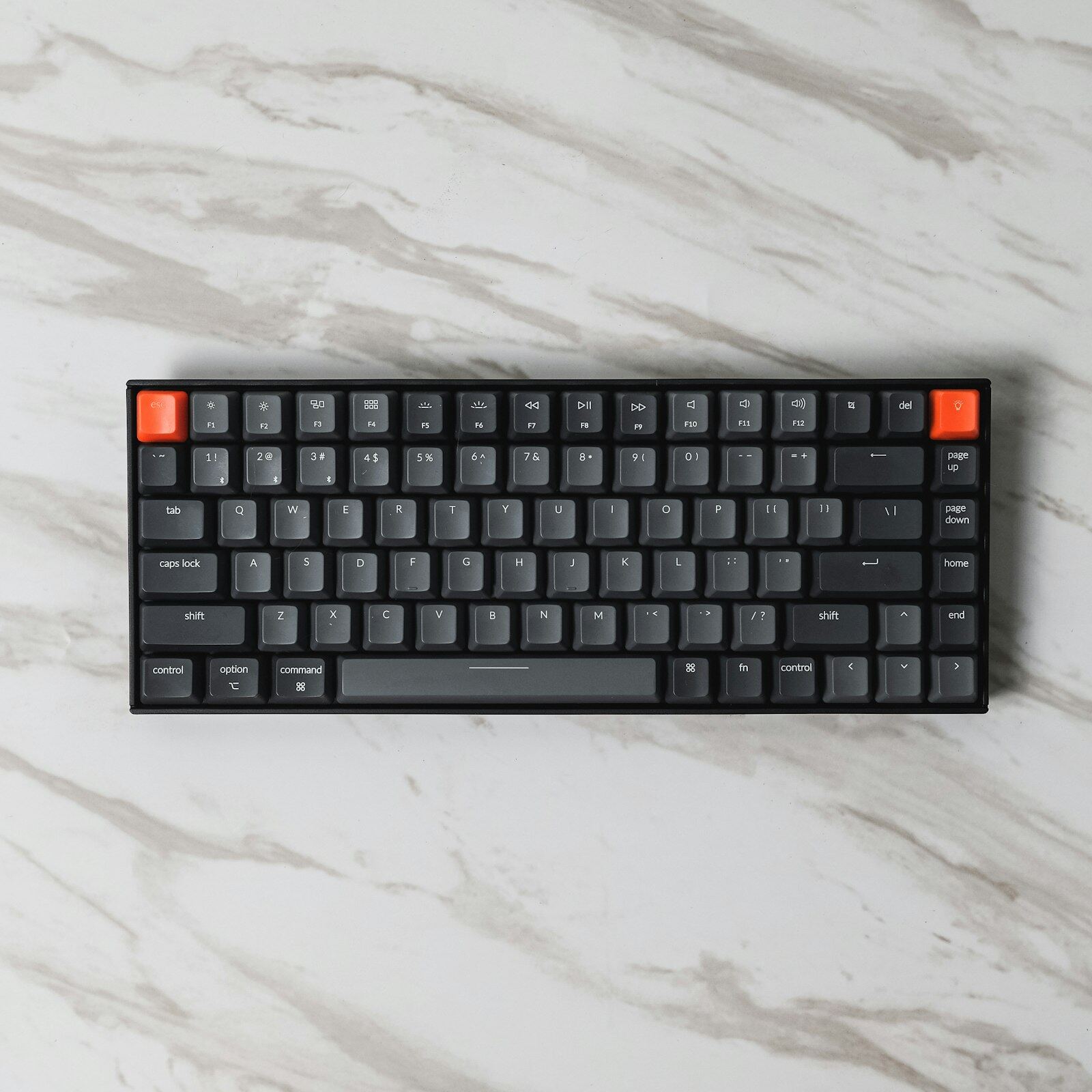
The K2 V2 is the entry point. It has the same 75% layout as the Q1 Max, wireless and wired modes, and a lighter plastic case. It starts at $49.99, with hot-swap versions from $84.99. Every version was sold out on Keychron's own store on October 23; the newer K2 Version 3 lists from $89.99.
Against the Q1 Max it's louder, feels less premium and has simpler firmware. For a fraction of the price, it tells you whether you like mechanical at all, and K2s resell easily if you move up.
Glorious GMMK 3 PRO: best for modders
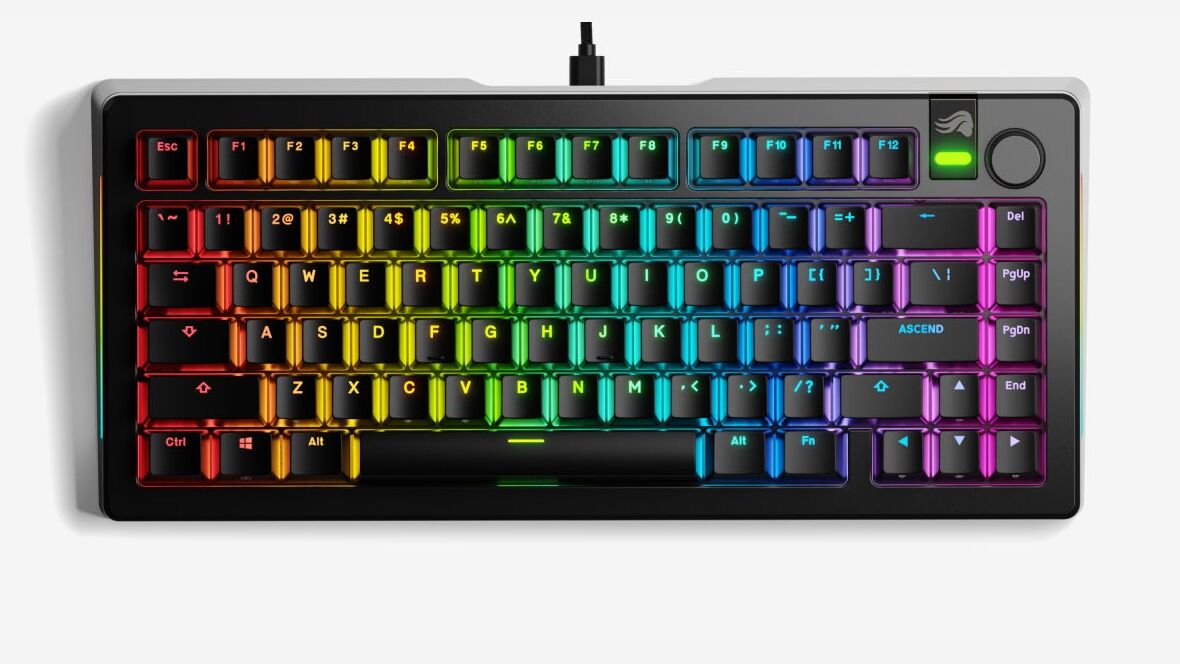
The original GMMK Pro built the biggest modding community of any premium 75% board, and it's now sold out on Glorious's store. The GMMK 3 PRO keeps the aluminum case, gasket mount and rotary knob. The 75% version is on sale at $179.99 barebones or $229.99 prebuilt; the wireless prebuilt is $349.99.
It's good out of the box. With tape, plate foam and lubed stabilizers, community guides say it gets a lot better. If that sounds like fun, this is your board. If it sounds like work, get the Q1 Max.
Switch picks for coding
Skip clicky switches in any shared space. Beyond that, pick by feel.
| Type | Feel | Examples |
|---|---|---|
| Tactile | A bump confirms each press, no click. The safe pick. | Boba U4T, Akko V3 Cream Blue, Gazzew Boba LT |
| Smooth linear | No bump, quietest typing. For fast typists. | Gateron Oil King, Akko Cream Yellow Pro |
| Heavy tactile | Extra resistance for people who type hard. | Holy Pandas |
| Clicky | Loud click on every press. | Avoid at work |
Which one should you buy?
The verdict
Buy the Keychron Q1 Max unless you have a specific reason not to: nothing at $229.99 matches its build and layout. Start with the K2 V2 on a tight budget, pick the HHKB Studio if you'll retrain, and get the GMMK 3 PRO if modding is the point.
FAQ
What's the best mechanical keyboard for developers in 2026?
Keychron Q1 Max is the best all-rounder. HHKB Studio is the cult pick. Keychron K2 V2 covers the under-$100 budget. Glorious GMMK 3 PRO is for builders who want to mod everything.
Linear, tactile, or clicky switches for coding?
Tactile is the safest pick. Linear is for typists who don't want a feedback bump. Clicky switches annoy everyone you work with, so avoid them in shared spaces.
Is the HHKB Studio worth it?
At $449 list ($329 on sale in October 2026), only if you've used one for a week. HHKB's 60% layout encourages keyboard-first muscle memory and is faster long-term for committed users. Newcomers find the missing keys frustrating.
Do I need wireless or wired?
Wired is more reliable and lower latency. Wireless is convenient if you switch between machines. For pure typing, latency doesn't matter. Most developers will be fine on a good wireless board with a USB-C fallback.
Are low-profile mechanical keyboards good for typing?
Low-profile boards feel closer to a laptop keyboard with mechanical action. Great if you're switching from a MacBook and don't want the wrist position change. Tall mechanical has better long-term ergonomics with a wrist rest.