Chatting and everyday work: Gemini app. Building or fixing code: Antigravity. Google AI Pro includes both, so you can download both and pay nothing extra.
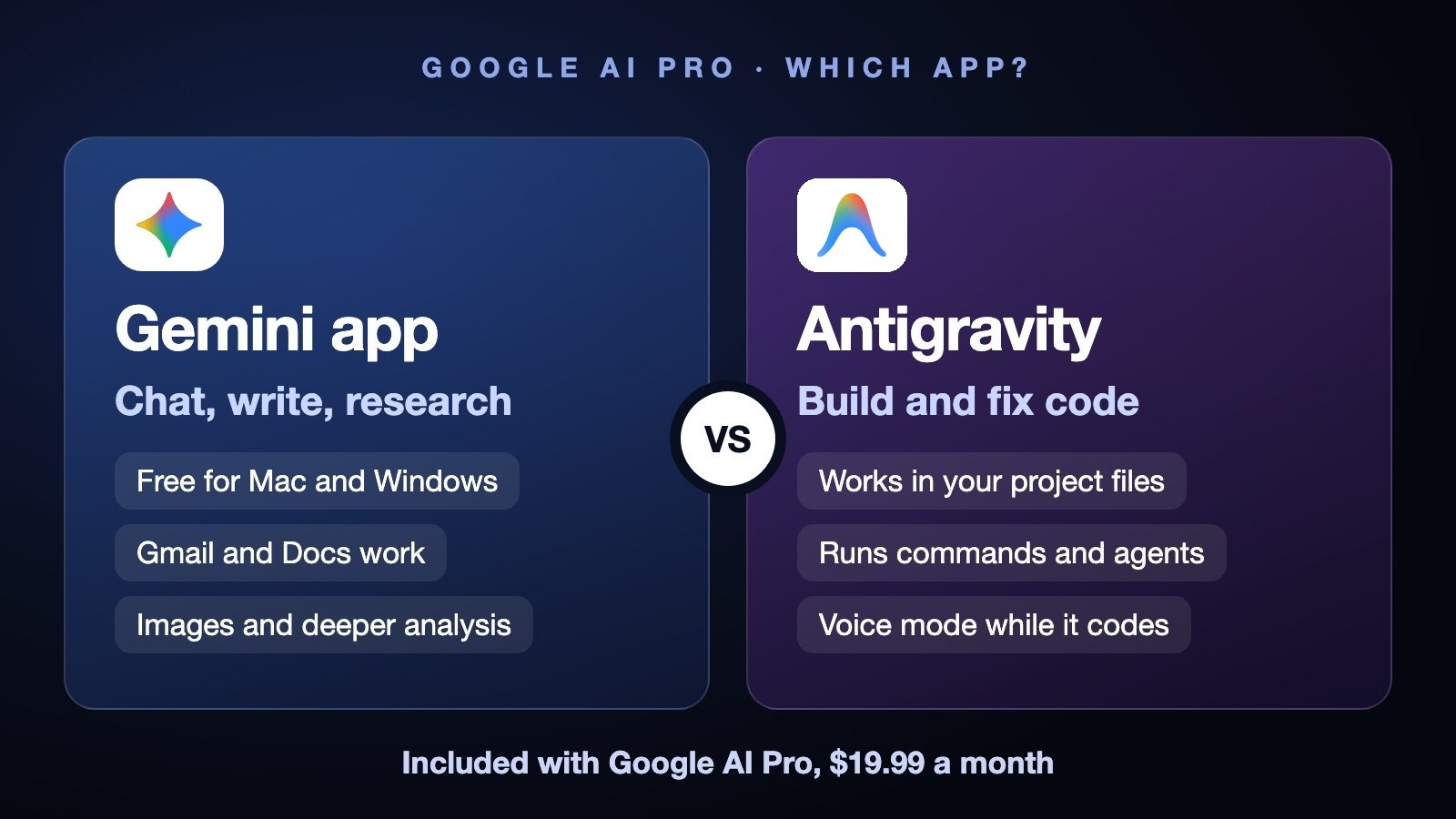
 Gemini app for chat, Antigravity for code
If you don't write software, the Gemini app is the one to download. Antigravity only matters when you want an AI to work inside a coding project.
Gemini appFree AntigravityPro $19.99Gemini Mac appUltra
You subscribed to Google AI Pro and now Google offers two downloads with the Gemini name or logo nearby. They aren't rivals. One is a chat app, the other is a coding tool, and most people only need the first.
Gemini app vs Antigravity, in other AI brands
If you've used ChatGPT or Claude, you already know both categories. Each company sells a chat app and a separate coding agent.
| Company | Chat app | Coding agent |
|---|---|---|
| Gemini app | Antigravity | |
| OpenAI | ChatGPT app | Codex |
| Anthropic | Claude app | Claude Code |
For the Claude side, see Claude Chat vs Code vs Cowork. For the coding side, see Antigravity vs Codex vs Claude Code.
The Gemini app: chat, write, research
This is the everyday assistant. You use it to chat, write, research, make images and work through Gmail and Docs. Google offers a free download for Mac and Windows, with a keyboard shortcut to open it from anywhere: Option+Space on Mac, Alt+Space on Windows.
The free app works on its own. With Google AI Pro you can also pick Gemini 4 Neon, labelled "Deeper analysis", and choose a thinking level. We ran our Neon tests in the Gemini web app on Google AI Pro, and it passed all three.
Gemini app- Mac (Apple Silicon, macOS 15 or newer) and Windows 10 or newer
- Chat, writing, research, images, Gmail and Docs
- Opens from anywhere with a shortcut
The catch: it doesn't edit a coding project for you.
Source: Google's Gemini desktop page, checked November 19, 2026.
Antigravity: build and fix code
Antigravity is Google's agent coding app. It works inside your project files, runs commands and can run several agents at once. You describe the job, and it does the editing.
It also has a voice mode on Gemini Live, announced on November 6. You talk with it out loud while it codes, and we tried it ourselves on Google AI Pro. The full story is in our Neon review.
Antigravity- Reads and edits your project files
- Runs commands and parallel agents
- Two-way voice mode while it works
The catch: it's built for people who code.
Which Google plan unlocks what
The apps are free to download. What changes with the plan is which Gemini 4 model you get and how much Antigravity access comes with it.
| Plan | Model | Antigravity |
|---|---|---|
| Free $0 | Smaller models | Not stated |
| AI Plus $4.99/mo | Hydrogen | Limited |
| AI Pro $19.99/mo | Neon | Expanded |
| AI Ultra $99.99/mo | Carbon + Neon | Higher limits |
Prices checked November 19, 2026 on Google's plans page. On November 18 we saw an intro price of $4.99 for the first 3 months of AI Pro. Not stated means we couldn't confirm it.
Do you need both?
Only if you both chat and code. On Pro the two come under one plan, so the second download costs nothing but a few minutes.
Download both if: you write code and also use AI for email, research and documents.
Skip Antigravity if: you never open a code editor. The Gemini app covers everything else.
Which one should you download?
The verdict
Download the Gemini app first. It's free, it works with your Google AI Pro account and it handles chat, writing, research and Google apps. Add Antigravity only when you start building software.
FAQ
Do I need Antigravity or the Gemini app?
The Gemini app for chatting and everyday work, Antigravity for building or fixing code. If you don't write software, you only need the Gemini app. Google AI Pro covers both, so developers can use them side by side.
Is Antigravity included in Google AI Pro?
Yes. Google AI Pro includes expanded access to Gemini 4 Neon in Google Antigravity, while AI Plus gets limited access and AI Ultra gets higher limits. The standalone Antigravity app works on Pro, but the version built into the Gemini Mac app needs Ultra.
Is there a Gemini desktop app?
Yes. Google offers a free Gemini app for Mac and Windows. The Mac version needs Apple Silicon and macOS 15 or newer, Windows needs version 10 or newer, and the shortcuts are Option+Space on Mac and Alt+Space on Windows.
Can I use Gemini 4 Neon in Antigravity?
Yes, with a paid Google plan. AI Pro includes expanded access to Gemini 4 Neon in Antigravity, and Ultra raises the limits. In the Gemini app, Pro lets you pick Neon as "Deeper analysis" with a thinking level.
Is Antigravity free?
The app is free to download, and Google's site says it's available at no charge. Gemini 4 Neon access inside it comes with a Google plan: limited on AI Plus at $4.99, expanded on AI Pro at $19.99 and higher on Ultra at $99.99. We couldn't confirm what the free plan gets.
Is the Gemini app free?
Yes, the Mac and Windows downloads are free. Gemini 4 Neon and the thinking levels need Google AI Pro at $19.99 a month.