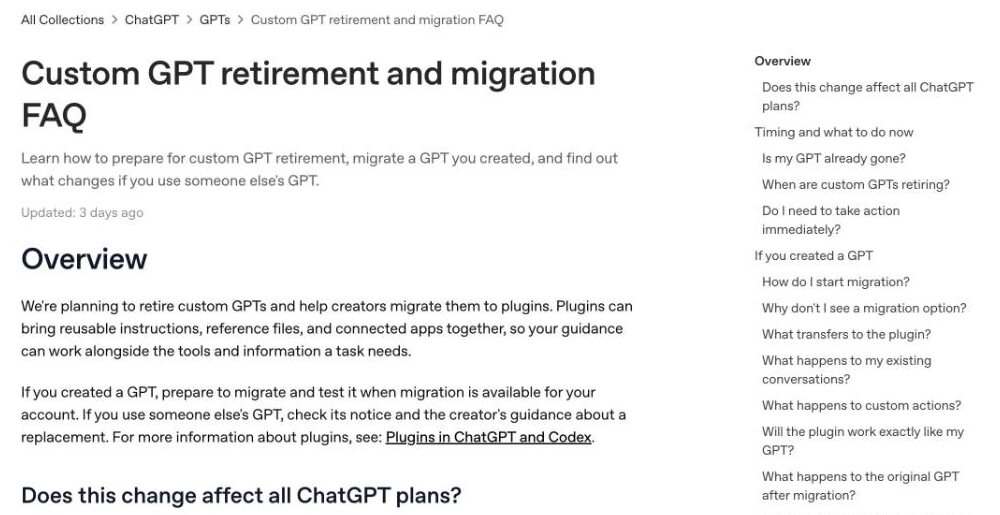
Yes, OpenAI is retiring custom GPTs: they stop working on December 11, 2026, on every ChatGPT plan. Your old chats survive, but the GPTs and their pages don't, so move the ones you rely on to a ChatGPT plugin, a Claude Skill or a Gemini skill before then.
Personal accounts already can't create new GPTs, and OpenAI's built-in migration turns a GPT into a plugin in a few clicks. Here's who's affected, what carries over and the fastest way to move.
 ChatGPT GPTs
ChatGPT plugins
ChatGPT GPTs
ChatGPT plugins
 Claude Skills
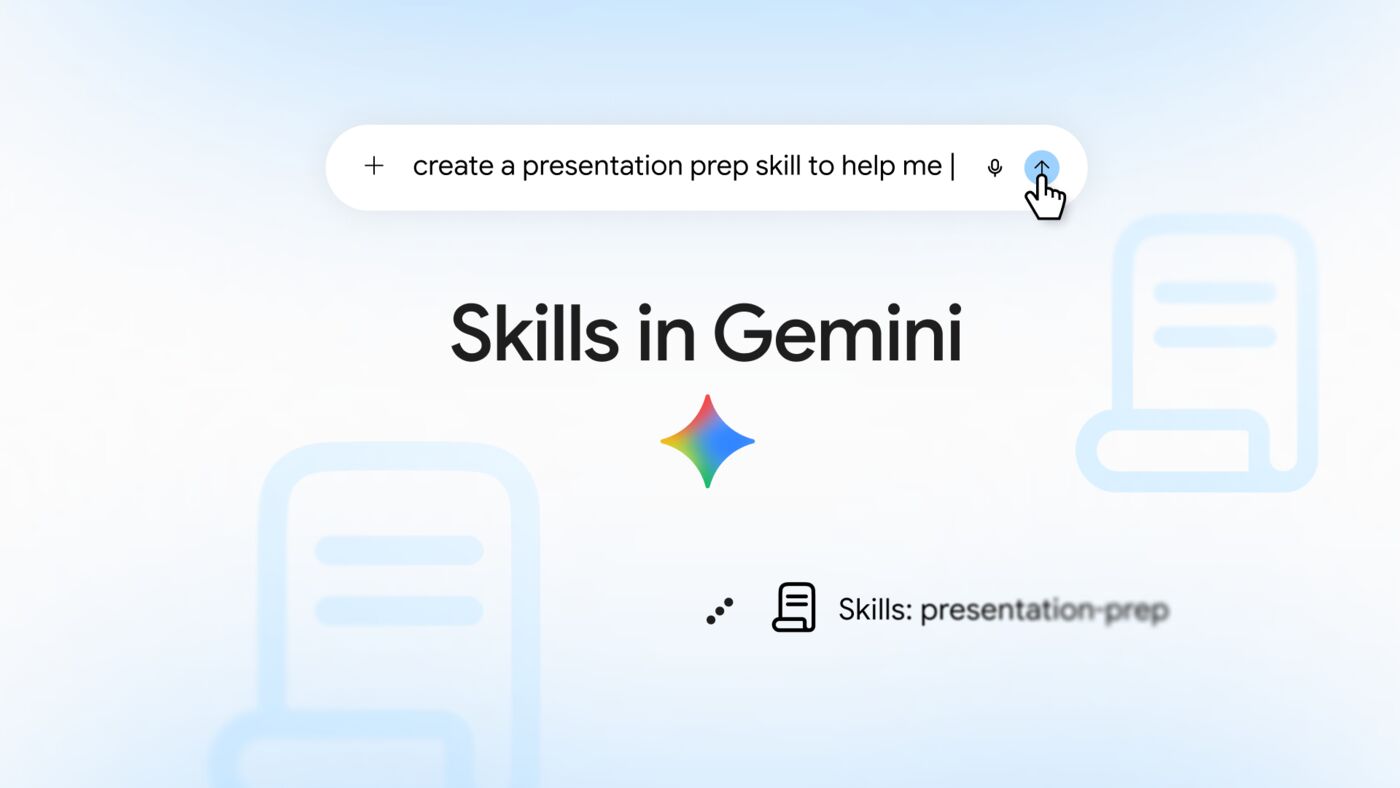
 Gemini skills
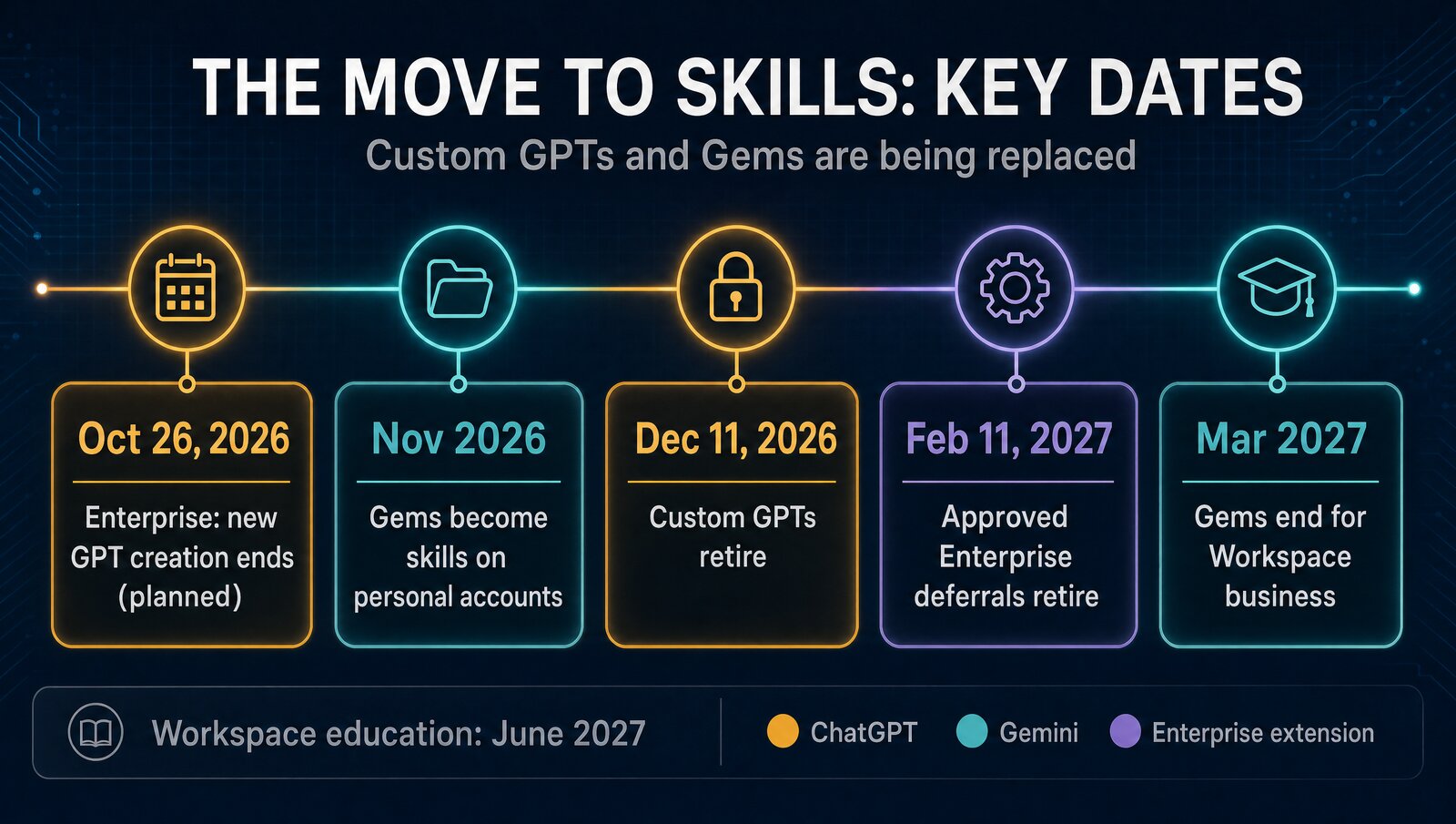
Key dates
Dates checked October 23, 2026, on OpenAI's and Google's own pages. OpenAI says its Enterprise dates are subject to change.
| Date | What happens | Who it hits |
|---|---|---|
| Already in effect | No new GPT creation or publishing | Free, Go, Plus and Pro |
| Oct 26, 2026 (planned) | New custom GPT creation ends | Affected Enterprise workspaces |
| November 2026 | Gems start turning into skills | Gemini personal accounts |
| Dec 11, 2026 | Custom GPTs and GPT pages become inaccessible | All ChatGPT plans |
| Feb 11, 2027 | Retirement for approved deferrals | Enterprise workspaces with an approved deferral only |
| Mar 2027 / Jun 2027 | Gems go away | Workspace business, then education |
OpenAI's dates come from its retirement and migration FAQ and GPTs help page. Google's come from its September 30 skills announcement.
Who's affected
Free, Go, Plus, Pro- Can't create or publish new GPTs
- Existing GPTs work until retirement
- Old conversations stay accessible
The catch: migration timing depends on the notice in your account.
Business, Enterprise, Edu- Enterprise creation freeze planned Oct 26
- Creator or admin can migrate a GPT
- Sharing needs separate plugin permissions
The catch: standard admin emails show standard dates, not deferrals.
- Uses your latest published version
- Original goes read-only and can't be deleted
- Plugin starts private
The catch: custom actions must be rebuilt by hand.
- You can't migrate a GPT you only use
- Watch the GPT's notice for a replacement
- Access to the GPT doesn't mean access to its plugin
The catch: if the creator does nothing, it's simply gone.
One wrinkle: a public GPT follows the timeline of the workspace where it was made, not your plan. A Plus user relying on a GPT built in an Enterprise workspace is on the Enterprise schedule.
What replaces custom GPTs
OpenAI's official answer is plugins, which bundle skills (reusable instructions) with connected apps. Claude and Gemini have their own versions, and all three now work the same basic way. We compared them in depth in Claude Skills vs ChatGPT GPTs vs Gemini Gems.
| ChatGPT plugins | Claude Skills | Gemini skills | |
|---|---|---|---|
| Plans | Directory on every plan; personal skills on Business, Enterprise, Healthcare, Edu | Free, Pro, Max, Team, Enterprise (code execution on) | Every Google AI subscription tier, 18+; Workspace in the coming weeks |
| What it can do | Skills plus connected apps like Slack; build by chatting with Plugin Creator | Instructions, reference files and scripts Claude can run; also works in Claude Code | Instructions plus reference files (text, PDF, images); call with a slash |
| Sharing | Starts private; Business and Enterprise can share in the workspace | Team and Enterprise: share view-only or publish to your org | Sharing promised "in the coming weeks" |
| Moving a GPT | Built-in migration | Rebuild by hand | Rebuild by hand |
Sources: OpenAI plugins help page, Anthropic Skills help page, Google's skills announcement. Checked October 23, 2026.
Using a plugin feels a lot like using a GPT. Type @ and its name in ChatGPT, or open + and select More. ChatGPT can also pick an installed skill on its own when the skill's description matches your request, so you don't always have to call it by name.
How to move your GPT
Do the first two steps today, whichever platform you pick. They're your backup if a migration goes wrong.
- Save the instructions. Open the GPT in the editor and copy its instructions into a text file. Personal accounts can still edit existing GPTs with an eligible subscription.
- Gather your knowledge files. Keep the original files you uploaded in one folder. OpenAI doesn't document a way to export a GPT.
- Write down a few test prompts you use often, plus one hard case, so you can compare the replacement's answers.
- Publish your latest edits. Migration uses the last published version, and drafts don't transfer. Publishing doesn't mean sharing publicly.
- Migrate or rebuild. In ChatGPT, go to My GPTs and select Migrate to plugin. For Claude, follow the steps below.
- Test, then share. Run your test prompts. The new plugin or skill starts private, so share it again yourself.
Rebuilding a GPT as a Claude Skill
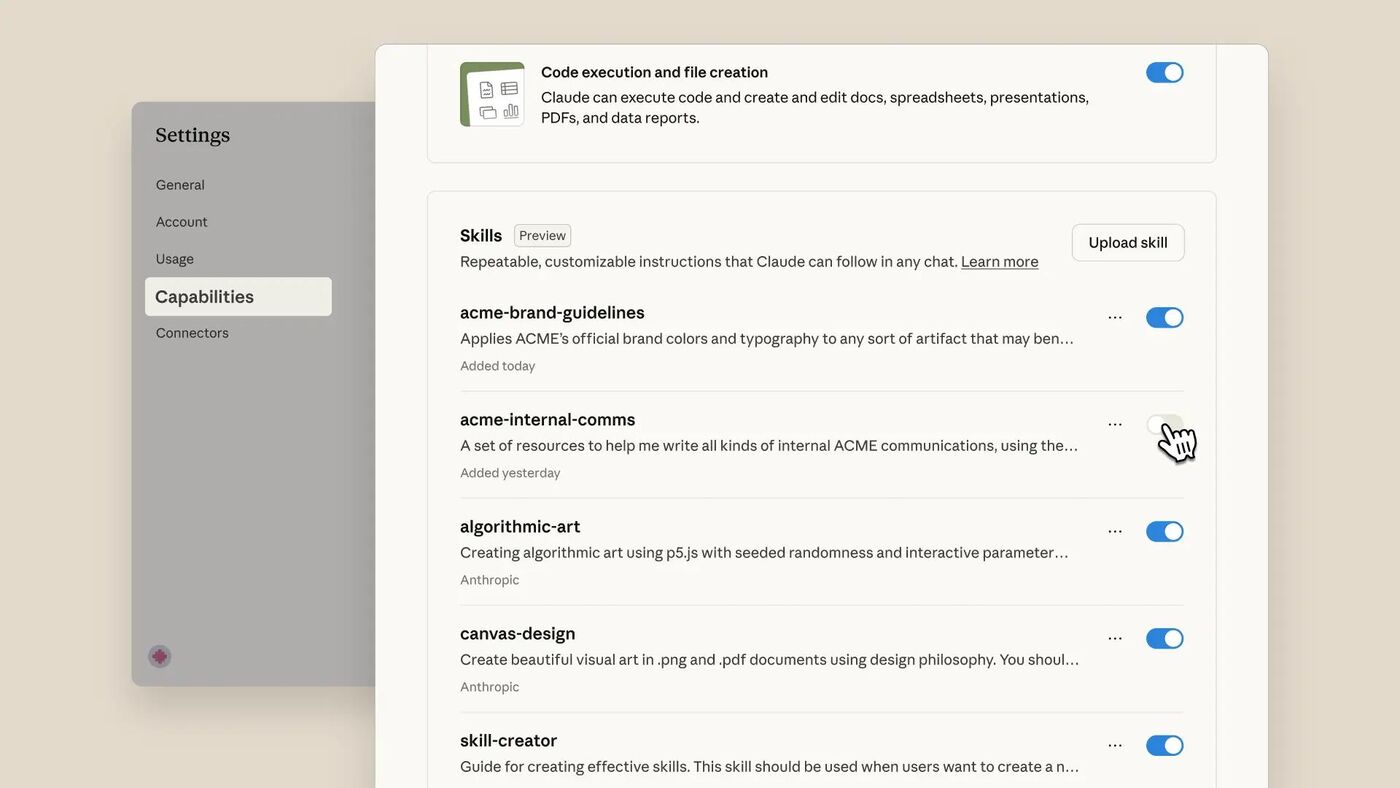
Make a folder named after your skill with a skill.md file inside. Start it with a short YAML header holding a name (up to 64 characters) and a description (up to 200), then paste your GPT's instructions below it. Drop your knowledge files into the same folder and mention them in the instructions.
Zip the folder, then go to Customize, Skills, select +, Create skill and Upload a skill. Code execution must be on. Unlike a GPT, a skill can include scripts that Claude actually runs.
What carries over in OpenAI's migration
| Part of your GPT | Carries over | What happens |
|---|---|---|
| Instructions | ✓ | Become a skill inside the plugin |
| Knowledge files | ✓ | Copied into the plugin's reference files |
| Connected apps | ✓ | Added to the plugin as apps |
| Past conversations | ✓ | Stay accessible after retirement |
| Custom actions | ✗ | Rebuild, possibly as a custom MCP server |
| Selected model | ✗ | Plugin uses current defaults |
| Sharing settings | ✗ | Plugin starts private; public needs a separate submission |
| Drafts and unpublished edits | ✗ | Only the last published version moves |
| Old GPT link | ✗ | Page becomes inaccessible at retirement |
Source: OpenAI's retirement and migration FAQ. OpenAI calls this the "planned migration workflow," so details may change.
What about GPTs with custom actions?
These need the most time. Actions that call your own API don't transfer, and OpenAI says rebuilding one may take a custom MCP server and technical setup. Check first whether an existing app in the plugin directory already does the job.
What about Gemini Gems?
Don't move a GPT into a Gem: Gems are being retired too. The difference is that Google will convert your Gems into skills automatically, starting with personal accounts in November. The exception is Gems by Google Labs, which Google says won't migrate.
Which should you move to?
The verdict
If you built a GPT, back it up now and run OpenAI's migration to a plugin as soon as it appears. If you'd rather not depend on ChatGPT again, rebuild it as a Claude Skill: it's free to start and the same files work anywhere skills do.
FAQ
Are ChatGPT custom GPTs being retired?
Yes. OpenAI says custom GPTs are scheduled to retire on December 11, 2026, and the change affects all ChatGPT plans. Enterprise workspaces with an approved deferral get until February 11, 2027. OpenAI wants creators to move their GPTs to plugins.
What happens to my GPTs after December 11, 2026?
Custom GPTs and their GPT pages become inaccessible on the retirement date. Your existing conversations with custom GPTs stay accessible, and you don't need to do anything to keep them. Until then, existing GPTs keep working.
Is the GPT Store shutting down?
OpenAI hasn't given the GPT Store its own shutdown date, but every custom GPT and GPT page becomes inaccessible on December 11, 2026, so there will be nothing left in it to use. The plugin directory, available across ChatGPT plans, is where OpenAI is pointing people instead.
How do I move a custom GPT to a plugin or skill?
In ChatGPT, open My GPTs and select Migrate to plugin when it appears for your account. Your instructions become a skill inside a new plugin and your knowledge files are copied over. To move to Claude instead, paste the instructions into a skill.md file, add your knowledge files to the folder, zip it and upload it under Customize, then Skills.
What is the best custom GPT alternative?
If you stay in ChatGPT, the official replacement is a plugin, and the built-in migration does most of the work. Claude Skills are the best alternative outside ChatGPT: they work on every Claude plan, including Free, and can run scripts. Gemini skills suit people who live in Google apps.
Can I still create a new custom GPT?
Not on a personal account. New GPT creation and publishing are off on Free, Go, Plus and Pro. Business, Enterprise and Edu workspaces depend on admin settings, and OpenAI plans to end new GPT creation in affected Enterprise workspaces on October 26, 2026.