Our verdict: Granola is the best AI note taker for most people in 2026. It never joins your call as a bot, works with any meeting app and in person, and turns your rough notes into clean ones. Fathom is the best free AI note taker, and Fireflies is the pick for teams that want every integration on every plan.
AI note takers listen to your meetings and hand you a summary, action items and a searchable transcript before you've closed the tab. The big split in 2026 isn't accuracy. It's how they listen: most send a bot into the call, while a few capture audio straight from your computer.

 Granola
 Fathom
 Fireflies
 Otter
What the free and paid plans get you
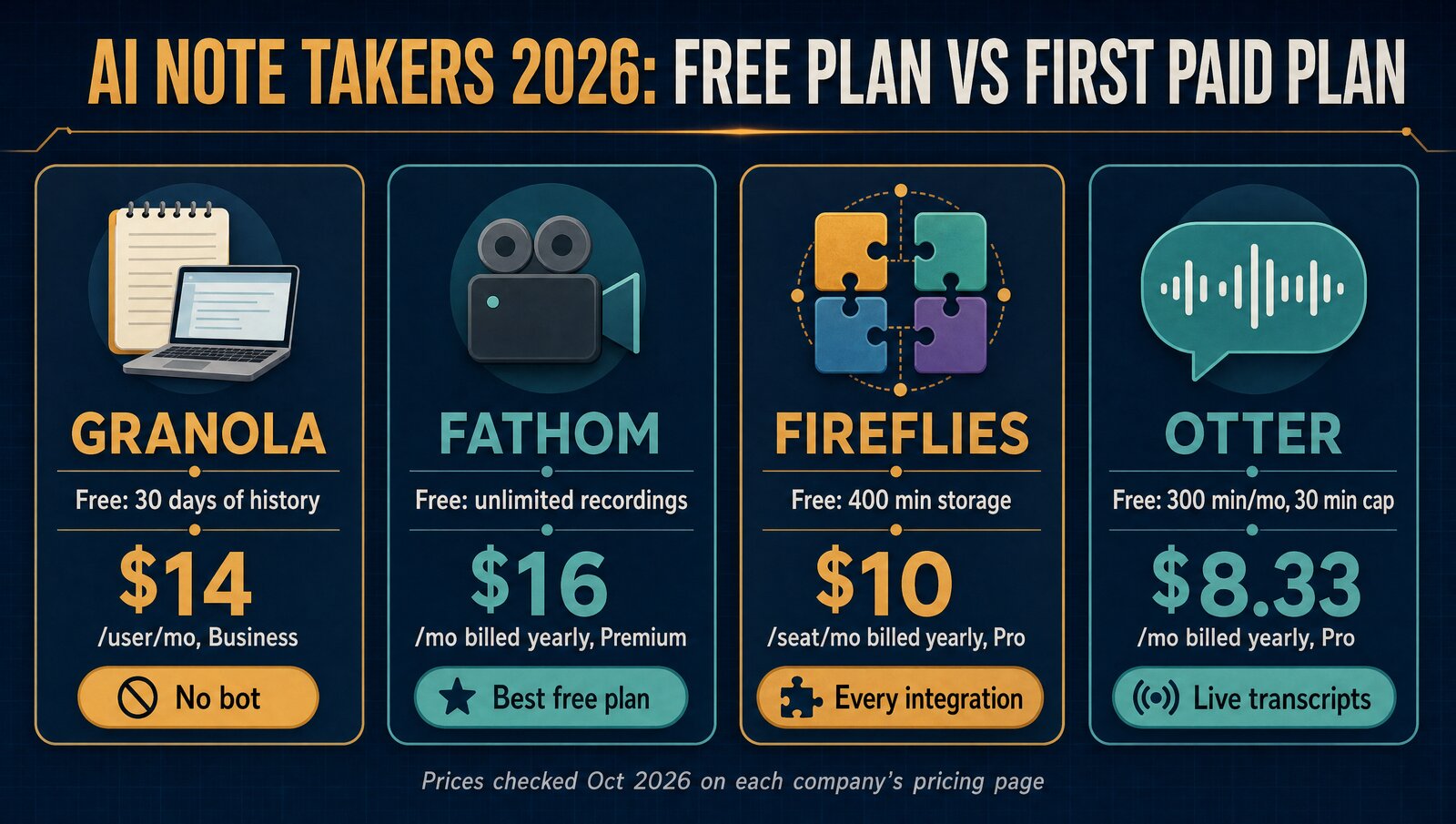
The 4 note takers at a glance
Granola- Device audio, never joins as a bot
- Works in any meeting app and in person
- Fills in your own rough notes
The catch: free plan keeps only 30 days.
Fathom- Unlimited recordings and transcripts at $0
- Bot or bot-free mode (beta)
- Slack, Notion, HubSpot, Salesforce
The catch: CRM field sync needs Business.
Fireflies- Every integration on every plan
- Native Linear, Notion and HubSpot
- Chrome extension records without the bot
The catch: free storage is only 400 minutes.
Otter- Real-time captions with speaker names
- Apps on every platform plus Chrome
- MCP server on every plan
The catch: free calls stop at 30 minutes.
Prices at a glance
Prices checked October 15, 2026, on each company's own pricing page.
| App | Free plan | Paid from | How it listens | Integrations |
|---|---|---|---|---|
| Granola | 30 days of meeting history | $14/user/mo (Business) | Device audio, never a bot | Slack free; HubSpot, Notion, Attio, Zapier on Business |
| Fathom | Unlimited recordings and transcripts | $16/mo billed yearly ($20 monthly) | Bot, or bot-free (beta) | Slack, Notion, HubSpot, Salesforce, Asana, Zapier |
| Fireflies | Unlimited transcription, 400 min storage, limited summaries | $10/seat/mo billed yearly ($18 monthly) | Bot, or Chrome extension without bot | All integrations on every plan, incl. Linear |
| Otter | 300 min/month, 30 min per conversation | $8.33/mo billed yearly ($16.99 monthly) | Bot joins Zoom, Teams, Meet | Salesforce, HubSpot, Zapier from Pro |
What each one can do
| Feature | Granola | Fathom | Fireflies | Otter |
|---|---|---|---|---|
| Free plan | 30 days | ✓ | Limited | 300 min |
| Records without a bot | ✓ | Beta | Chrome ext. | ✗ |
| Video or audio to replay | ✗ | ✓ | ✓ | – |
| Slack | ✓ | ✓ | ✓ | – |
| Native Linear | Via Zapier | ✗ | ✓ | – |
| HubSpot or Salesforce | Paid plans | ✓ | ✓ | From Pro |
| MCP server | Business | ✓ | – | ✓ |
– means the company hasn't said.
Granola: the best AI note taker without a bot
Granola runs on your Mac, Windows PC, iPhone or Android phone and listens to your device's audio. It never joins the meeting, so it works the same in Zoom, Meet, Teams, a Slack huddle, a phone call or across a table. You jot quick notes, and when the meeting ends Granola fills in the gaps from the transcript.
It doesn't keep audio, only the transcript and your notes. Business at $14 removes the 30-day history limit and adds pre-meeting briefs, follow-up emails, an API, MCP and HubSpot, Notion, Attio and Zapier. Enterprise at $35 adds SSO, HIPAA and Salesforce.
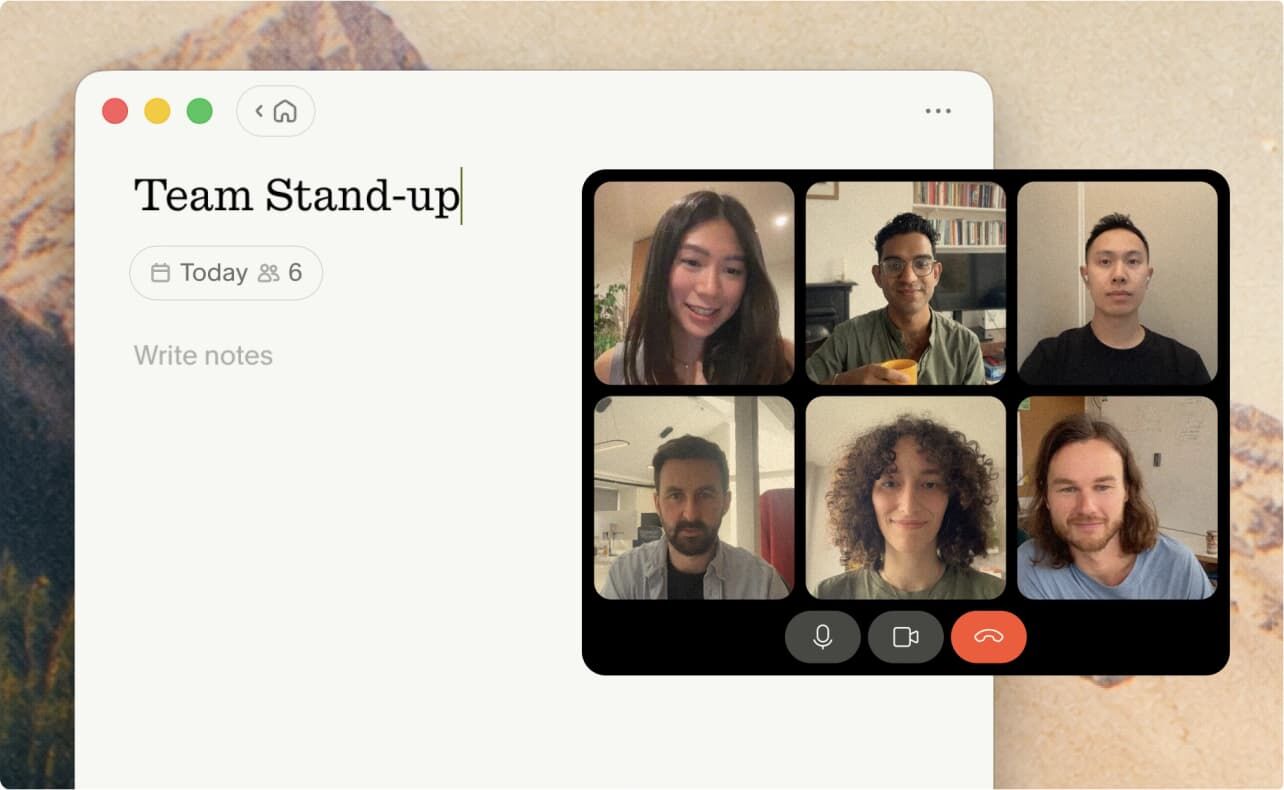
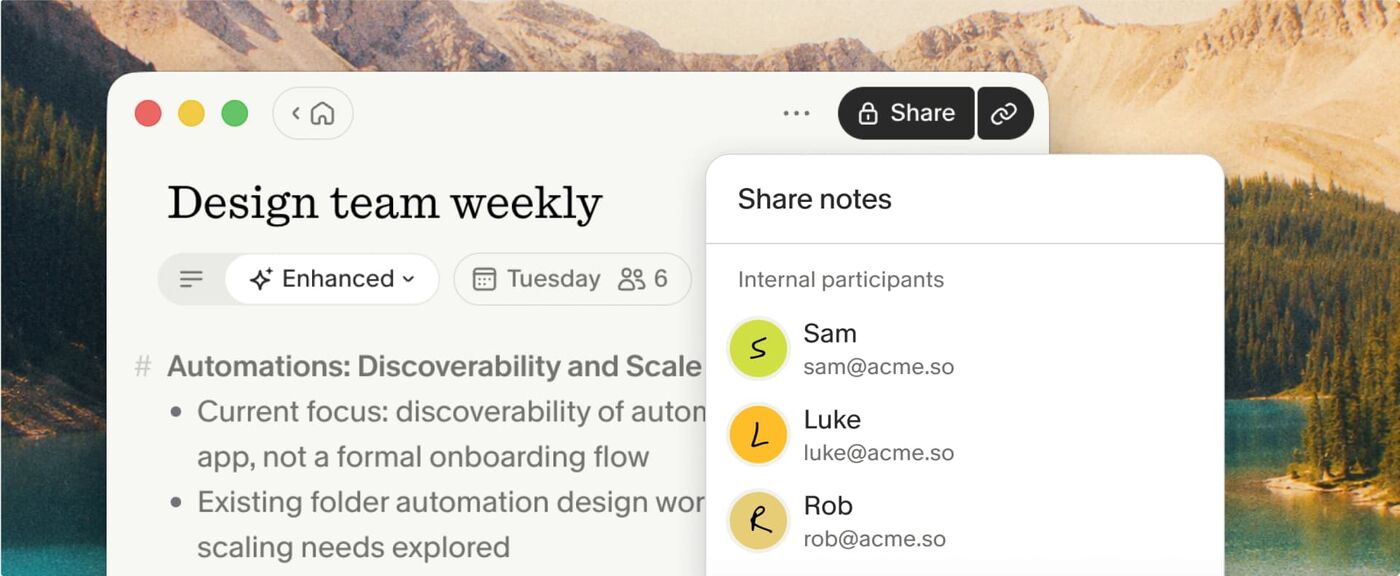
The catch: with no bot, nobody is told by default. Granola offers an optional camera watermark and automatic chat message, so turn them on.
Fathom: the best free AI note taker
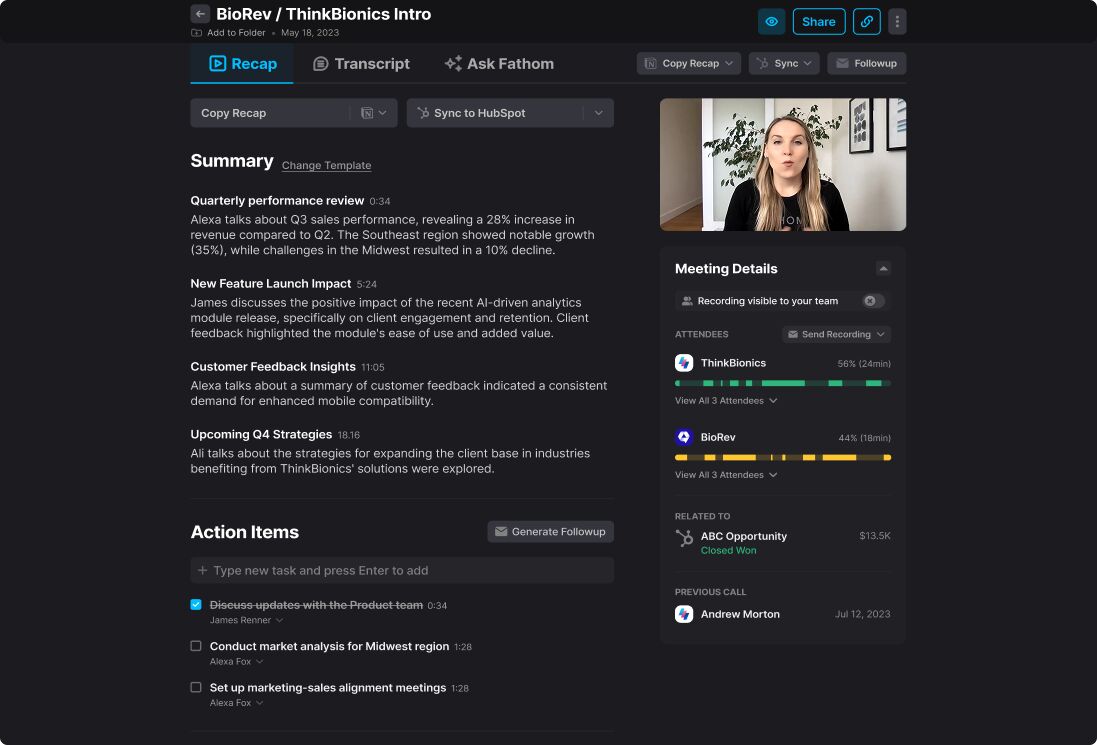
Fathom's free plan is the most generous here: unlimited recordings and transcripts, instant summaries, clips and search, free forever. It joins Zoom, Meet and Teams, and a bot-free capture mode is now in beta.
Premium is $16 a month billed yearly ($20 monthly) for advanced summaries and AI action items. Team is $15 a seat billed yearly, two-seat minimum, and Business at $25 a seat adds CRM field sync and coaching scorecards. There's no native Linear integration.
Fireflies: the best for teams and integrations
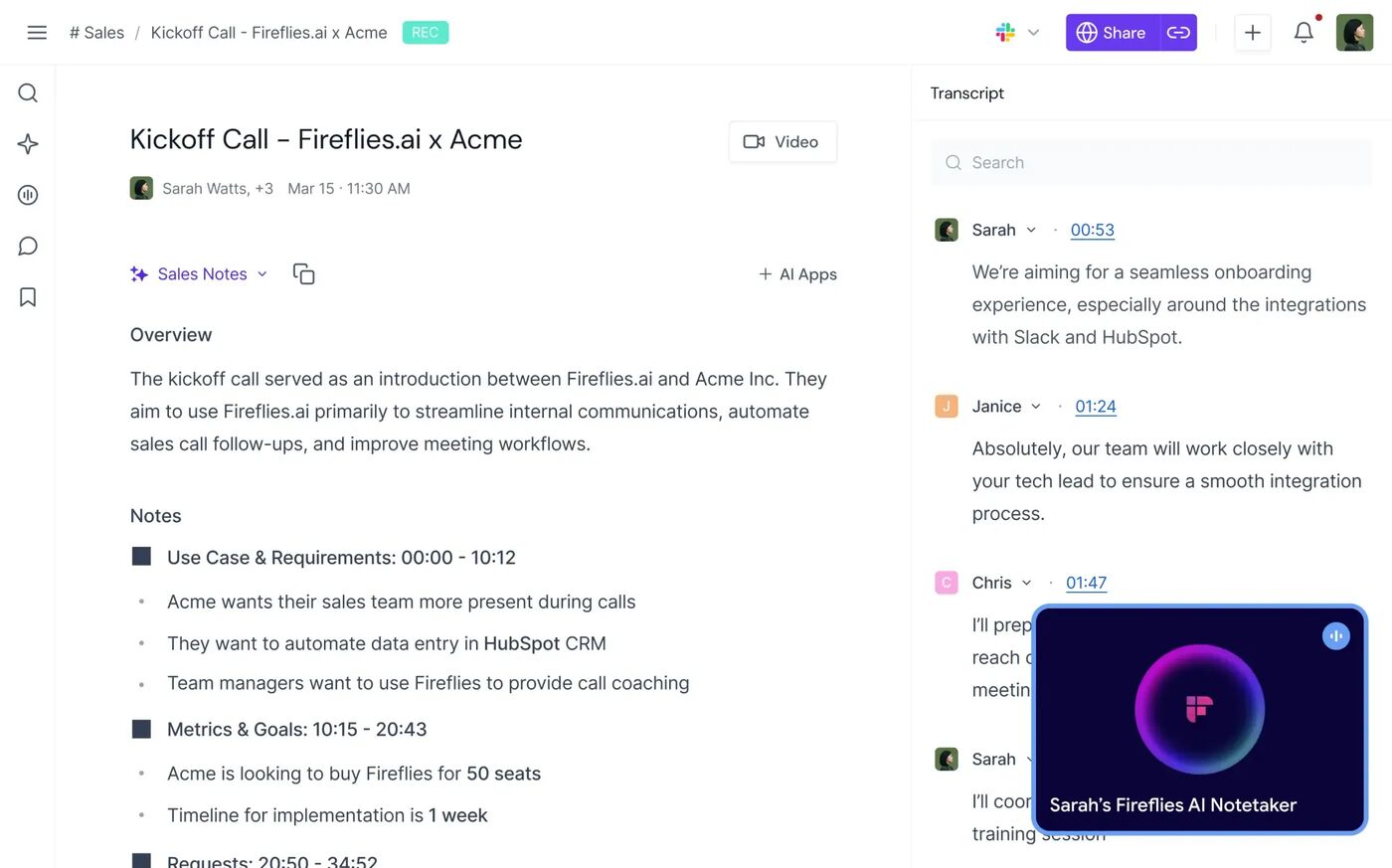
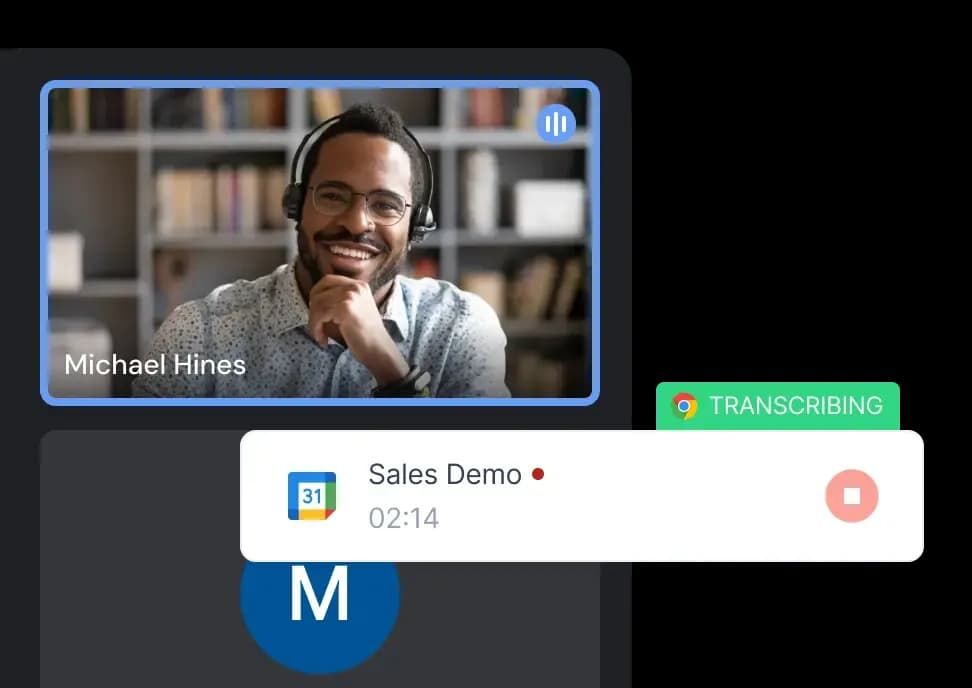
Every Fireflies plan, including free, gets all integrations, from Slack and Notion to Linear, HubSpot, Salesforce and Zapier. Its bot joins Zoom, Meet and Teams, and its Chrome extension can record without the bot.
Free has limited summaries and 400 minutes of storage per team, which fills fast. Pro at $10 a seat billed yearly ($18 monthly) adds unlimited summaries and 8,000 minutes per seat. Business at $19 adds unlimited storage and team analytics. Recordings top out at two hours on Free and Pro.
Otter: the best for live transcripts
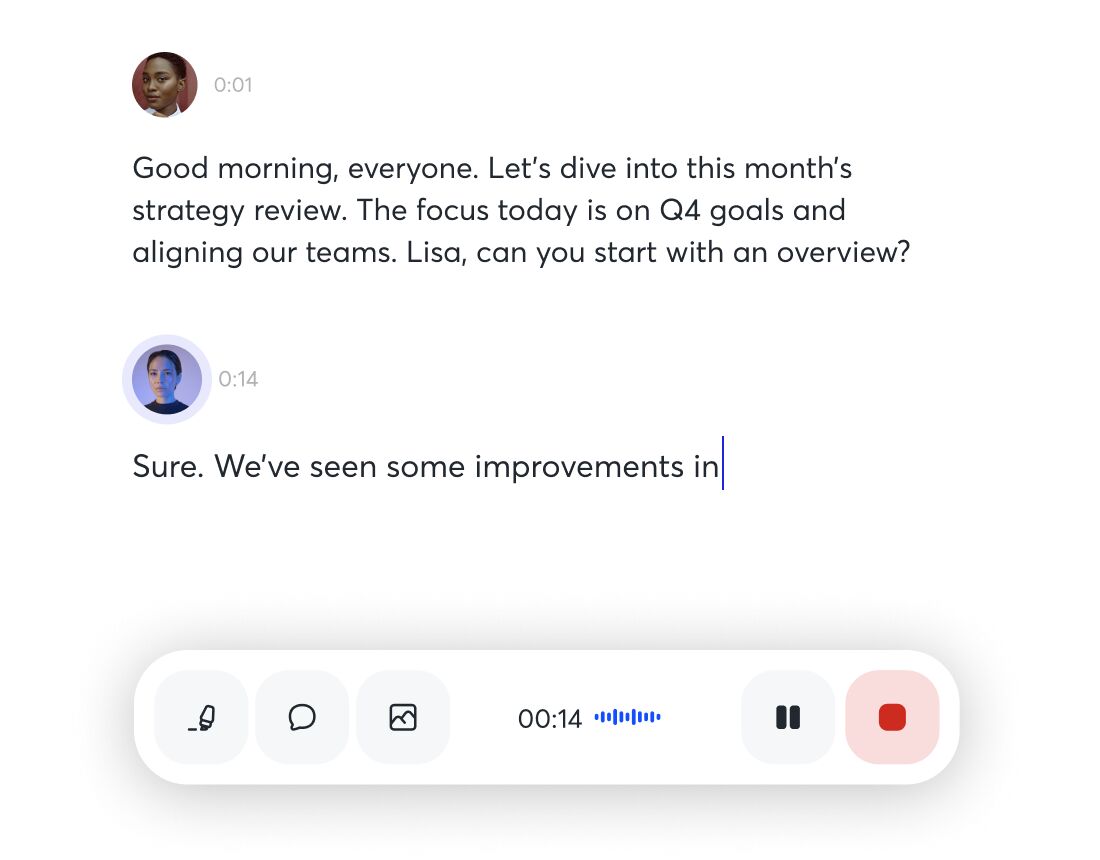
Otter's strength is the live transcript, with speaker names and real-time captions you can share. Its bot joins Zoom, Teams and Meet, and it has apps for Mac, Windows, iOS, Android, Chrome and the web, plus an MCP server on every plan.
Free gives 300 minutes a month, but each conversation caps at 30 minutes. Pro, at $8.33 a month billed yearly ($16.99 monthly), raises that to 1,200 minutes and 90 minutes per conversation and adds Salesforce, HubSpot and Zapier. Otter was running a half-off promotion when we checked.
What about the notes built into Zoom, Meet and Teams?
Zoom's AI assistant, now branded ZoomMate, gives free users summaries for three hosted meetings a month. Gemini in Google Meet can "take notes for me" on eligible Workspace editions. Microsoft Teams recap needs Teams Premium or Copilot. They're fine if you live in one app, but a standalone note taker covers all of them, plus in person.
Which one should you use?
The verdict
Granola is the best AI note taker for most people in 2026. It works everywhere, never puts a bot in the room and doesn't keep your audio. Choose Fathom for the best free plan, or Fireflies if your team lives in Slack, Notion and Linear. Sorting out where notes end up? See our Notion vs Obsidian vs Apple Notes verdict.
FAQ
What is the best AI note taker in 2026?
Granola is the best AI note taker for most people in 2026. It captures your device's audio without a bot, works in Zoom, Meet, Teams and in person, and turns your rough notes into complete ones. It has a free plan with 30 days of history, and Business costs $14 a month per user.
Is there an AI note taker without a bot?
Yes. Granola never joins your meeting and records your computer or phone audio instead. Fathom offers a bot-free mode in beta, and Fireflies' Chrome extension can record without its bot.
Granola vs Fathom: which is better?
Granola is better if you want no bot, any meeting app and notes built around your own. Fathom is better if you want a free plan, since it includes unlimited recordings, transcripts and summaries at $0, while Granola's free plan keeps only 30 days of history.
Fireflies vs Otter: which should I use?
Fireflies is better for teams because every plan includes all its integrations, including Slack, Notion, Linear and HubSpot, and Pro is $10 a seat billed yearly. Otter is cheaper at $8.33 a month billed yearly for Pro, but its free plan caps conversations at 30 minutes.
Is it legal to use an AI note taker without telling people?
Recording consent laws vary by state and country, and some require everyone's consent. Granola and other vendors put that responsibility on you, so tell participants whenever an AI note taker is running.