Our verdict: the MacBook Air 15" M5 is the better laptop for non-gamers. The Alienware 16 Area-51 only earns its price if you game seriously, build games or need a big GPU on the go.
Here's a pattern we see constantly: someone buys a top-tier gaming laptop for coding, trading, browsing and cloud AI tools, then never launches a AAA game. They're driving a Ferrari to the grocery store.

 Alienware 16 Area-51
 MacBook Air 15" M5
The numbers that matter
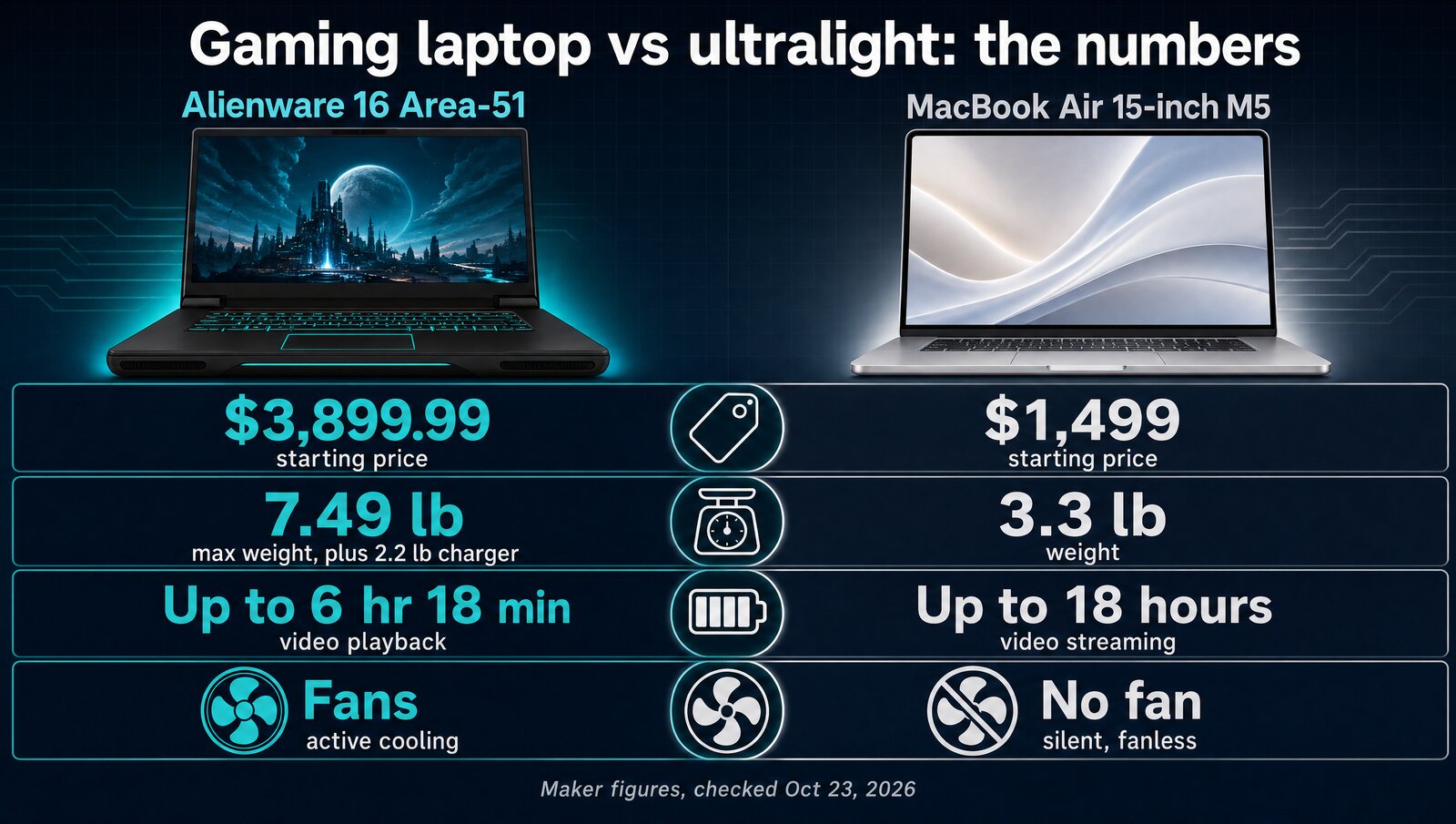
The Alienware costs about $2,400 more, weighs more than twice as much before you pack its charger, and Apple's battery rating is nearly three times Dell's.
The 2 laptops at a glance
MacBook Air 15" M5- Silent, fanless design
- Up to 18 hours of battery (Apple's rating)
- 3.3 lb
The catch: two external displays max, no AAA gaming.
Alienware 16 Area-51- Core Ultra 9 290HX Plus, 24 cores
- RTX 50 series, up to RTX 5090
- 16" WQXGA 240Hz, OLED option
The catch: up to 7.49 lb, loud under load, short battery.
Price and specs
Prices checked October 23, 2026, on Dell's and Apple's own stores.
| Spec | Alienware 16 Area-51 | MacBook Air 15" M5 |
|---|---|---|
| Price | From $3,899.99 (build your own); presets from $4,649.99 | From $1,499 |
| CPU | Intel Core Ultra 9 290HX Plus (24-core) | Apple M5 (10-core) |
| GPU | NVIDIA RTX 50 series, up to RTX 5090 | M5 integrated (10-core) |
| Memory | 32 GB or 64 GB DDR5 in Dell's presets | 16 GB unified (24 GB or 32 GB options) |
| Storage | 1 TB or 2 TB SSD in Dell's presets | 512 GB SSD (up to 4 TB) |
| Display | 16" WQXGA 240Hz, OLED option | 15.3" Liquid Retina, 2880 x 1864 |
| Battery (maker's rating) | Up to 6 hr 18 min video playback | Up to 18 hours video streaming |
| Weight | Up to 7.49 lb, plus 2.2 lb charger | 3.3 lb |
| Fan noise | Loud under load | Silent (fanless) |
| External monitors | 3+ | 2 max |
What each one does well
| Feature | Alienware 16 Area-51 | MacBook Air 15" M5 |
|---|---|---|
| AAA gaming at high settings | ✓ | ✗ |
| Silent, no fan | ✗ | ✓ |
| Full workday on battery | ✗ | ✓ |
| Under 4 lb | ✗ | ✓ |
| 3 external monitors natively | ✓ | With DisplayLink |
| High-refresh display | ✓ | ✗ |
| Upgradeable RAM and SSD | – | ✗ |
– means the company hasn't said.
Alienware 16 Area-51: raw power, real compromises
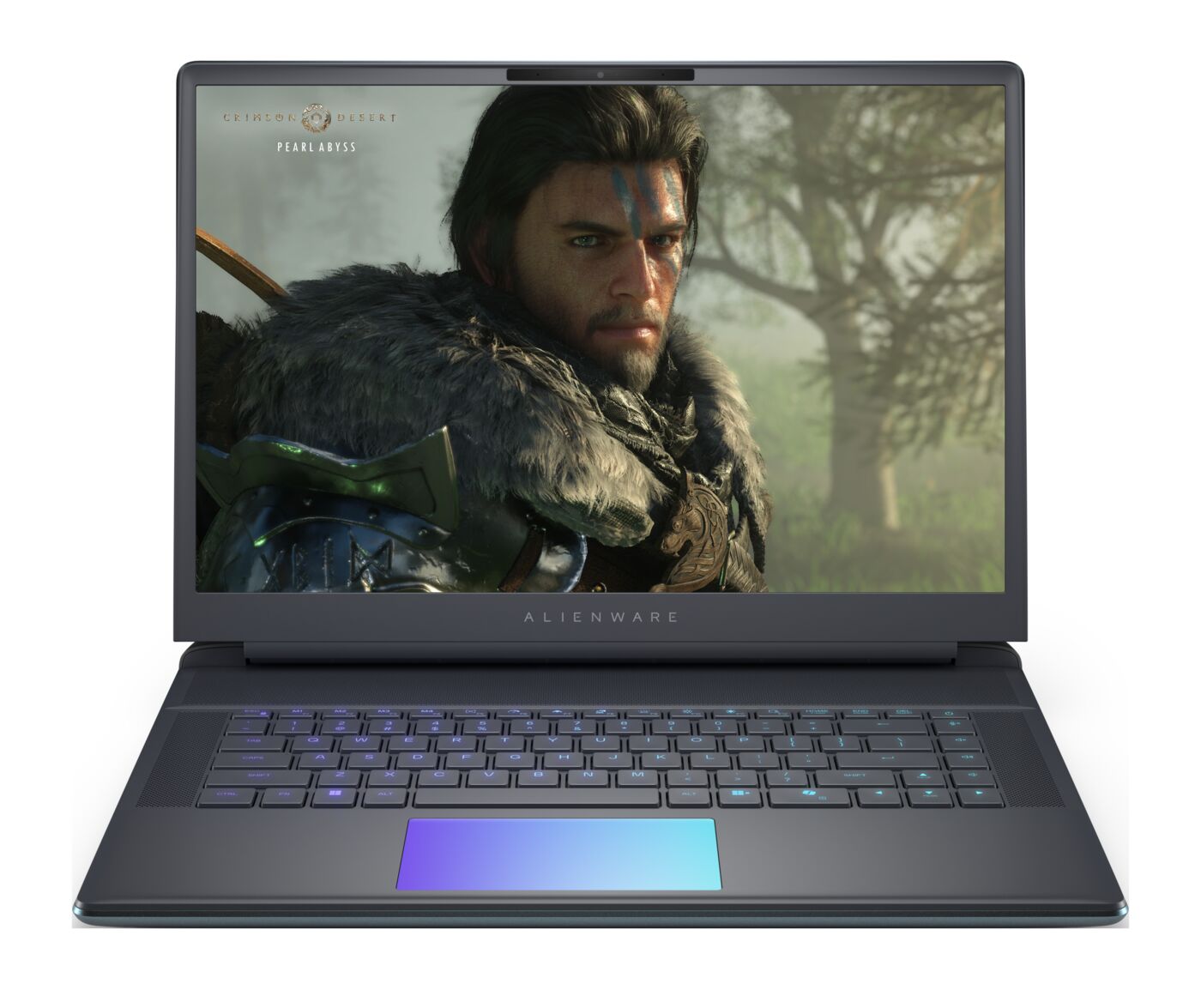
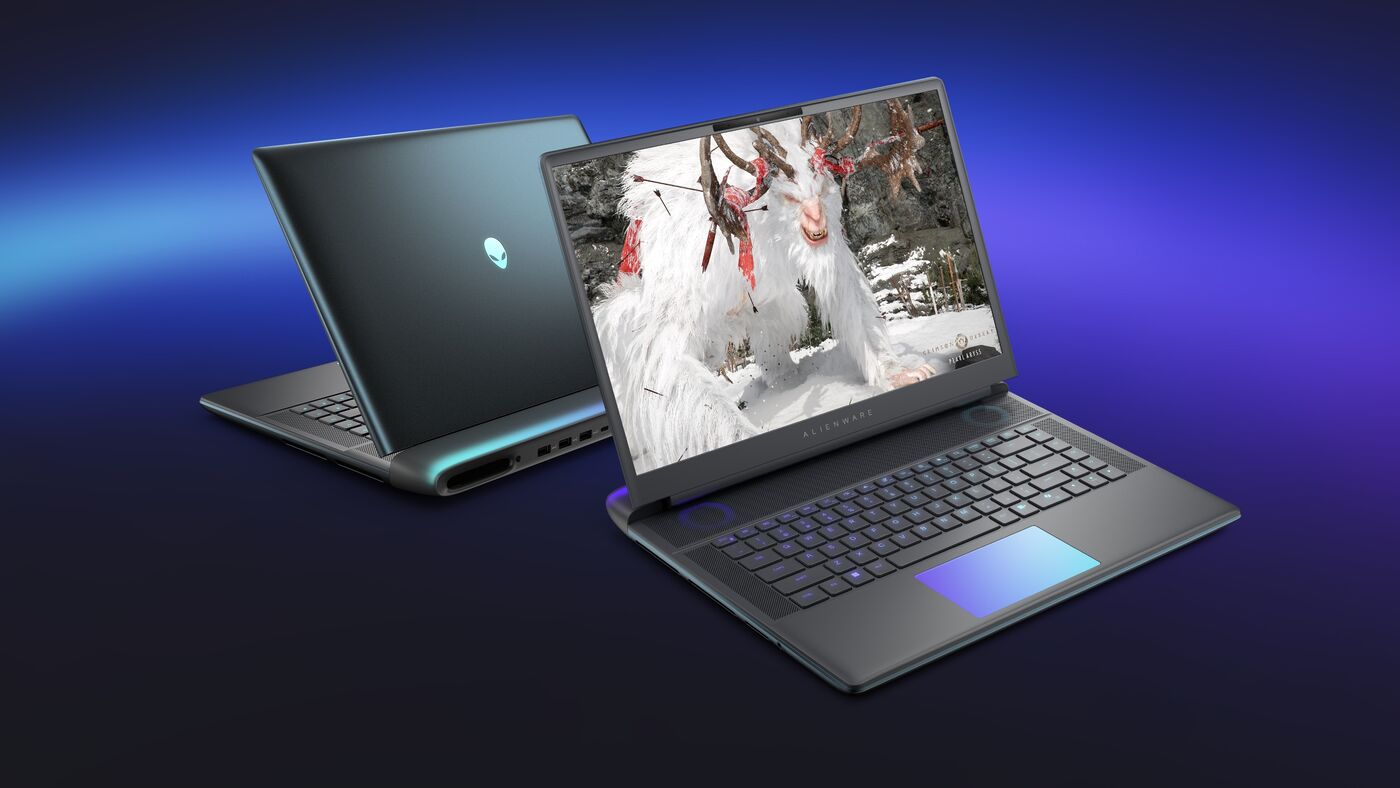
The current Area-51 pairs a 24-core Intel Core Ultra 9 290HX Plus with RTX 50 series graphics, up to an RTX 5090. It chews through AAA games at max settings, 3D work, video rendering and local AI, and the 240Hz screen is made for fast motion.
But if you code, trade and browse, you're using a small slice of that power. The rest sits idle while you carry up to 7.49 lb plus a 2.2 lb charger, and the fans get loud under load.
MacBook Air 15" M5: the silent workhorse
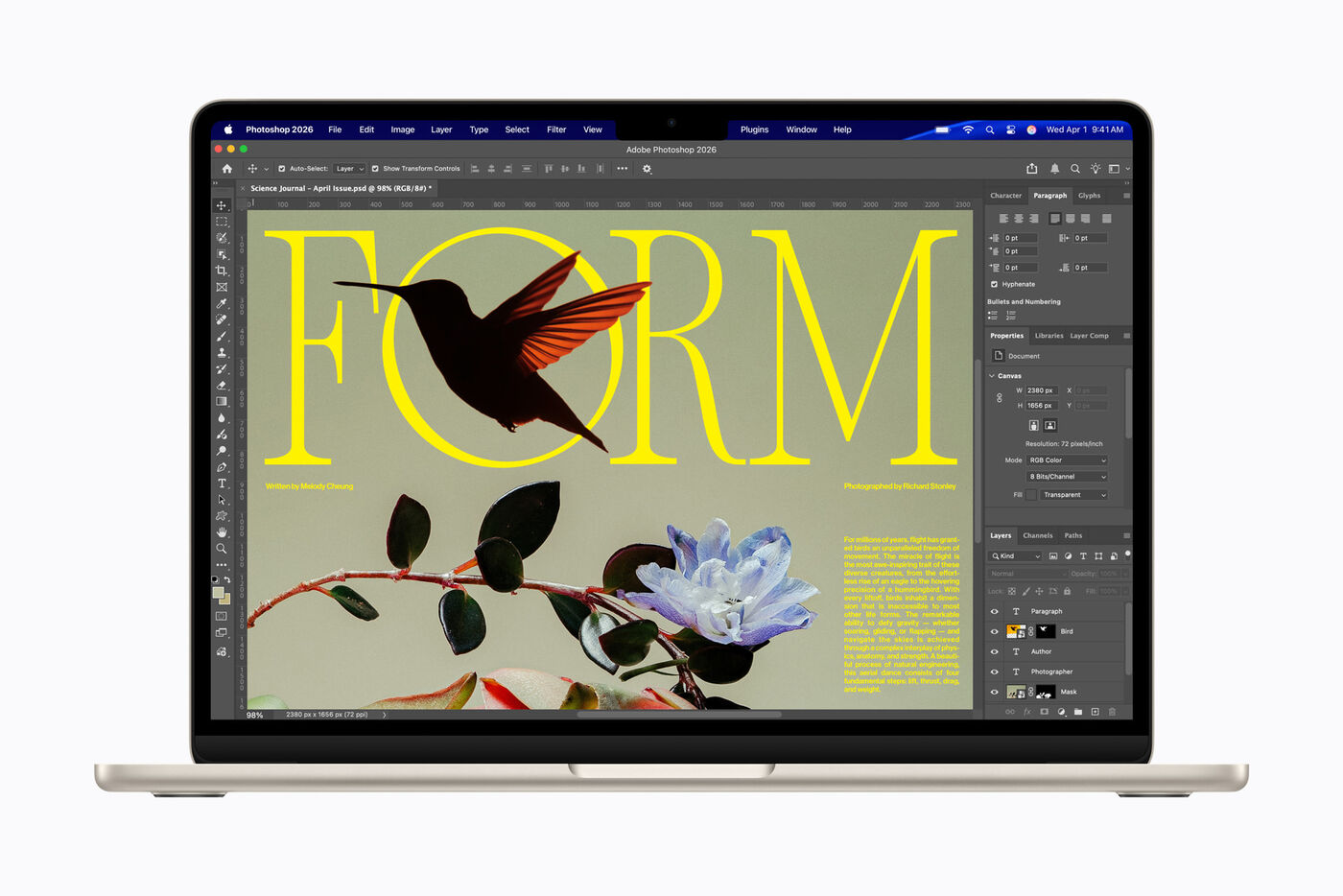
The M5 has 10 CPU cores and 10 GPU cores, and unified memory keeps coding tools, trading platforms and dozens of browser tabs moving, all without a fan. Apple rates it at up to 18 hours of battery, so the charger can stay home.
The tradeoffs: two external monitors natively (a DisplayLink adapter adds a third), 512GB base storage, soldered RAM and SSD, and no AAA gaming. Apple launched it at $1,299 in March; the store now lists it from $1,499.

Who wins where
| Use | Winner | Why |
|---|---|---|
| Coding and vibe coding | Tie | VS Code, terminals and dev servers run fine on both; the Air does it silently and away from an outlet |
| Trading (ThinkorSwim) | Tie | Runs on macOS and Windows; the Air lasts through market hours on battery |
| Cloud AI (Claude, ChatGPT, Perplexity) | Tie | The AI runs on remote servers, so the experience is the same |
| Gaming | Alienware | RTX graphics and a 240Hz screen; the Air is limited to casual games |
| Portability | MacBook Air | Less than half the weight and a far longer battery rating |
| Three-monitor desk | Alienware | Drives 3+ screens natively; the Air needs a DisplayLink adapter for a third |
What about a Mac mini?
If you mostly work at a desk, the Mac mini with M6 starts at $899 and drives up to three external displays, which fixes the Air's two-monitor limit.
Pair it with a MacBook Air 15" M5 and you spend $2,398 for a desk machine plus a portable one. That's still less than the cheapest Alienware 16 Area-51 build on its own.
Which one should you buy?
The verdict
The MacBook Air 15" M5 wins for non-gamers, and it isn't close. It does everything coding, trading and cloud AI need while weighing less than half as much, staying silent and costing about $2,400 less; buy the Alienware 16 Area-51 only if gaming or a big GPU is the point.
FAQ
Should I get a gaming laptop or MacBook Air for coding?
For coding, the MacBook Air M5 is the better daily driver. It runs cool and silent, Apple rates it at up to 18 hours of battery, and it handles nearly every dev workload short of training large models. A gaming laptop like the Alienware 16 Area-51 makes sense only if you also game seriously or run large local LLMs.
Is the MacBook Air M5 powerful enough for serious development?
Yes for almost everyone. The M5 handles Docker, multi-container backends, big IDEs and local 7B to 13B parameter LLMs. If your work includes training models, heavy 4K video effects or AAA games, you need a discrete GPU.
What about battery life: Alienware vs MacBook Air?
Apple rates the MacBook Air M5 at up to 18 hours of video streaming. Dell rates the Alienware 16 Area-51 at up to 6 hours 18 minutes of video playback, and gaming drains it much faster. If you often work away from an outlet, that gap matters more than anything else.
Can the MacBook Air M5 run local LLMs?
Yes. 16GB of unified memory runs models up to about 13B parameters comfortably, and the 24GB or 32GB options open the door to 30B-class models. Unified memory makes it more capable for local AI than most Windows laptops without a discrete GPU.
Which is better for game development specifically?
The Alienware, by a wide margin. Game development needs a discrete GPU for engine previews, ray tracing and testing across hardware. The MacBook Air M5 runs Unity and Unreal, but not at full fidelity.