Our verdict: the MacBook Air 15-inch M5 with 16GB or 24GB is the best laptop for Claude Code for most developers. Step up to the MacBook Pro 14-inch M5 Pro for heavy Docker work, pick the ThinkPad X1 Carbon Gen 13 for Windows, and the Framework Laptop 16 for Linux, upgrades or an NVIDIA GPU.
Claude Code, Cursor and ChatGPT run the model in the cloud, so you don't need a GPU monster. Your laptop has to survive everything around the AI: repos, terminals, Docker, a local server and a wall of browser tabs.

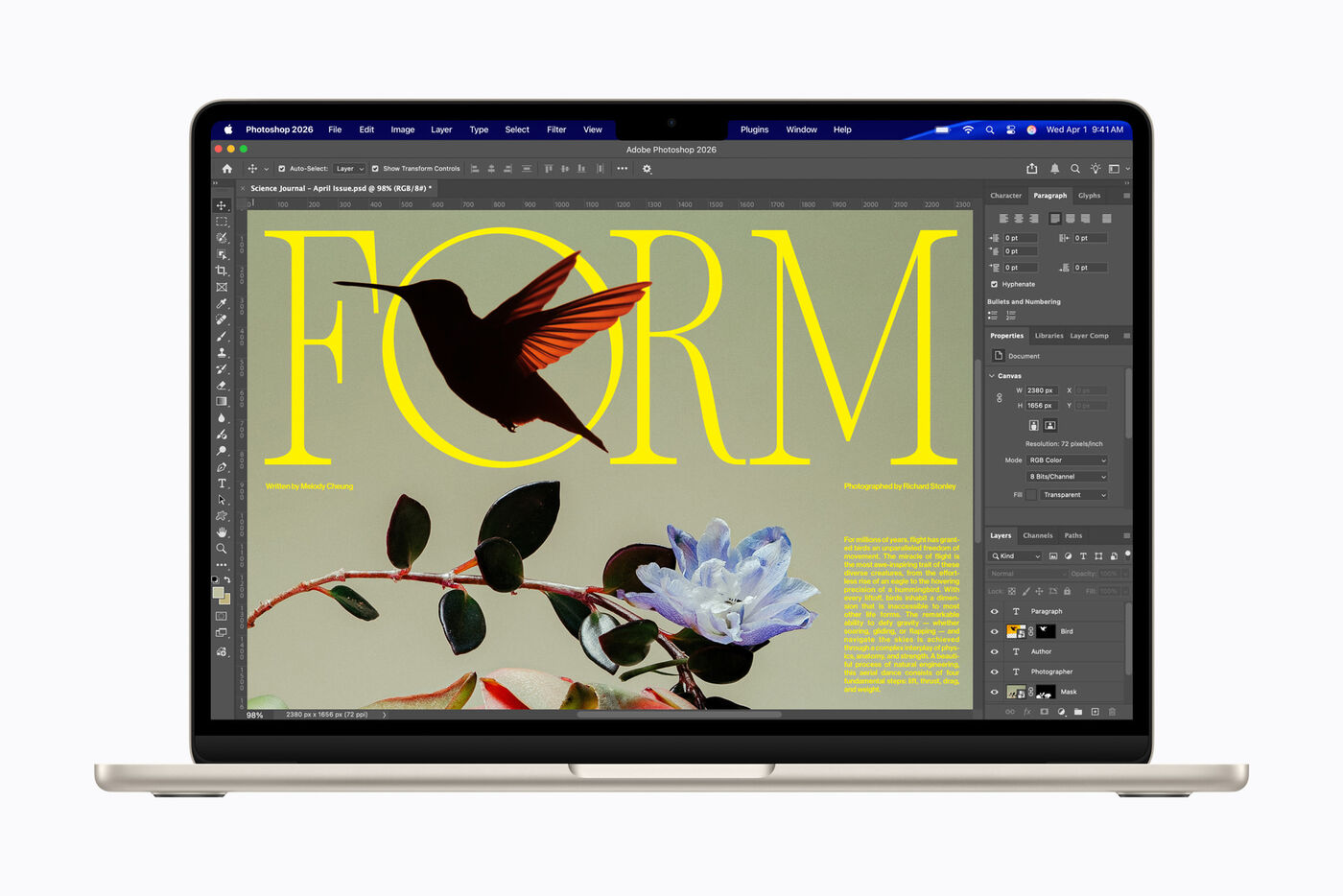
 MacBook Air 15 M5
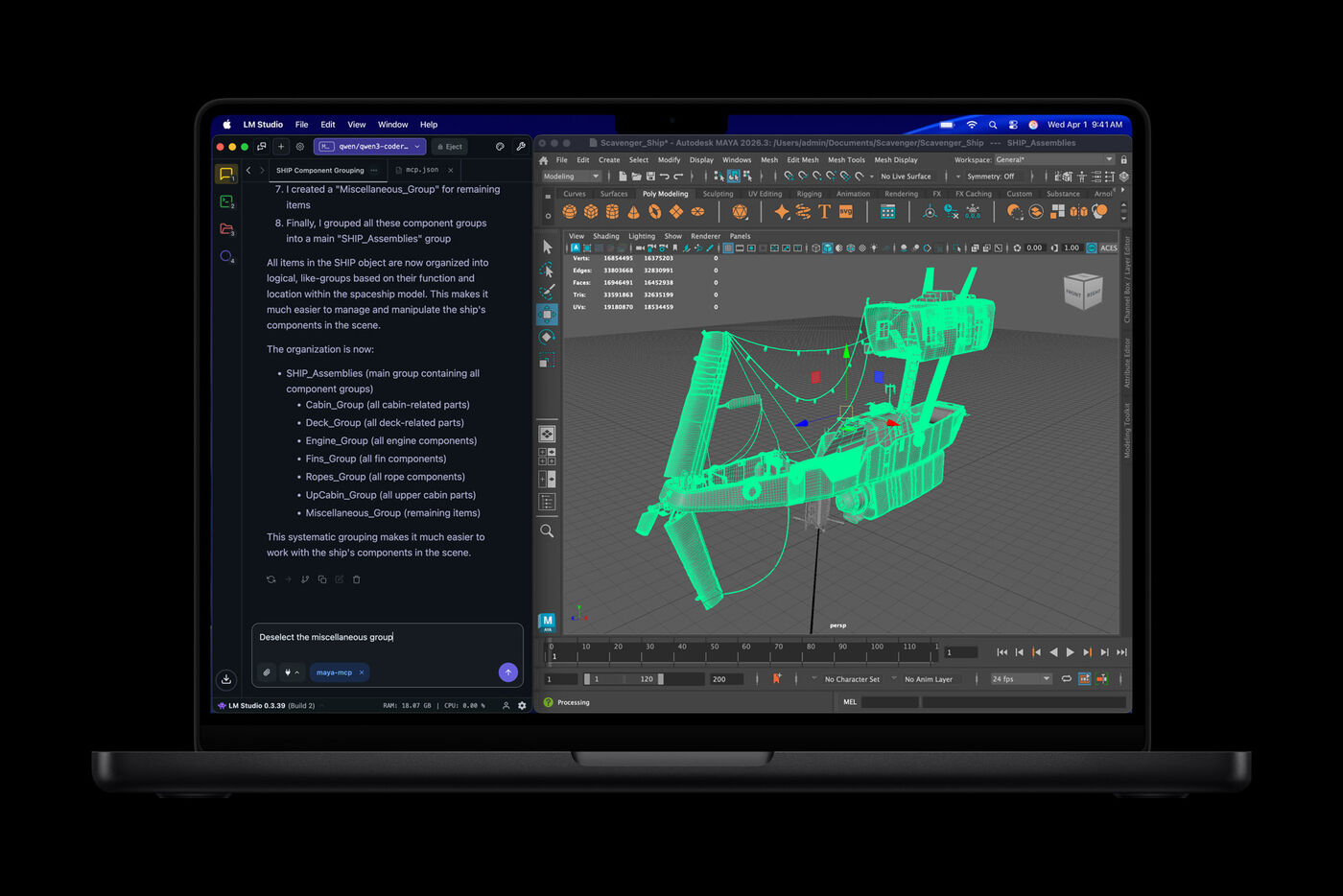
MacBook Pro 14 M5 Pro
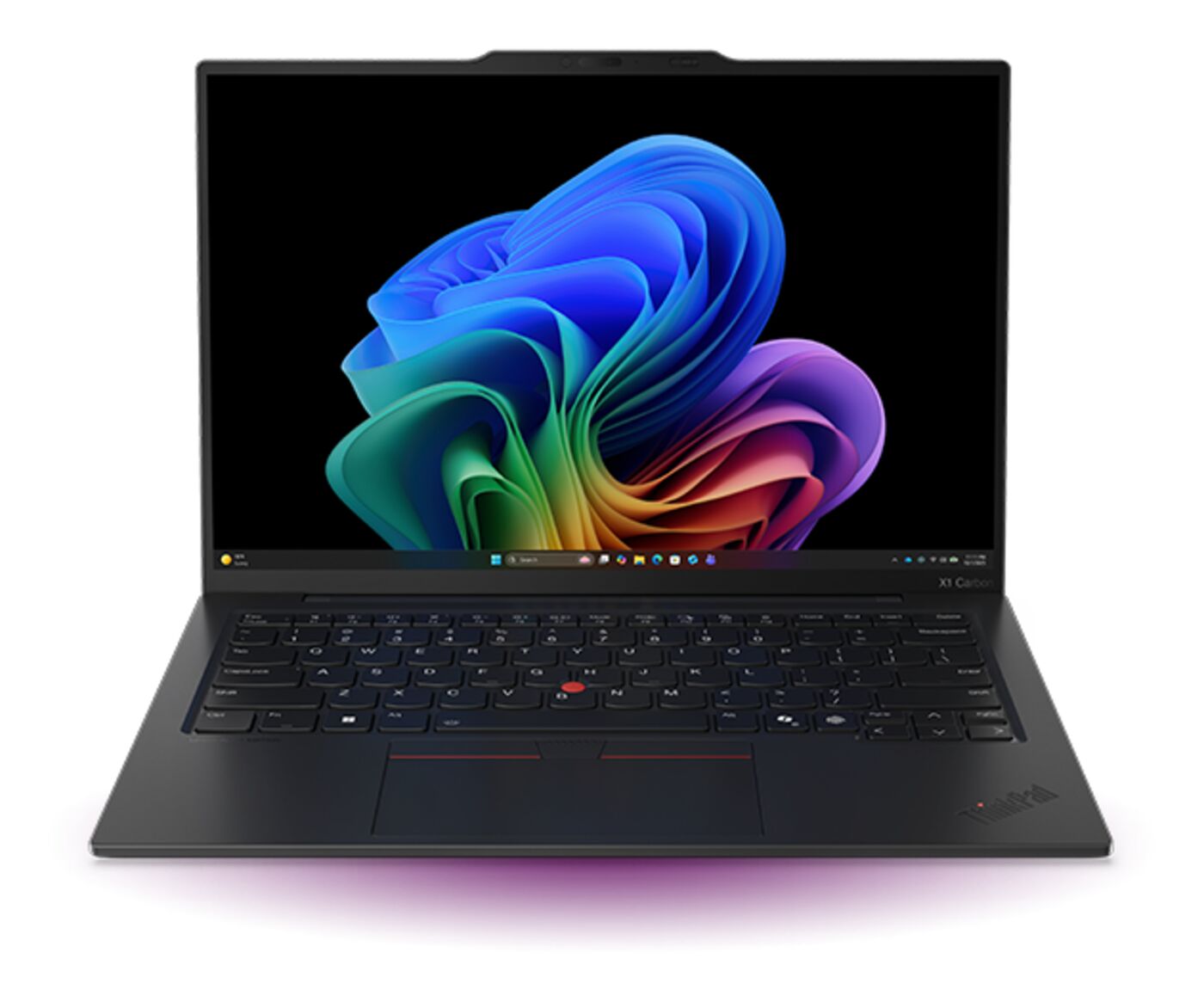
 ThinkPad X1 Carbon Gen 13
 Framework Laptop 16
How much memory you actually need
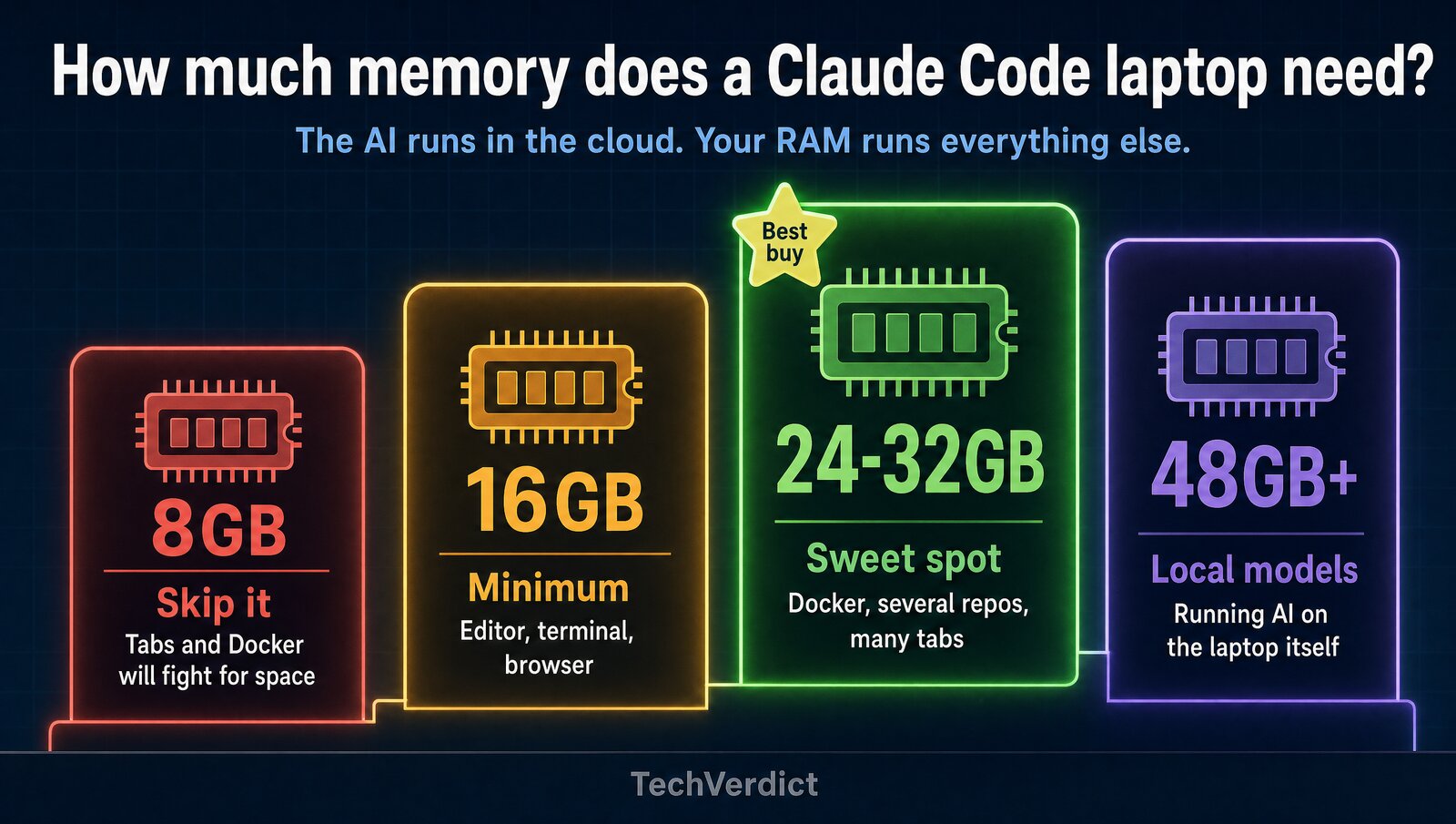
16GB still works for lighter web work, but it's the config people regret six months later. If you keep an IDE, several terminals, Docker and dozens of tabs open, 24GB or 32GB is the smarter buy. Not sure? Try our RAM Calculator.
The 4 laptops at a glance
MacBook Air 15 M5- Fanless, so it's silent all day
- Up to 15 hours of web use (Apple)
- 3.3 pounds with a 15-inch screen
The catch: no NVIDIA GPU, memory can't be upgraded later.
MacBook Pro 14 M5 Pro- Fans keep it fast under long builds
- Up to 64GB of memory
- Up to 14 hours of web use (Apple)
The catch: $1,000 more than the Air for work many people never push.
ThinkPad X1 Carbon Gen 13- Under 1kg, the lightest here
- ThinkPad keyboard and TrackPoint
- Linux option on Lenovo's store
The catch: pricey, and memory tops out at 32GB.
Framework Laptop 16- Up to 96GB in two memory slots
- Optional NVIDIA RTX 5070 module
- Every part is repairable
The catch: 2.1kg and bulkier than the rest.
Prices and specs
Prices checked October 23, 2026, on Apple's, Lenovo's and Framework's own US stores. Starting configs shown; Lenovo's prices change often.
| Laptop | Starting price | Chip | Memory | Battery (maker claim) | Weight |
|---|---|---|---|---|---|
| MacBook Air 15 M5 | $1,499 (16GB, 512GB) | Apple M5, 10-core CPU | 16GB, up to 32GB | Up to 15 hrs web, 18 hrs video | 3.3 lb (1.51kg) |
| MacBook Pro 14 M5 Pro | $2,499 (24GB, 1TB) | Apple M5 Pro, 15-core CPU | 24GB, up to 64GB | Up to 14 hrs web, 22 hrs video | 3.5 lb (1.60kg) |
| ThinkPad X1 Carbon Gen 13 | $2,573 (16GB, 512GB) | Intel Core Ultra 7 256V | 16GB or 32GB, fixed | Not stated in hours | Under 1kg |
| Framework Laptop 16 | $1,249 DIY (no memory, storage or OS) | AMD Ryzen AI 5 340 and up | Bring your own, up to 96GB | 85Wh, hours not stated | 2.1kg (2.4kg with GPU) |
What each one gets right
| Feature | Air 15 M5 | Pro 14 M5 Pro | X1 Carbon | Framework 16 |
|---|---|---|---|---|
| All-day battery (14+ hrs claimed) | ✓ | ✓ | – | – |
| 16GB+ RAM in the base config | ✓ | ✓ | ✓ | You add it |
| Under $1,500 to start | ✓ | ✗ | ✗ | Before parts |
| Linux-friendly | ✗ | ✗ | ✓ | ✓ |
| Runs Windows | ✗ | ✗ | ✓ | ✓ |
| Upgrade memory later | ✗ | ✗ | ✗ | ✓ |
| NVIDIA GPU option (CUDA) | ✗ | ✗ | ✗ | ✓ |
| 3.5 lb or lighter | ✓ | ✓ | ✓ | ✗ |
– means the company hasn't said. Battery figures are the makers' own claims.
MacBook Air 15 M5: best for most developers
The Air has no fan, so it stays silent through a full day of Claude Code, Cursor, terminals and docs. Apple rates it at up to 15 hours of web use, and the 15-inch screen fits an editor and a browser side by side.
It starts at $1,499 with 16GB and 512GB. Buy 24GB if you run Docker or several repos at once, since you can't add memory later. Skip it if your work depends on CUDA.
MacBook Pro 14 M5 Pro: best for heavy workloads
The Pro earns its price when you live in Docker, run local databases or build big projects all day. It has fans to hold its speed, a brighter display, more ports and memory up to 64GB.
It starts at $2,499 with 24GB and 1TB. If your day is mostly editor, terminal and browser, the Air gets you most of the experience for $1,000 less.
ThinkPad X1 Carbon Gen 13: best for Windows
If your company runs Windows or your stack needs it, this is the work laptop to get. It weighs under 1kg, has one of the best keyboards you can buy, and Lenovo's store offers a Linux option.
It's expensive at $2,573 for 16GB, and memory sits on the chip, so you can't add more. Buy the 32GB model. The newer X1 Carbon Gen 14 is also on Lenovo's store, from $2,815.
Framework Laptop 16: best for Linux and local AI
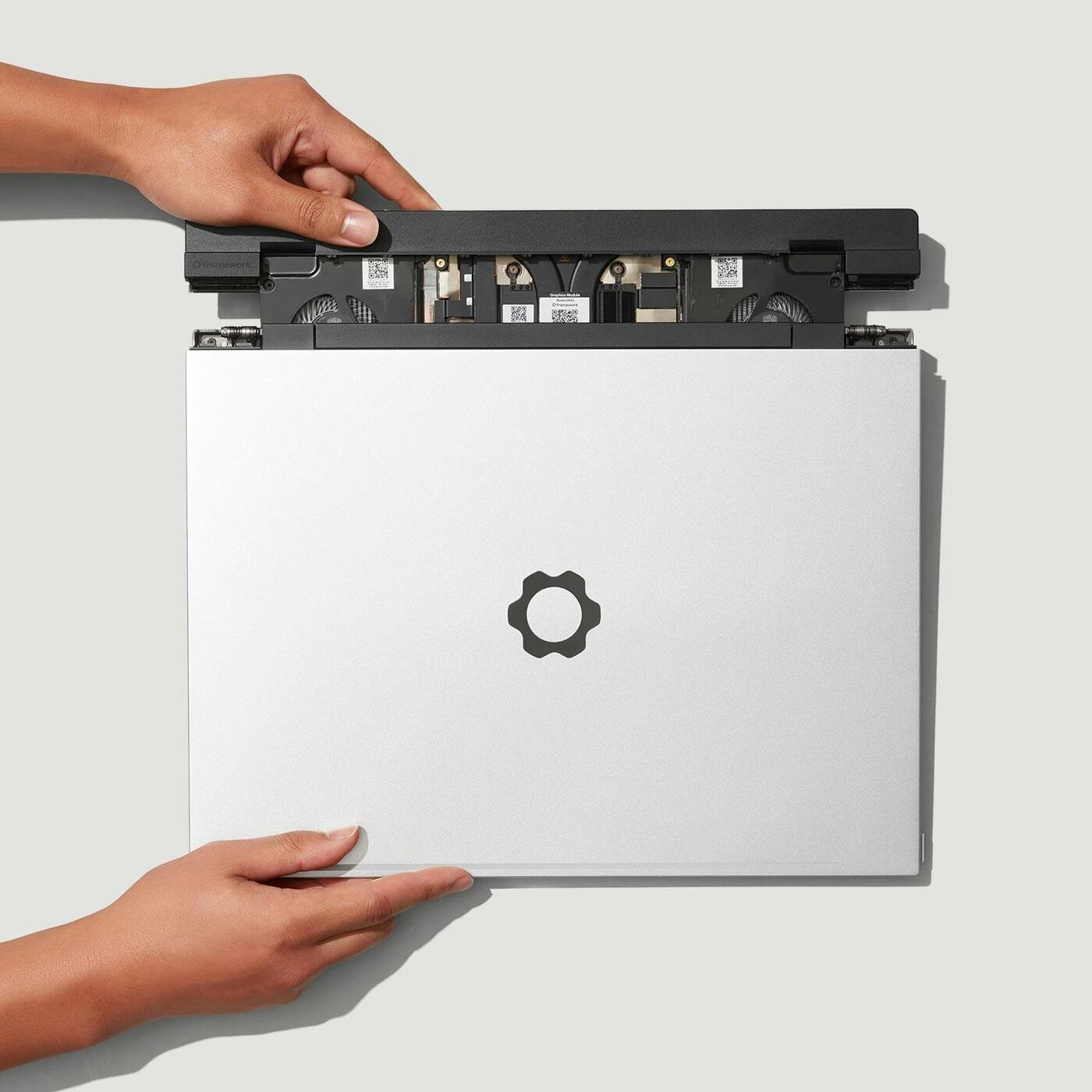
Framework is the pick when you want Linux, upgrades or a real GPU. It takes up to 96GB in two standard memory slots, and an NVIDIA RTX 5070 Graphics Module slides into the back for CUDA work.
The DIY Edition starts at $1,249 before memory, storage and an OS, and that base model is a November pre-order. It's also the heaviest here at 2.1kg, or 2.4kg with the GPU.
What about the MacBook Neo, the 13-inch Air and gaming laptops?
The MacBook Neo is $699, but it only comes with 8GB, which is too little for Docker and a full dev setup. The 13-inch MacBook Air M5 starts at $1,299 with 16GB and is a fine pick if you don't need the bigger screen. Gaming laptops only make sense if you also run local models, CUDA or games; otherwise they're heavier and louder than you need.
Which laptop should you buy?
The verdict
The MacBook Air 15-inch M5 is the best laptop for Claude Code for most people: silent, all-day battery and $1,499 to start. Spend more only for a reason: the Pro for heavy local work, the ThinkPad for Windows, the Framework for Linux or a GPU. Running models locally? Read our local LLM laptop guide and 16GB vs 32GB RAM first.
FAQ
Do you need a powerful laptop for Claude Code?
Usually no. Claude Code, Cursor, ChatGPT, and most modern AI coding tools do the expensive inference in the cloud. Most buyers should prioritize RAM, battery life, thermals, screen quality, and how smooth the machine feels under a messy developer workflow.
How much RAM is enough for AI coding in 2026?
16GB is still fine for lighter coding and cloud AI use. 24GB or 32GB becomes the smarter buy once your workflow stacks Docker, multiple repos, browser tabs, local databases, terminals, Discord, Figma, or heavier testing at the same time.
Should you buy a gaming laptop for Claude Code?
Only if your machine also needs to run heavier local models, CUDA-specific workflows, gaming, or GPU-heavy creator work. For cloud-first AI coding, many gaming laptops are louder, heavier, and more expensive than they need to be.