Our verdict: Claude Pro at $20 a month is the best value in AI right now. It includes Claude Code, it's strong at both code and writing, and every stack below starts from it or from ChatGPT Plus.
AI in 2026 isn't one tool. It's a stack: a model, the app you use it in, and a few tools that turn answers into finished work. We compared the big three models and the tools around them for three kinds of people: developers, writers and business operators.

 Claude
 ChatGPT
 Gemini
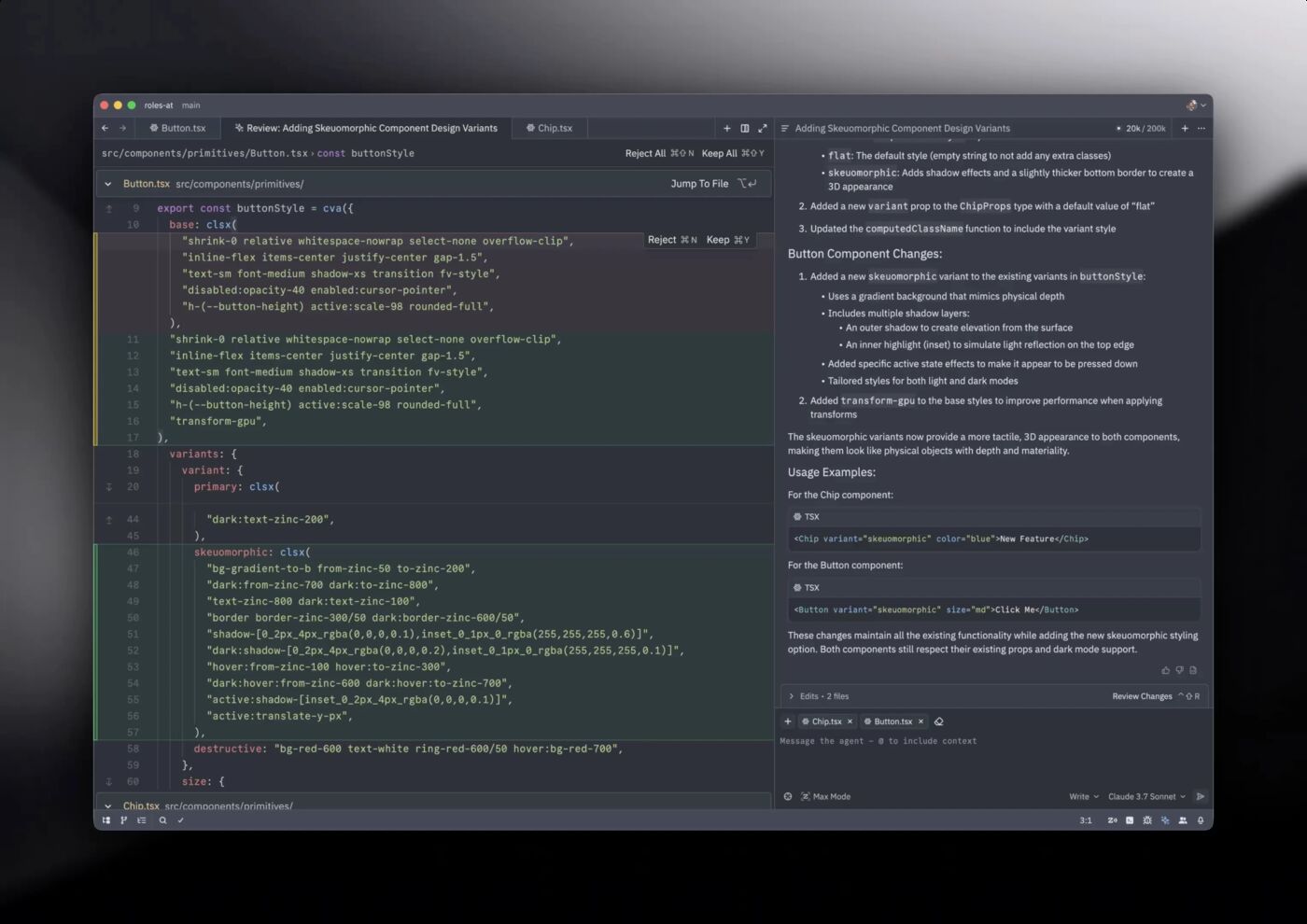
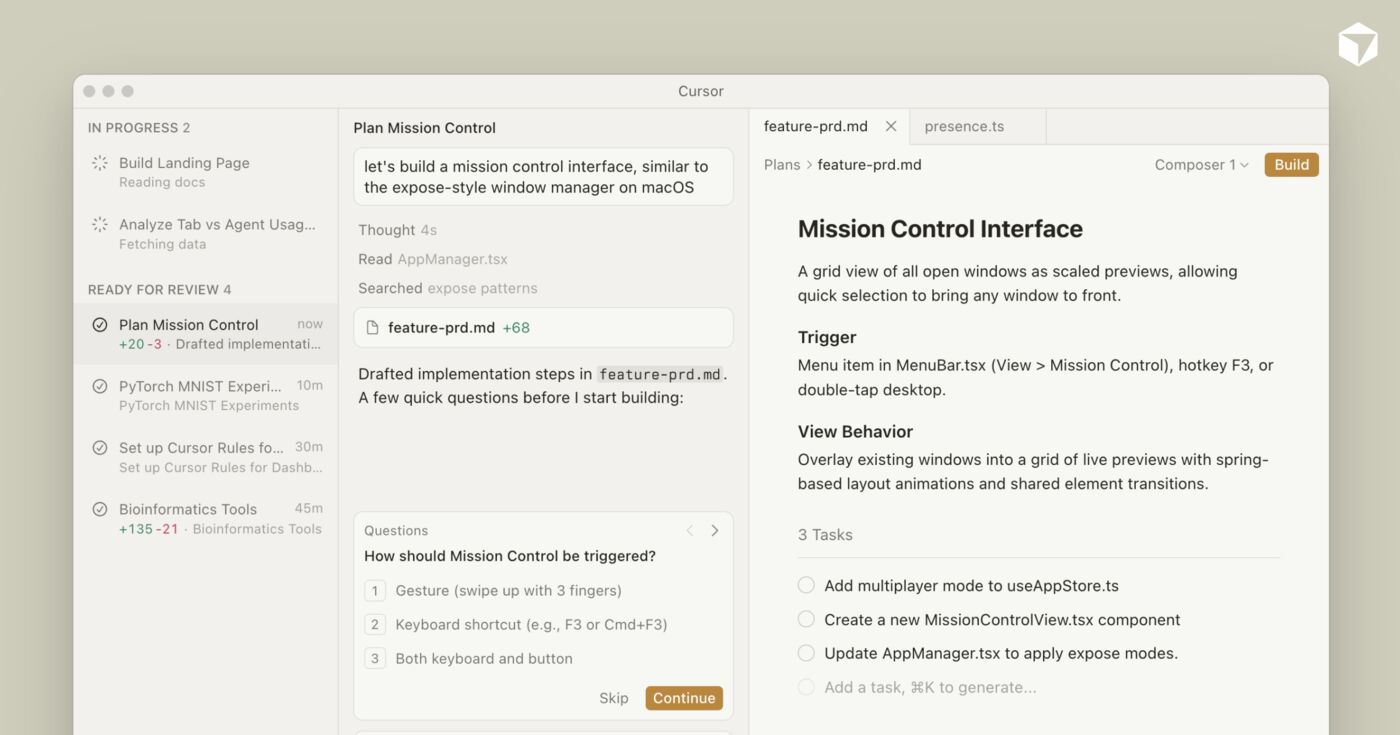
 Cursor
 Zed
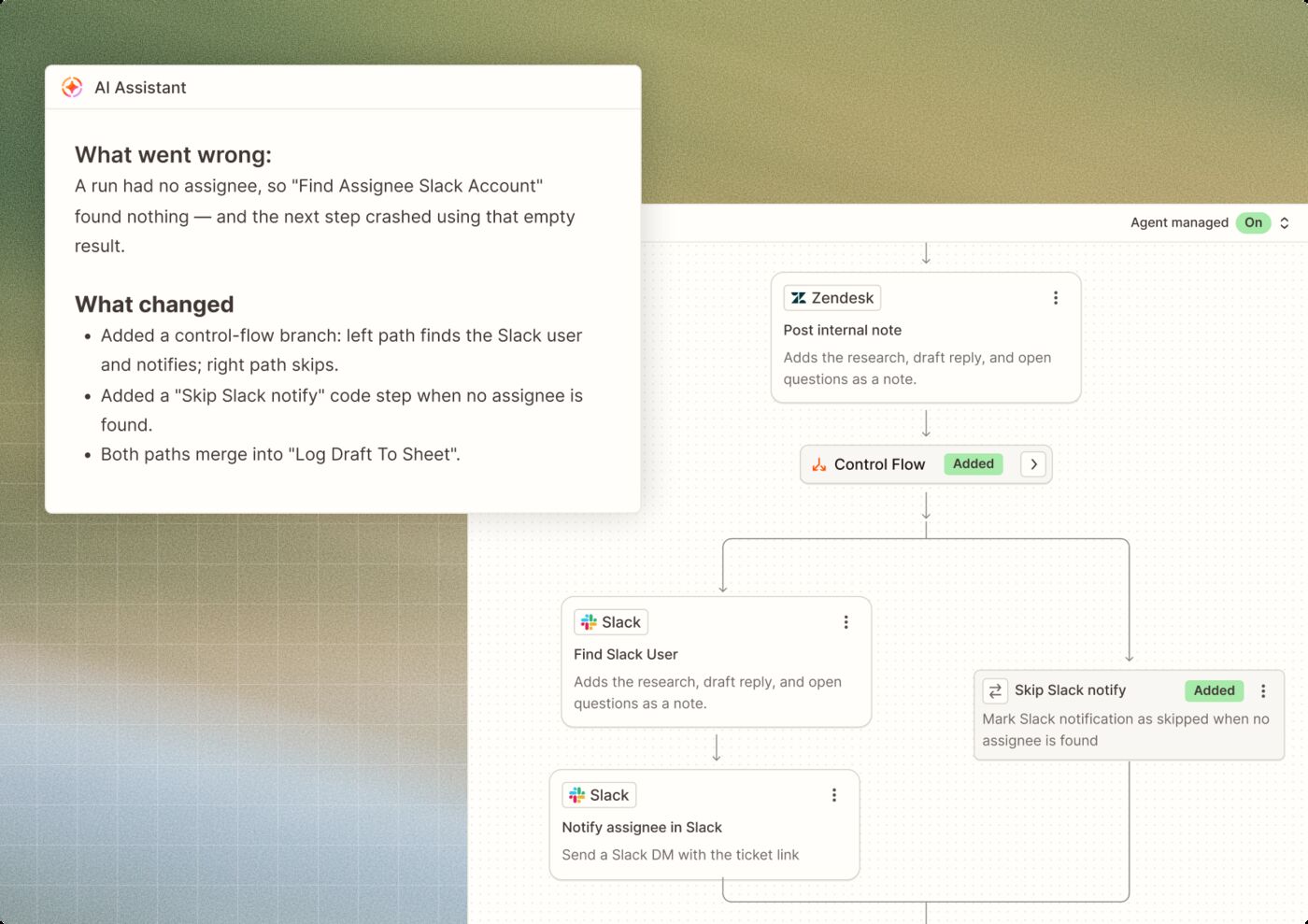
 Zapier
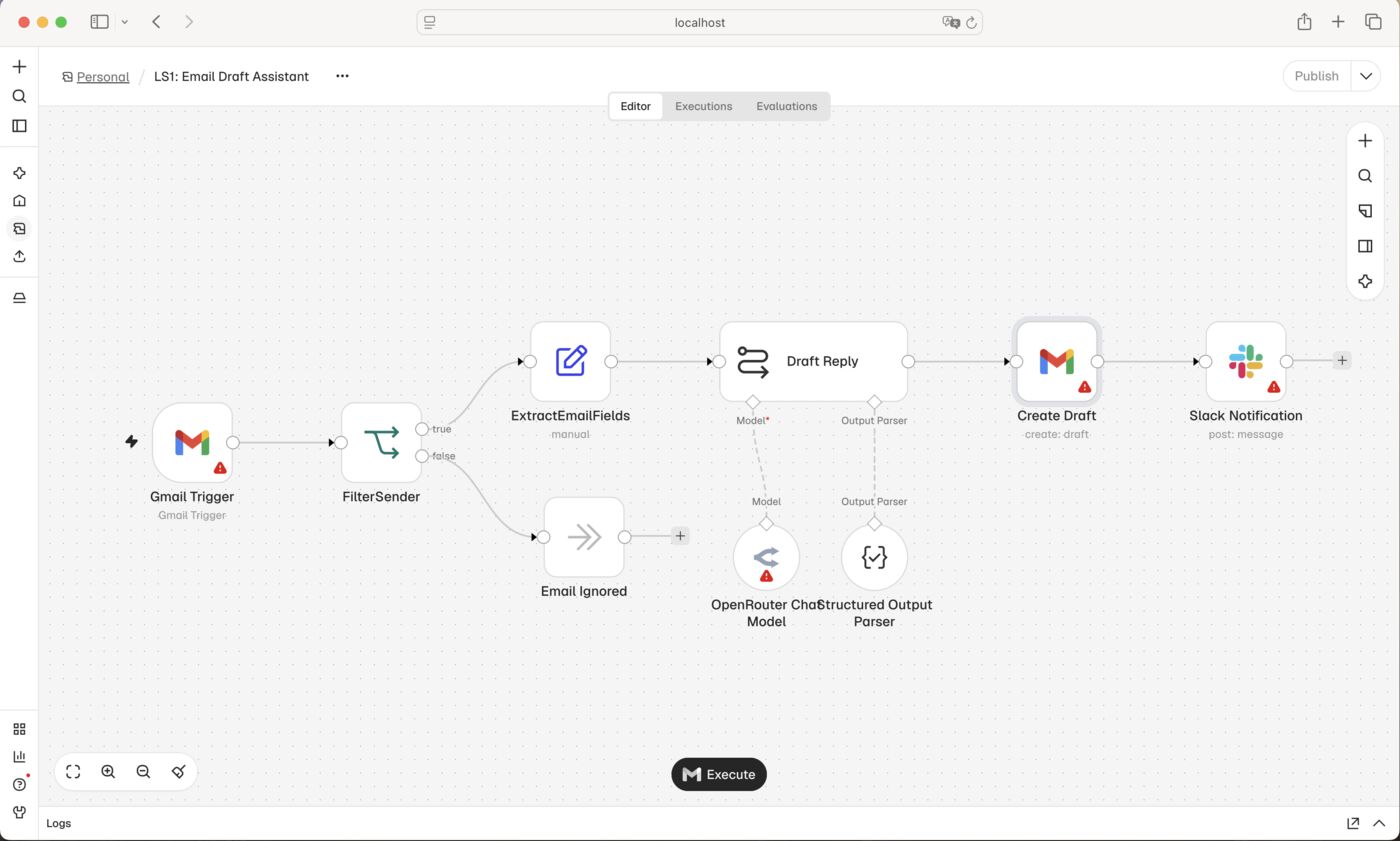
 n8n
What each stack costs
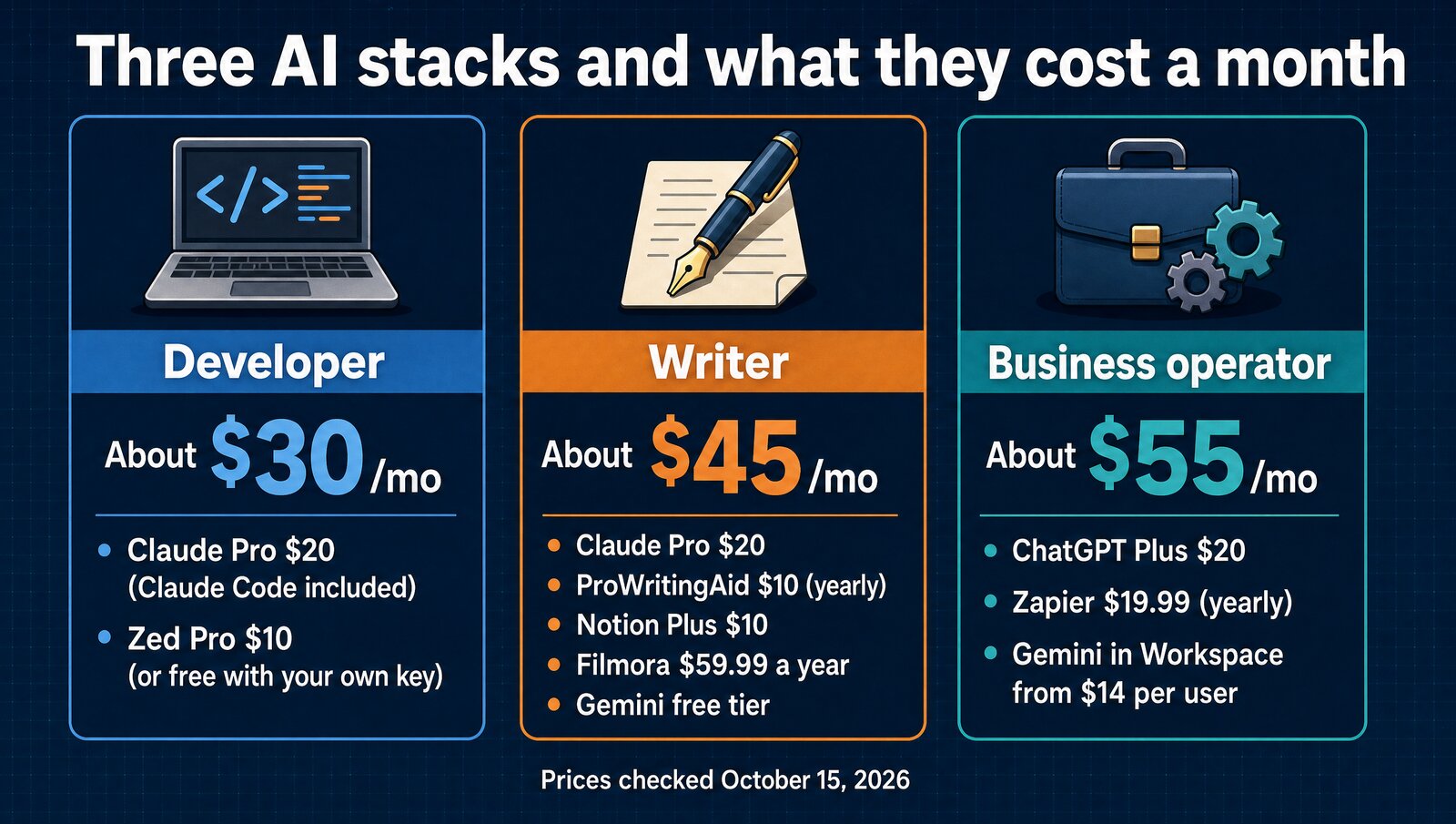
None of these stacks needs a $200 plan. Two $20 subscriptions and one cheap tool cover almost everyone, and you can drop any piece without breaking the rest.
The 3 models at a glance
Claude- Opus 5.5 and Sonnet 5.5
- Claude Code included with Pro
- Context up to 1M tokens, by model
The catch: no image generation.
ChatGPT- GPT-6, fast replies
- Images, voice and Canvas built in
- Largest plugin and custom GPT library
The catch: Plus rate limits can bite.
Gemini- Gemini 4 Argon
- 1M-token context for long documents
- Works in Gmail, Docs and Sheets
The catch: code quality is less consistent.
Model prices
Prices checked October 15, 2026, on each company's own pricing page.
| Model | Main plan | Higher tiers | Free tier |
|---|---|---|---|
| Claude (Opus 5.5 / Sonnet 5.5) | Pro, $20/mo, Claude Code included | Max, $100 or $200/mo | Yes |
| ChatGPT (GPT-6) | Plus, $20/mo | Pro, from $100/mo | Yes |
| Gemini (Gemini 4 Argon) | Google AI Pro, $19.99/mo | Not covered here | Yes, the most generous |
What each model does well
| Feature | Claude | ChatGPT | Gemini |
|---|---|---|---|
| Coding agent in the base plan | ✓ | – | – |
| Image generation | ✗ | ✓ | – |
| Up to 1M-token context | By model | – | ✓ |
| Built into Gmail and Docs | ✗ | ✗ | ✓ |
| Custom GPTs and plugin store | ✗ | ✓ | ✗ |
| Free tier | ✓ | ✓ | ✓ |
– means we don't cover it in this guide.
Claude: best for coding and deep work
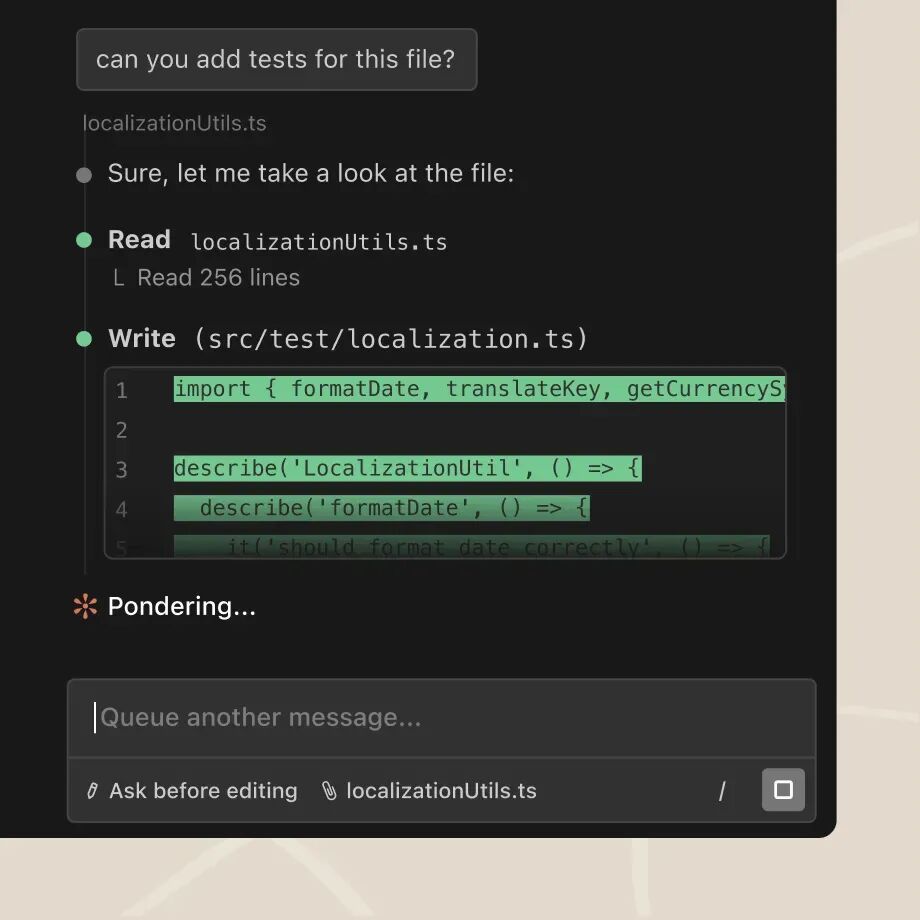
Claude is the model that makes developers rethink their workflow. Opus 5.5 has a strong reputation for clean, maintainable code, and a context window of up to 1M tokens, depending on the model, lets it take in a large codebase at once.
Claude Code, the terminal agent, comes with Pro, so there's no copy-pasting into a chat window. For writing, Claude follows a voice or style guide closely and sounds less like a bot.
ChatGPT: the all-rounder
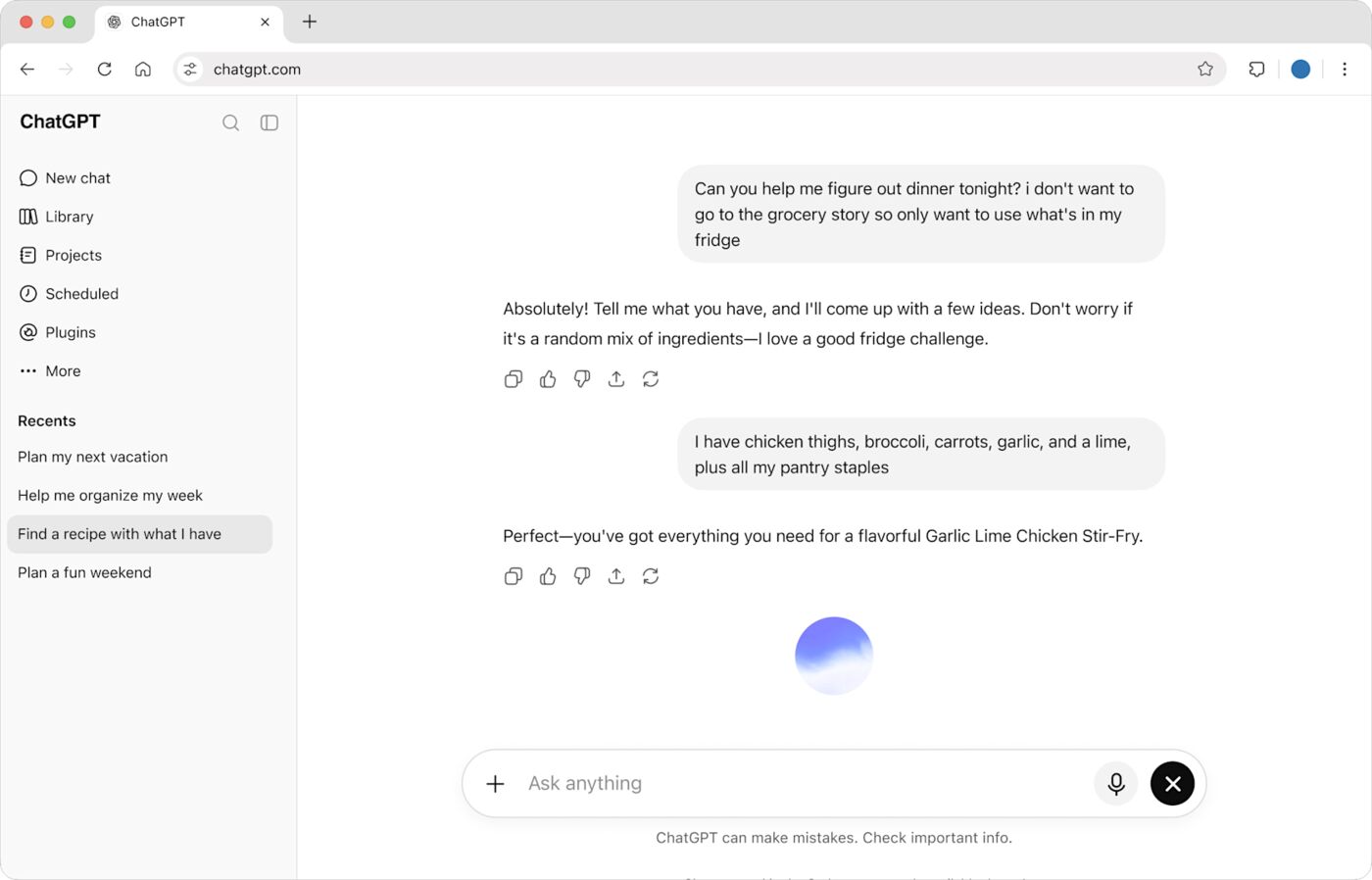
ChatGPT is the Swiss Army knife. It handles code, writing, images, voice and analysis, it answers faster than Claude Opus, and custom GPTs extend it to almost any job.
It falls a little short on deep, careful tasks, where Claude catches more edge cases. Its writing is competent but has a recognizable AI voice that takes work to shake.
Gemini: research and Google Workspace
Gemini's big feature is its 1M-token context window. Feed it a book, a year of email or a big pile of documents, and it'll summarize and compare the lot.
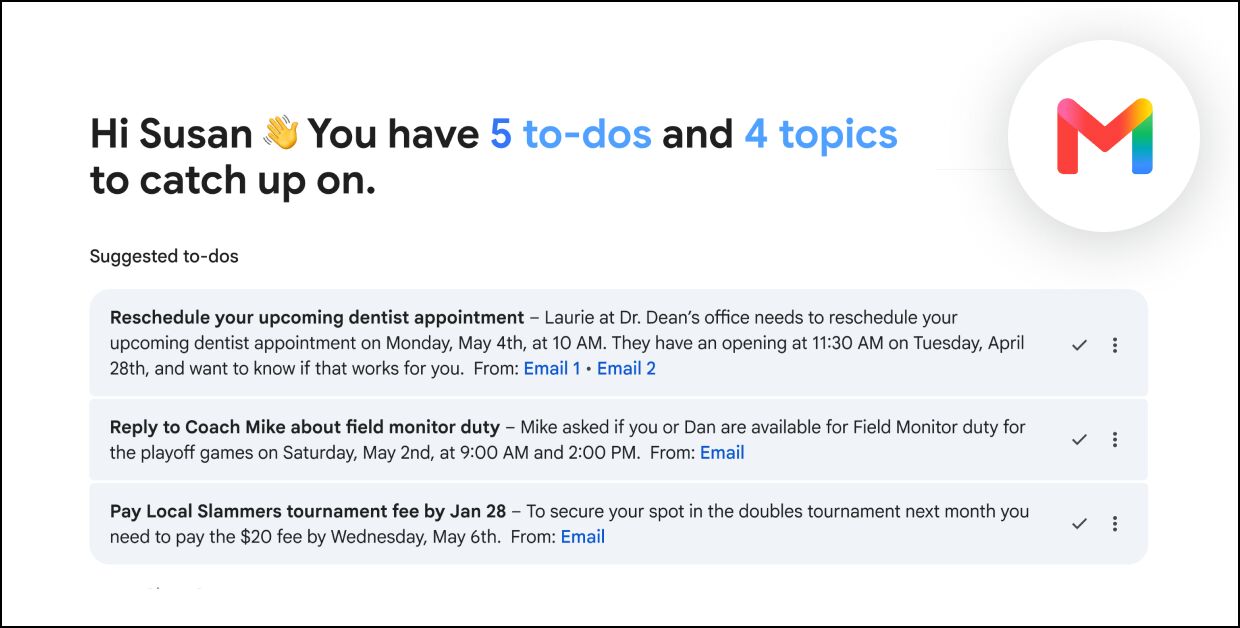
If your business runs on Google, Gemini in Gmail, Docs and Sheets feels native in a way other AI sidebars don't. Its free tier is also the most generous of the three.
Developer tools
A model alone isn't a stack. Prices checked October 15, 2026, on each company's own pricing page.
| Tool | What it does | Price | Our take |
|---|---|---|---|
| Cursor | AI-first code editor (VS Code fork) | Premium $30/mo | Most polished editor; Claude and GPT billed at API rates on top |
| Zed | Fast native code editor with AI agents | Free with your own key / $10/mo | Best value editor for Claude users |
| Claude Code | CLI agent that edits code directly | Included with Claude Pro ($20/mo) | Best for terminal-native devs |
| GitHub Copilot | Inline code completion in any editor | $10/mo | Good autocomplete, less agentic |
| Devin Desktop (formerly Windsurf) | AI code editor from Cognition | Free / $20/mo | Free tier with unlimited tab completions |
| v0 by Vercel | AI UI/component generator | Free / $30/user/mo | Best for frontend prototyping |
Our pick: Claude Code plus Zed. Claude Code can make multi-file changes, run your tests and fix errors on its own, and Zed gives you a fast editor without a second big bill. Cursor is still the most polished, but since October 12, 2026, new plans start at $30 a month and Claude inside it is billed at API rates.
Writing tools
| Tool | What it does | Price | Our take |
|---|---|---|---|
| Claude.ai | Long-form writing, editing, analysis | $20/mo | Best writing quality |
| Notion AI | AI inside your notes/docs | Business plan, $20/seat/mo | Best for Notion users |
| ProWritingAid | Grammar, style, readability checker | $30/mo ($10/mo yearly) | Better than Grammarly for long-form |
| Lex | AI-native writing editor | Closed to new customers | Clean editor, but no new signups |
| Wondershare Filmora | AI video editing | $59.99/yr | Best budget AI video editor |
Our pick: Claude Pro plus ProWritingAid. Draft and restructure with Claude, then run the result through ProWritingAid for style and grammar. The output reads like a person wrote it, because a person guided it.
Business and automation tools
| Tool | What it does | Price | Our take |
|---|---|---|---|
| Zapier + AI | No-code automation with AI steps | $19.99/mo+ (yearly) | Best for non-technical automation |
| n8n | Open-source workflow automation | Free (self-hosted) | Best for technical teams |
| Gemini in Workspace | AI in Gmail, Docs, Sheets | From $14/user/mo (Business Standard) | Best for Google shops |
| Microsoft Copilot | AI in Office 365 | $21/user/mo (Business, yearly) | Best for Microsoft shops |
Automation is where a stack starts saving hours. Zapier is the easy route for non-technical teams, and n8n costs nothing in software if you host it yourself.
The recommended stacks
- Claude Pro $20, with Claude Code
- Zed Pro $10, or free with your own key
- Vercel free tier or Railway Hobby $5; GitHub free
The catch: Cursor costs $30 plus API rates for Claude.
- Claude Pro $20 for drafts
- ProWritingAid $10 (yearly) for polish
- Gemini free, Notion Plus $10 or Obsidian free, Filmora $59.99/yr
The catch: video and notes are optional extras.
- ChatGPT Plus $20 for breadth
- Zapier $19.99 (yearly) or n8n free self-hosted
- Gemini in Workspace from $14/user or Microsoft 365 Copilot
The catch: Workspace pricing is per user.
Operators can add Slack's AI summaries for chat and paste CSVs into Claude for quick data analysis. Optional for developers: GitHub Copilot at $10 a month for inline completion.
What about Copilot, Devin Desktop and v0?
GitHub Copilot ($10 a month) is solid autocomplete but less agentic. Devin Desktop, formerly Windsurf, has a free tier with unlimited tab completions. v0 by Vercel is free to start and best for quick frontend prototypes.
Which stack should you use?
The verdict
Claude Pro at $20 a month is the best value in AI in October 2026. It's strong at coding and writing, includes Claude Code and handles long documents, so build your stack around it and add ChatGPT, Zed or Zapier only for the jobs it doesn't cover.
FAQ
What is the best AI stack for developers in 2026?
Claude Pro ($20/mo) with Claude Code as the daily driver, plus Zed Pro ($10/mo, or free with your own key) as the editor, for about $30/mo. Add ChatGPT Plus ($20/mo) as a fallback when Claude rate-limits. Cursor Premium is $30/mo, but Claude and GPT inside Cursor are billed at API rates on top.
What is the best AI stack for writers?
Claude Pro alone at $20/mo. Claude has the strongest reputation for nuanced, less robotic prose and longer-form drafting. ChatGPT Plus is a close second and arguably better for fast brainstorming. For pure writing work, one subscription is enough.
What is the best AI stack for businesses?
For solo operators: Claude Pro plus a tool for the job, like Notion AI for docs or Cursor or Zed for code. For teams: Claude Team or ChatGPT Business at $20/seat billed yearly ($25 monthly), with no-train data handling and admin controls. Pick a team plan over individual subscriptions once you have 2 or more seats.
Should I use one AI model or multiple?
Multiple, if you can afford $40 or more a month. Claude is strongest for code and long context, ChatGPT for general work and image generation, Gemini for research and Google Workspace, and Grok for real-time X context. Two providers also give you a fallback when one has an outage.
How much should I budget for AI tools per month?
For most professionals, $20 to $40 a month covers it. $20 buys one Pro subscription that handles most daily work, and $40 adds a second provider for backup. Above $100 a month only makes sense if you hit Pro limits several times a day.