Our verdict: the MacBook Air 15-inch M5 is the best laptop for trading for most people. The MacBook Pro 14-inch M5 Pro is the desk-first power pick, and the ThinkPad X1 Carbon Gen 13 is the one to get if your broker software needs Windows.
A trading day is a messy workload: charts, broker tabs, Discord, a spreadsheet, news feeds and research windows, all open for hours. That's a test of memory, screen, battery and quiet, not of graphics power.
 MacBook Air 15 M5
MacBook Pro 14 M5 Pro
 ThinkPad X1 Carbon Gen 13
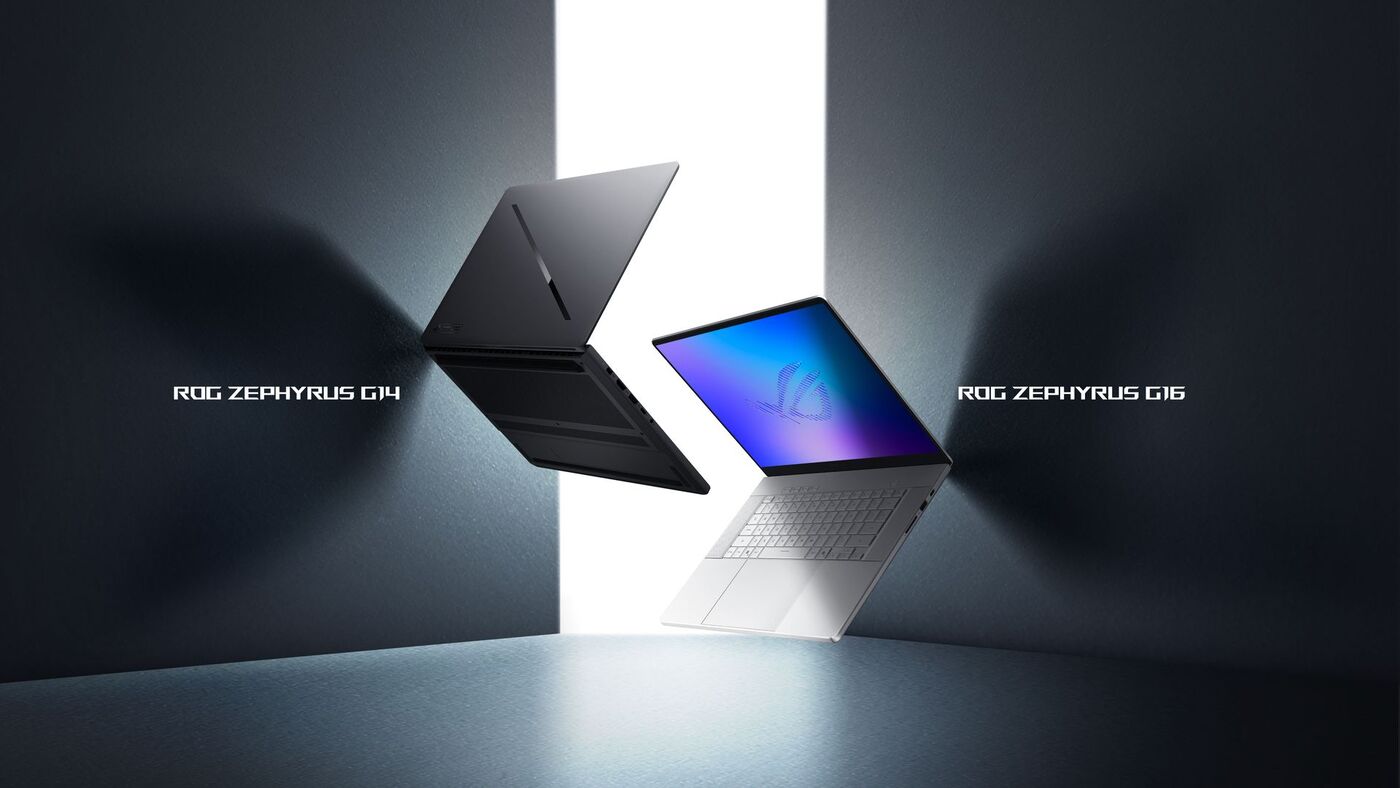
 Zephyrus G14
Memory matters more than raw power for trading. Weight matters if you trade on the move.
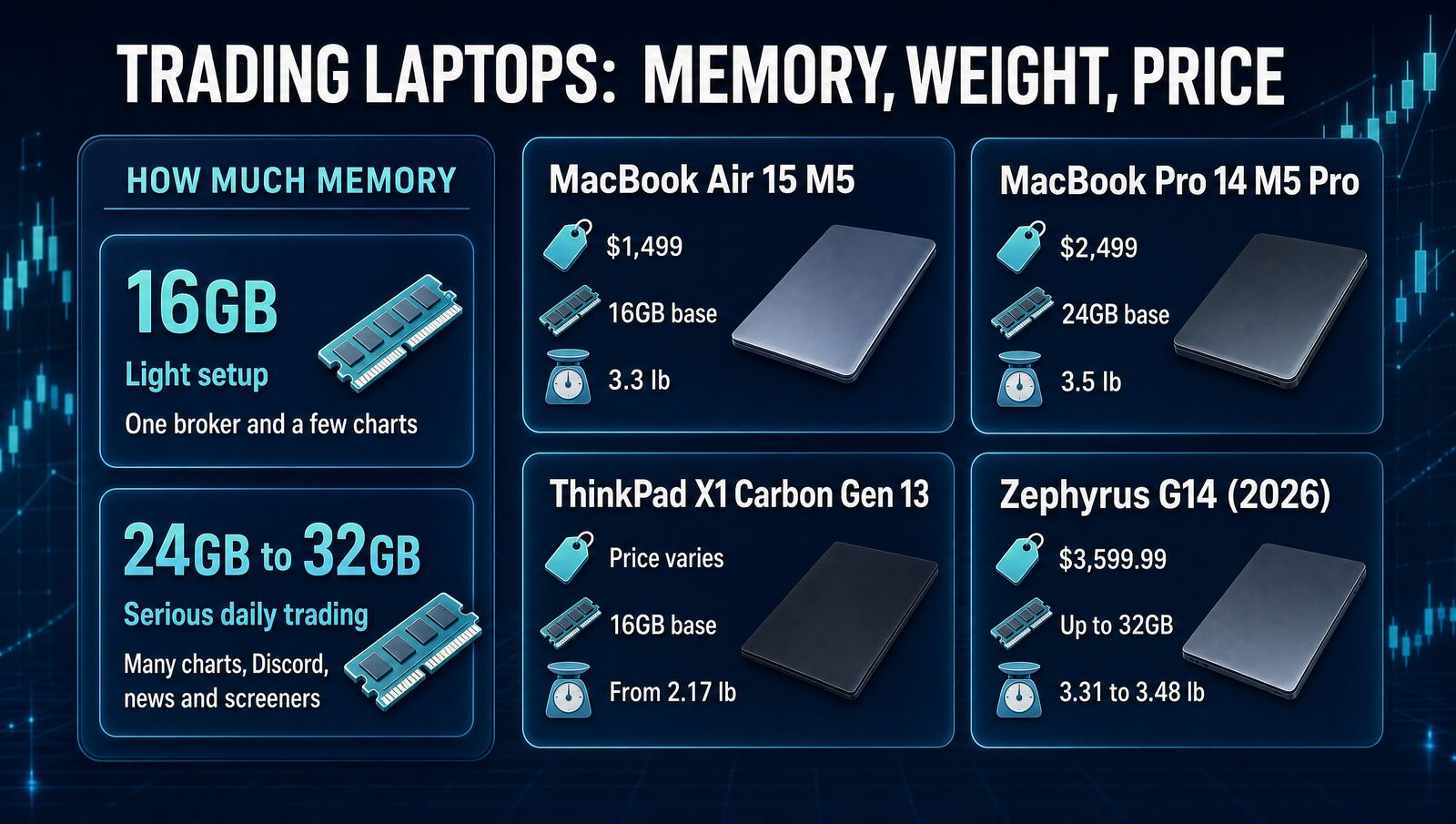
The 4 picks at a glance
MacBook Air 15 M5- Silent, fanless design
- Up to 18 hours of video playback (Apple)
- Two external displays
The catch: no Windows-only broker apps.
MacBook Pro 14 M5 Pro- Up to three external displays
- HDMI, SD slot, three Thunderbolt 5 ports
- Memory up to 64GB
The catch: easy to overspend for charts and tabs.
ThinkPad X1 Carbon Gen 13- From 2.17 lb, the lightest here
- HDMI plus two Thunderbolt 4 ports
- Up to 64GB memory
The catch: memory is soldered, so buy enough up front.
Zephyrus G14 (2026)- Discrete Nvidia graphics
- 14-inch 3K OLED at 120Hz
- HDMI 2.1 and USB4
The catch: more heat, noise and money than trading needs.
Prices and key specs
Prices checked October 23, 2026, on each maker's own store or spec page. Specs are the makers' own figures.
| Laptop | Starting price | Base memory | Weight | External displays |
|---|---|---|---|---|
| MacBook Air 15-inch M5 | $1,499 | 16GB (up to 32GB) | 3.3 lb | Up to 2 |
| MacBook Pro 14-inch M5 Pro | $2,499 | 24GB (up to 64GB) | 3.5 lb | Up to 3 |
| ThinkPad X1 Carbon Gen 13 | Varies, check Lenovo | 16GB (up to 64GB) | From 2.17 lb | Up to 3 (U and H chips); 2 (V chips) |
| ASUS Zephyrus G14 (2026) | $3,599.99 (US launch price) | Up to 32GB | 3.31 to 3.48 lb | Not stated |
What matters for trading
| Feature | Air 15 | Pro 14 | X1 Carbon | G14 |
|---|---|---|---|---|
| Silent, fanless | ✓ | – | – | ✗ |
| Three external displays | ✗ | ✓ | U and H chips | – |
| Built-in HDMI | ✗ | ✓ | ✓ | ✓ |
| Runs Windows-only broker apps | ✗ | ✗ | ✓ | ✓ |
| 64GB memory option | ✗ | ✓ | ✓ | ✗ |
| Discrete graphics card | ✗ | ✗ | ✗ | ✓ |
– means the company hasn't said.
What usually doesn't matter: a big gaming GPU. Trading platforms aren't games. Unless the laptop also edits video, does 3D work or runs local AI, graphics power is mostly wasted money.
MacBook Air 15-inch M5: best for most traders
The Air has no fan, so it stays silent through a full session, and Apple rates it at up to 18 hours of video playback or 15 hours of web browsing. The 15.3-inch screen is big enough for charts without making the laptop bulky.
It drives up to two external displays, which covers most desk setups. The base model has 16GB of memory and 512GB of storage at $1,499; step up to 24GB if you run a lot at once.
MacBook Pro 14-inch M5 Pro: best desk-first pick
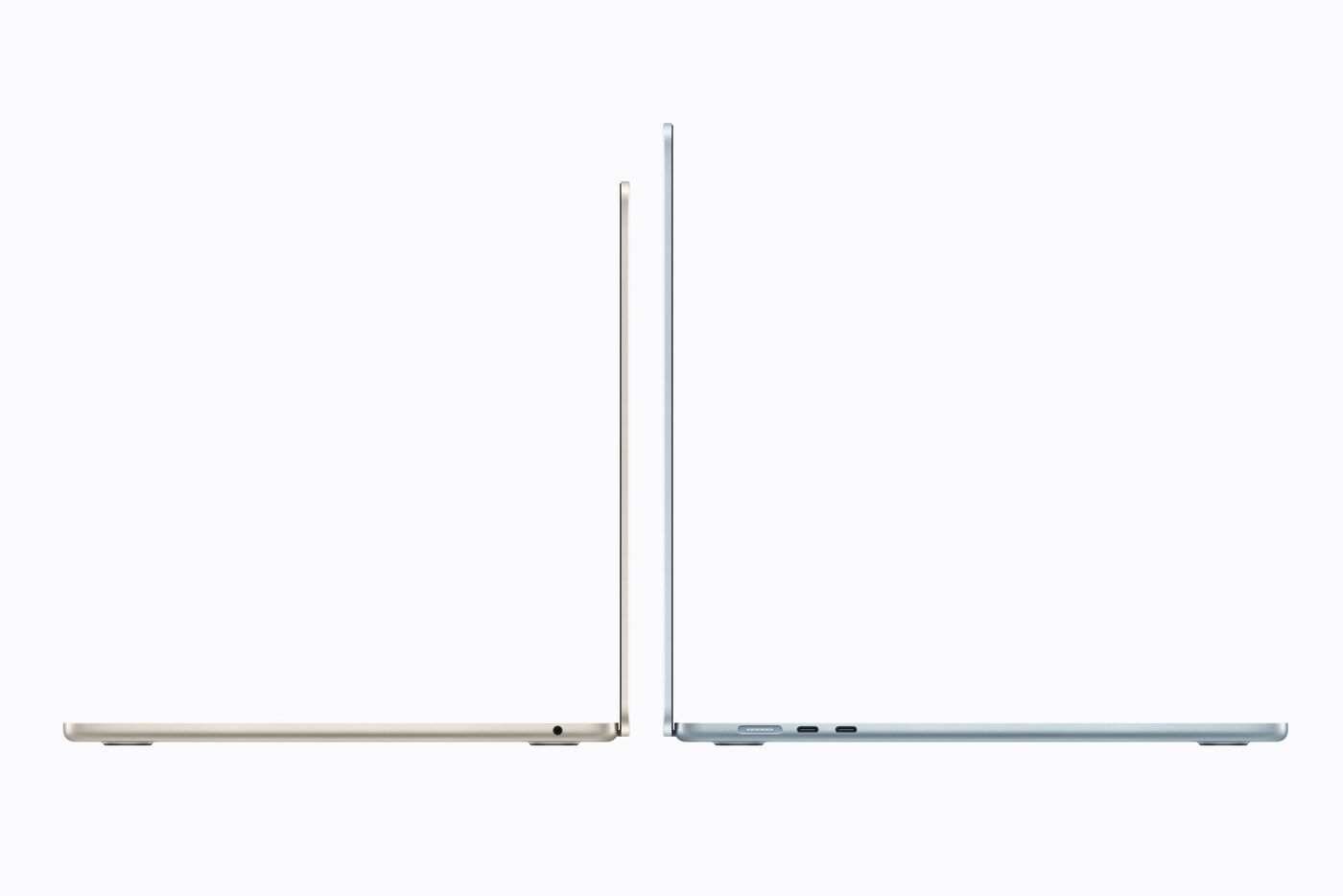
The Pro earns its price at a desk. It runs up to three external displays and has HDMI, an SD slot and three Thunderbolt 5 ports, so you need fewer dongles. It starts with 24GB of memory and goes up to 64GB.
At $2,499 it's $1,000 more than the Air. Pay that only if you'll use the extra screens and headroom, not for charts and tabs alone.
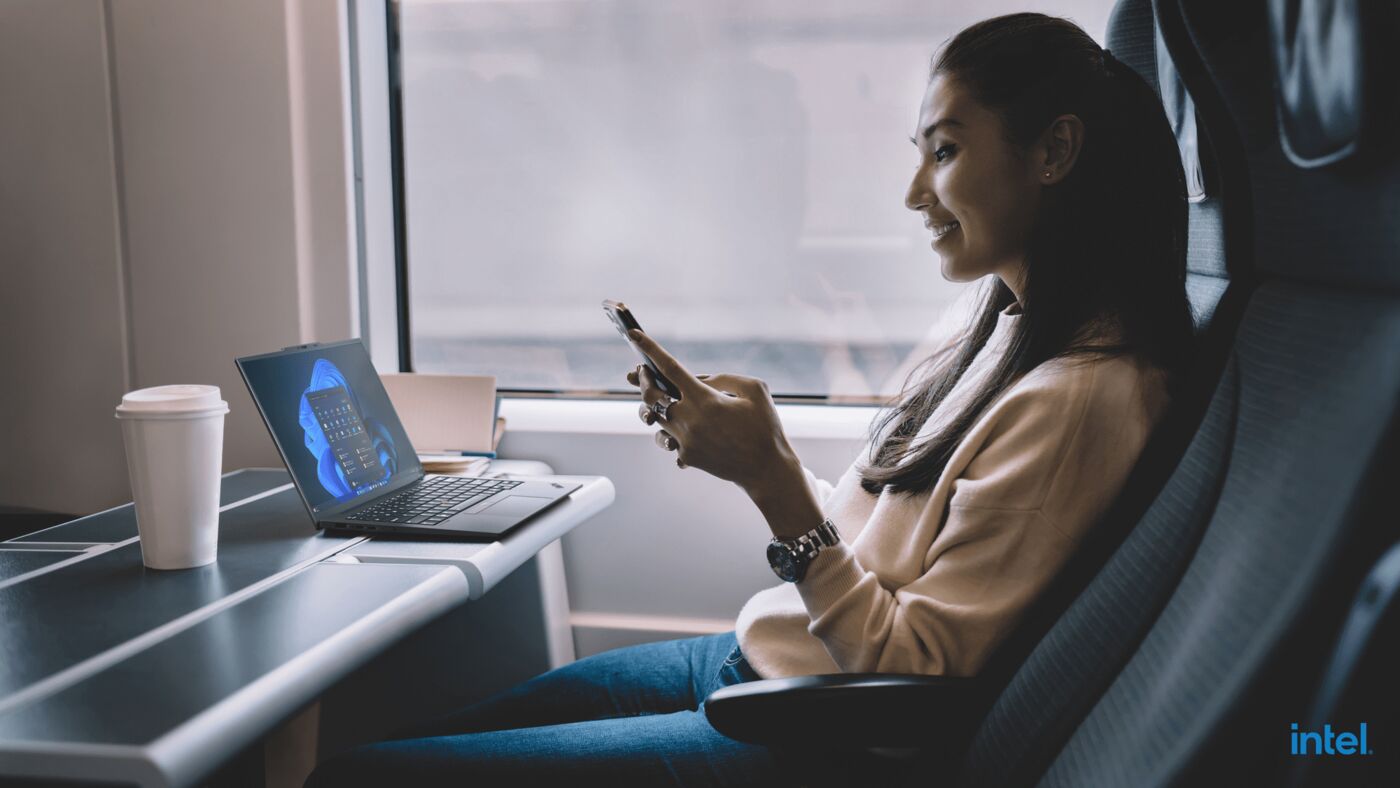
ThinkPad X1 Carbon Gen 13: best Windows option
If your broker or charting tools are Windows-only, this is the pick. It starts at 2.17 lb, has HDMI plus two Thunderbolt 4 ports and a keyboard built for long days. Lenovo rates it at up to about 17 hours in its MobileMark 25 battery test.
Memory is soldered, with 16GB, 32GB or 64GB options, so you can't add more later. Lenovo's prices move often with sales, so check the configuration you want.
ASUS Zephyrus G14: only if it does heavier work too
The 2026 G14 pairs an Intel Core Ultra 9 386H with up to an RTX 5070 Ti and a 3K OLED screen. That's real power for video editing or local AI side projects.
For trading alone it's more heat, fan noise and money than you need. Buy it only if the same machine does creative or dev work.
How much memory should traders buy?
- One broker and a few charts
- A browser and normal multitasking
- Tight budget
- Many chart and watchlist windows
- Discord, news and screeners all day
- You keep laptops for years
If you're already hesitating, you probably want more headroom. Use the RAM Calculator or read 16GB vs 32GB before you pick a configuration.
What about a desktop or mini PC?
If you trade mostly at a desk with several monitors, a desktop or mini PC plus a lighter laptop can be the smarter split. Buying for cloud AI coding instead? See the Claude Code laptop guide.
Which one should you buy?
The verdict
The MacBook Air 15-inch M5 is the best laptop for trading in 2026 for most people. Move to the MacBook Pro for a bigger desk setup, get the ThinkPad if your software needs Windows, and skip the gaming laptop unless it has other work to do.
Once the hardware is sorted, see what a trading dashboard should do.
FAQ
How much RAM do you need for trading in 2026?
For a lighter broker-plus-browser setup, 16GB can still work. For heavier trading with lots of charts, watchlists, browser tabs, Discord, spreadsheets, and research windows, 32GB is the safer buy.
Do traders need a gaming laptop?
Usually no. Trading is mostly a CPU, RAM, browser, and display workflow. A quiet, reliable machine with enough memory matters more than a gaming-class graphics card.
Is Mac or Windows better for trading?
Both can work. MacBooks win on battery life, silence, and day-to-day polish. Windows gives you broader compatibility with some broker software. Pick based on the platforms you actually use.