Disclosure: TechVerdict's founder is related to Enzo's creator, and links to Enzo on this page are affiliate links (we may earn a commission if you upgrade, at no extra cost to you). Every price, limit and caveat below is checked directly against Enzo's and competitors' public pages. Full disclosure.
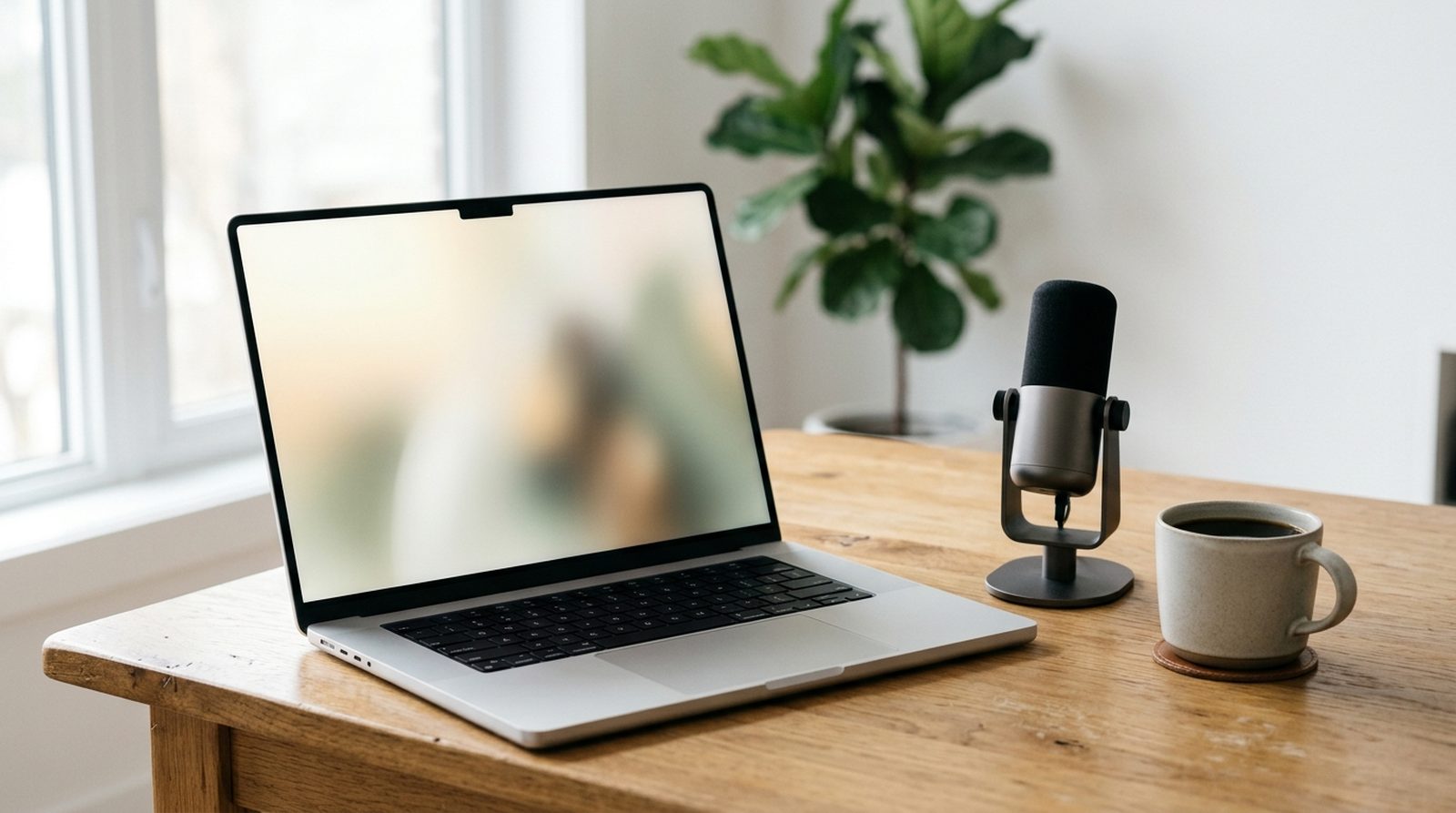
Enzo AI replaces a $45 to $50/mo stack of Wispr Flow (dictation), Granola (bot-free meeting notes) and a screen recall tool inside one 55 MB native Apple Silicon app, with a permanent free tier of 5,000 dictated words a week.
If you want fast, private voice-to-text on an Apple Silicon Mac, Enzo AI (tryenzo.ai) is the sharpest local challenger to Wispr Flow right now, and it throws in bot-free meeting notes, screen Recall and Mac app chat in the same lightweight app.
Instead of streaming every dictated message to the cloud for $15 a month ($144/yr) like Wispr Flow, Enzo runs speech-to-text locally on your Mac in roughly 100 ms (0.1 seconds), starts at $0 forever (5,000 dictated words a week, or 20,000 a month) and unlocks unlimited dictation at $10/mo ($100/yr, or $8.33/mo).
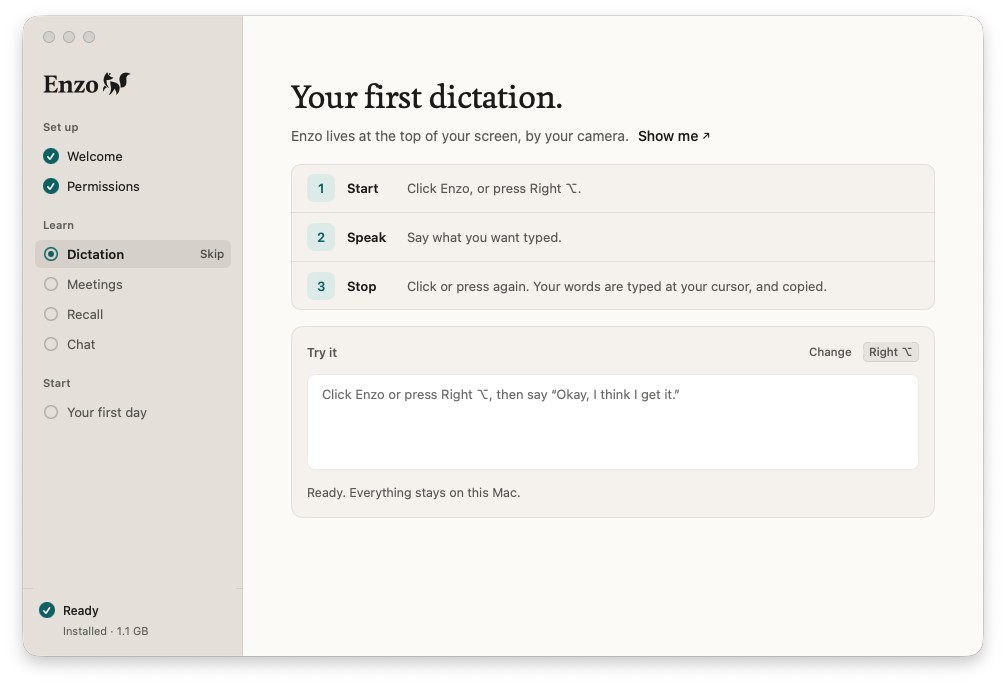
Why Enzo's voice-to-text is the standout vs Wispr Flow
Enzo has four features under one roof, yet its local voice-to-text is the daily driver you use fifty times an hour. On Apple Silicon, it fixes the four biggest complaints Mac users have with cloud dictation apps:
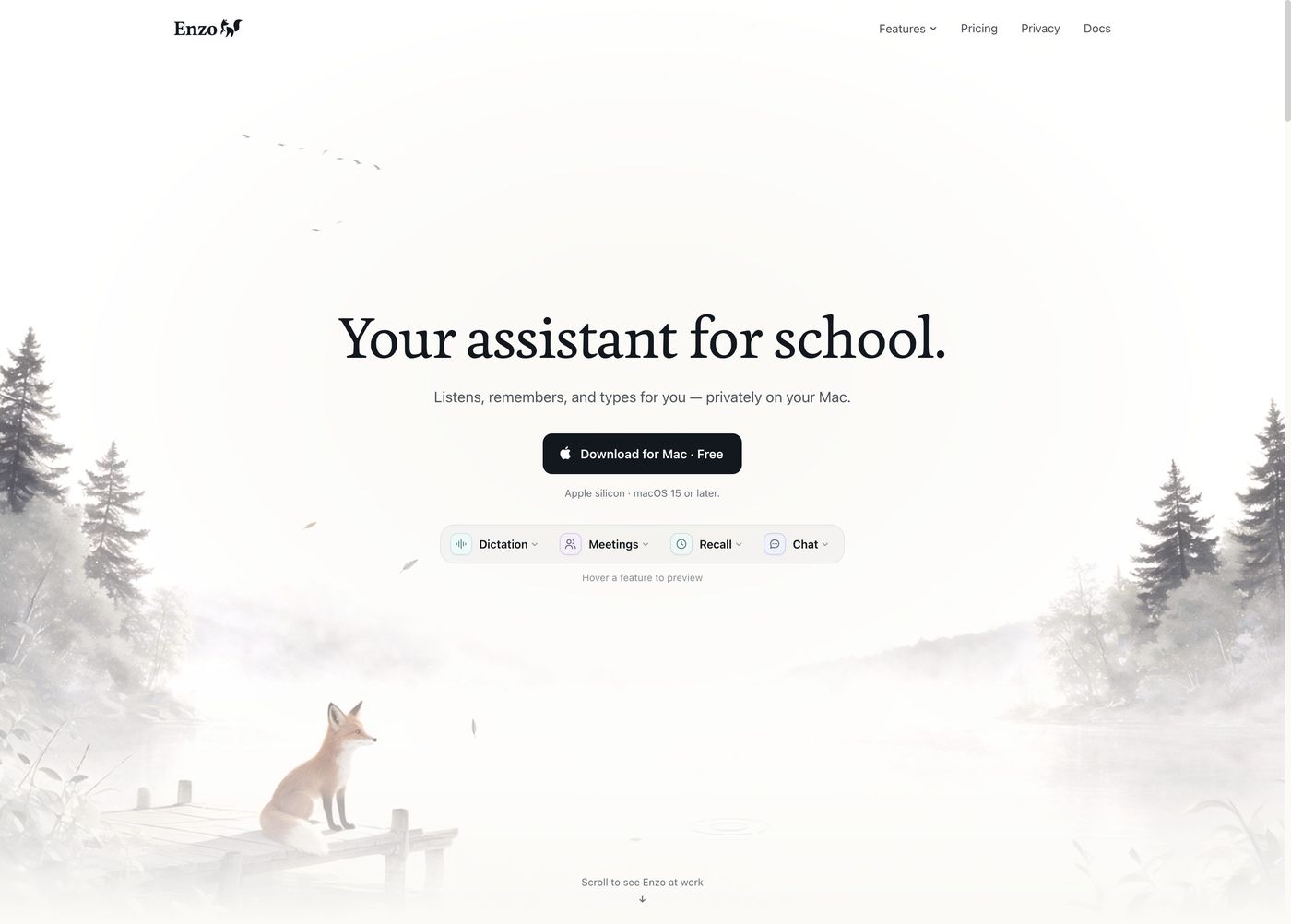
All four tools inside Enzo
Once Enzo is sitting by your MacBook camera for dictation (Right Option to speak, Right Command or right-click to ask), the other three tools share the same local index without running extra background apps:
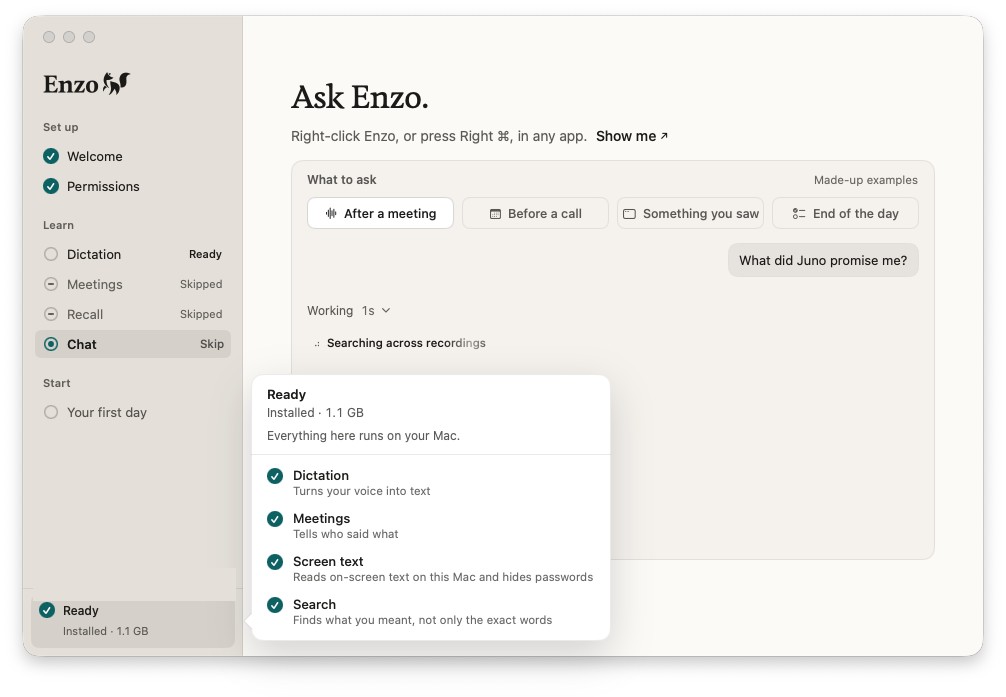
Because your meetings, screen Recall and Apple apps live in one local SQLite and vector index on your Mac, you can ask Enzo "What did Juno ask for on the call?" or let scheduled routines flag replies you owe, without copying transcripts between separate apps.
The bundle math: Enzo vs separate subscriptions
Prices checked November 21, 2026 on each vendor's pricing page.
| Setup | Dictation | Bot-free meetings | Screen recall | Monthly cost |
|---|---|---|---|---|
| Enzo Plus | ✓ Unlimited | ✓ 180 min/wk | ✓ Local | $10/mo |
| Enzo Pro | ✓ Unlimited | ✓ Unlimited | ✓ Local | $20/mo |
| Wispr Flow + Granola | ✓ Paid | ✓ Paid | ✗ | ~$30–$33/mo |
| Wispr + Granola + Recall tool | ✓ Paid | ✓ Paid | ✓ Paid | ~$45–$50/mo |
Enzo annual billing gives 2 months free ($100/yr Plus, $200/yr Pro) and includes a 14-day money-back guarantee.
Enzo pricing tiers
- 5,000 dictated words a week
- 60 meeting minutes a week
- Local Recall + all Mac app connections
The catch: 2-day memory in Chat, Low effort, no scheduled routines.
- Unlimited offline dictation
- 180 meeting minutes a week (3 hrs)
- Full history in Chat + scheduled routines
The catch: heavy meeting weeks can pass 3 hours.
- Unlimited dictation and unlimited meetings
- 20x Free's AI allowance
- High-effort scheduled routines & follow-ups
The catch: still Apple Silicon macOS 15+ only.
How Enzo's local Core ML & privacy model works
Enzo takes a clean split approach: everything heavy runs on Apple Silicon inside a 1.1 GB local Core ML model pack (including Parakeet Ultra for speech-to-text, NVIDIA Nemotron 3 and ReDimNet2+ for speaker recognition, Indra OCR with an on-device password detector, and EmbeddingGemma 300M for semantic search). Dictation, meeting audio, speaker profiles and Recall never sync to Enzo's servers.
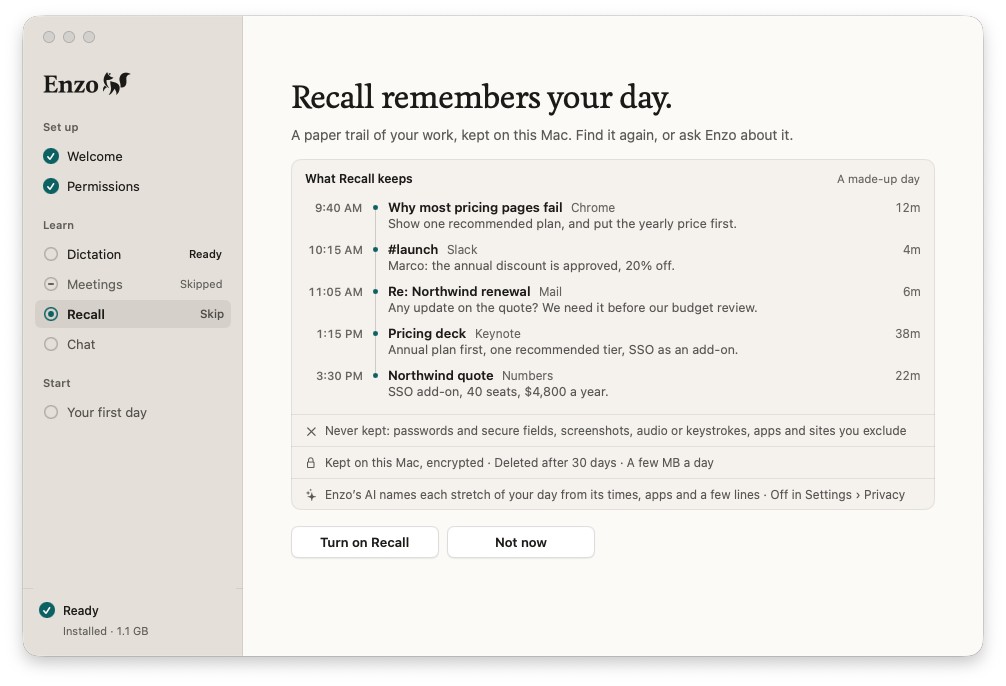
Unlike screen recorders such as Rewind, Enzo's Recall never stores screenshots, audio or keystrokes, using just a few megabytes a day and expiring entries after 30 days. Cloud AI is only called when Chat writes meeting notes or answers a question, sending just the relevant text snippet to Claude with zero training and no server-side storage.
Feature check: Enzo vs Wispr Flow vs Granola vs Superwhisper
| Feature | Enzo | Wispr Flow | Granola | Superwhisper |
|---|---|---|---|---|
| Offline Mac dictation | ✓ | ✗ Cloud | ✗ | ✓ |
| Bot-free meeting notes | ✓ | ✗ | ✓ | ✗ |
| Local screen Recall | ✓ | ✗ | ✗ | ✗ |
| Apple Mail / Messages / Calendar chat | ✓ | ✗ | Calendar | ✗ |
| Windows & iOS apps | ✗ Mac only | ✓ | Mac + iOS | Mac + iOS |
| Permanent free plan | ✓ | ✓ | ✓ | ✓ |
Checked November 21, 2026. See our best voice-to-text apps and best AI note-takers guides for full category coverage.
The catches to know before downloading
Why you'll like it: one cohesive native Mac app replaces $40–$50/mo of overlapping tools, works offline for dictation and transcripts, and keeps your files on-device.
Skip if: you use Windows, an Intel Mac, or need iPhone dictation sync (Enzo requires Apple Silicon + macOS 15 or later), or if you require 100% air-gapped local LLMs with zero cloud calls for Chat summaries.
The verdict
For Apple Silicon Mac users, Enzo AI is the cleanest way to stop paying separately for dictation, meeting notes and local recall. Start on the free tier (5,000 dictated words and 60 meeting minutes every week, no card needed) to see how it feels on your workflow; if it sticks, $10/mo Plus or $20/mo Pro undercuts every multi-app combo on the market.
FAQ
What is Enzo AI (tryenzo.ai)?
Enzo is a native Apple Silicon Mac app (macOS 15 or later) that combines four tools in one local-first package: ~100 ms offline voice dictation in 25 languages, bot-free meeting transcription with speaker recognition, encrypted local screen Recall (off by default), and a context-aware Chat assistant connected to Apple Mail, Messages, Calendar, Notes, Reminders and local folders.
How much does Enzo AI cost in 2026?
Enzo has a permanent Free plan (5,000 dictated words and 60 meeting minutes a week), Plus at $10 a month (unlimited dictation, 180 meeting minutes a week, full history and scheduled routines) and Pro at $20 a month (unlimited dictation and unlimited meetings, plus 20x Free's AI allowance). Annual billing gives two months free, and paid plans carry a 14-day money-back guarantee.
Does Enzo upload my recordings or screen history?
No. Dictation, meeting audio, transcripts, speaker profiles and Recall all run and stay encrypted on your Mac. Cloud AI (Claude) is only used when Chat answers a question or writes meeting notes, sending just the relevant text with zero training and no server-side history storage.
How does Enzo compare to Wispr Flow and Granola?
Wispr Flow is a dedicated dictation app and Granola is a dedicated bot-free meeting note-taker. Paying for both plus a screen recall tool runs roughly $45 to $50 a month, whereas Enzo combines all three on Apple Silicon Macs for $10 to $20 a month. Wispr Flow still wins if you need Windows or iOS sync.
Does Enzo work on Windows, Intel Macs or iPhone?
No. Enzo requires an Apple Silicon Mac (M1 or newer) running macOS 15 or later. If you need Windows or mobile dictation, look at Wispr Flow or Superwhisper instead.
Can Enzo send emails or edit my calendar on its own?
No. Enzo reads connected Apple apps and drafts replies in Mail, but it does not send emails or alter your calendar without you.