Our verdict: Wispr Flow is the best voice-to-text app for most people in 2026. It's on every platform and has the most polished cleanup. Superwhisper is the pick if privacy comes first, because it can run entirely on your Mac, and Aqua Voice is the best value for dictating to AI coding tools.
Most people speak about three times faster than they type. The new dictation apps make that useful: they drop the "ums," fix punctuation, catch you changing your mind mid-sentence and format the text for wherever your cursor is, from Slack to a prompt in Claude Code.
What they cost in a year
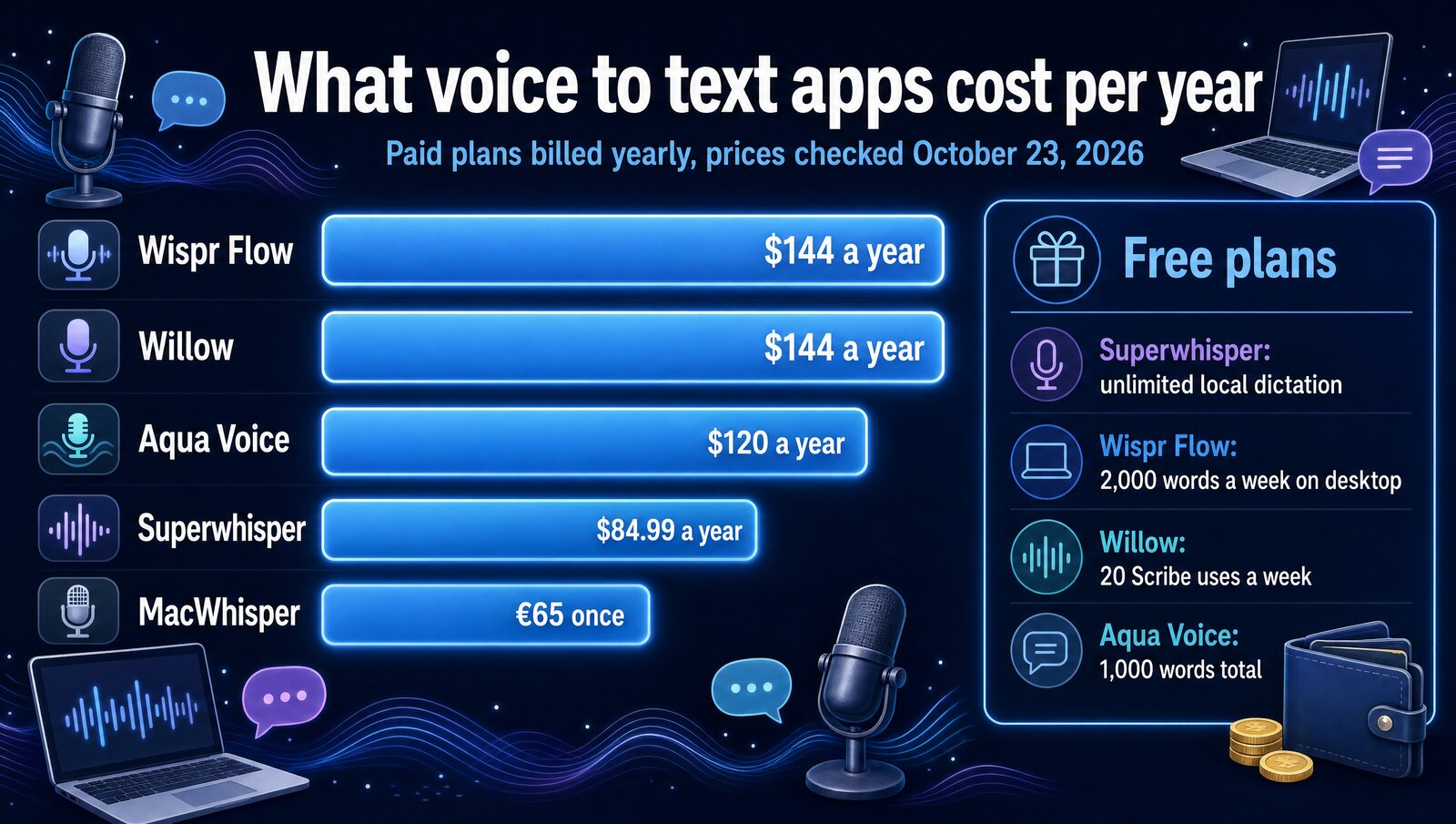
Every app here has a free plan, so try before you pay. Superwhisper's is the most generous, because local dictation costs it nothing to run.
The 5 apps at a glance
- Mac, Windows, iPhone and Android
- Removes filler words, fixes corrections
- Tags files by voice in Cursor
The catch: cloud only, no offline mode.
- Runs Whisper on your own computer
- Unlimited free local dictation
- AI modes with Claude, GPT or Gemini
The catch: more setup, fastest on a recent Mac.
- Built for Claude Code, Codex and Cursor
- MCP server, command-line tool and API
- Unlimited words, 49 languages
The catch: free plan is only 1,000 words.
- Filler removal and style matching
- Auto-learning dictionary
- Offline mode
The catch: no Android app yet.
- Transcribes audio and video files
- Runs entirely on your Mac
- Lifetime updates
The catch: Mac only, weak at live typing.
Prices at a glance
Prices checked October 23, 2026, on each company's own site.
| App | Free plan | Paid from | Platforms | Processing |
|---|---|---|---|---|
| Wispr Flow | 2,000 words/week desktop, limited mobile | $12/mo billed yearly ($15 monthly) | Mac, Windows, iOS, Android | Cloud only |
| Superwhisper | Unlimited local dictation | $8.49/mo, $84.99/yr or $249.99 lifetime | Mac, Windows, iOS, Android | On-device or cloud, your choice |
| Aqua Voice | 1,000 words | $10/mo billed yearly ($12 monthly) | Mac, Windows, iPhone, Android | Not stated |
| Willow | Basic model, 20 Scribe uses/week | $12/mo billed yearly ($15 monthly) | Mac, Windows, iPhone | Offline mode available |
| MacWhisper | Yes, with limits | €65 once | Mac | On-device |
What each one can do
| Feature | Wispr Flow | Superwhisper | Aqua | Willow | MacWhisper |
|---|---|---|---|---|---|
| Works offline | ✗ | ✓ | – | ✓ | ✓ |
| Windows app | ✓ | ✓ | ✓ | ✓ | ✗ |
| Phone app | ✓ | ✓ | ✓ | iPhone | ✗ |
| Coding tool features | ✓ | ✓ | ✓ | – | – |
| Personal dictionary | ✓ | ✓ | ✓ | ✓ | – |
| One-time price option | ✗ | ✓ | ✗ | ✗ | ✓ |
– means the company hasn't said.
Wispr Flow: the most polished dictation
Hold a key, talk, and clean text appears in whatever app you're using. Say "let's meet at 5, actually 6," and it writes "let's meet at 6." Slack gets casual text, email gets full sentences, and a personal dictionary and snippets learn your words.
For developers it's the strongest. In Cursor and Windsurf you can say "at authCheck.ts" to tag a file, and it recognizes camelCase and snake_case names. It holds SOC 2 Type II, HIPAA and ISO 27001 certifications, and training on your data is opt-in. Everything is transcribed in the cloud, though, and the optional Context Awareness feature reads text from the app you're in.
Superwhisper: the best for privacy
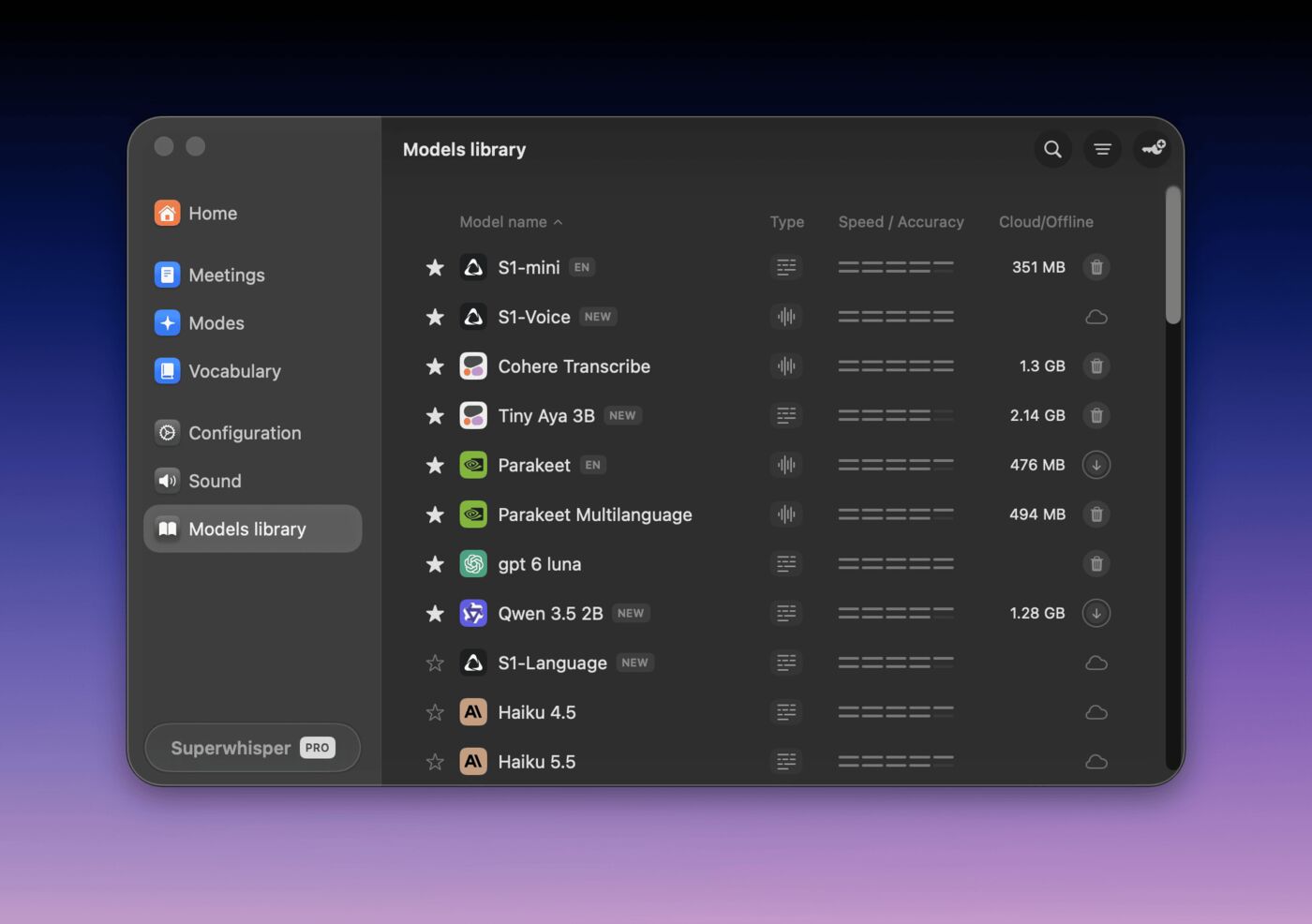
Superwhisper runs speech models on your own computer, so your voice never has to leave it, and local dictation is free and unlimited. It works best on Apple Silicon Macs and is now on Windows, iOS and Android too.
Pro ($8.49 a month, $84.99 a year or $249.99 lifetime) adds AI modes that rewrite speech as a message, an email or formal text, using a local model or a cloud one like Claude, GPT or Gemini. It also takes your own API keys and works with Cursor, Claude Code and Codex.
Aqua Voice: the best value for voice coding
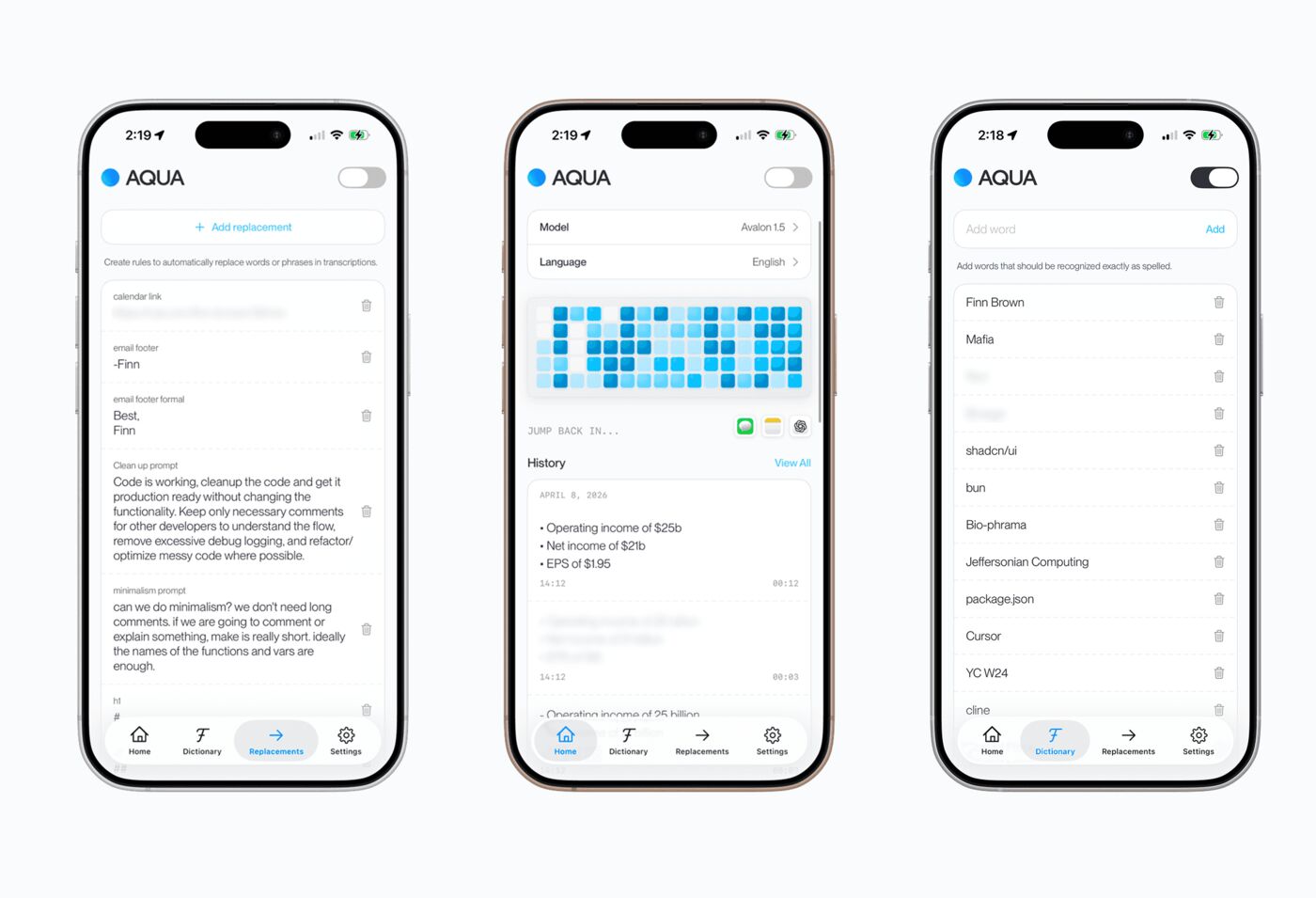
Aqua is pitched at people dictating prompts into Claude Code, Codex and Cursor, with an MCP server, a command-line tool and an API. It runs its own speech model, Avalon, and supports 49 languages.
Pro is $10 a month billed yearly or $12 monthly, with unlimited words, less than Wispr Flow or Willow. Max ($19 billed yearly) adds a real-time mode and a "Send it" voice command. Its accuracy claims come from its own benchmark, and it doesn't say whether transcription happens on your device or in the cloud, though Privacy Mode keeps nothing on its servers.
Willow and MacWhisper
Willow matches most of Wispr Flow, from filler removal to an auto-learning dictionary, at the same $12 a month billed yearly. Its free plan includes unlimited use of its basic model, it has an offline mode, and Business plans enforce zero data retention. Android is listed as coming soon.
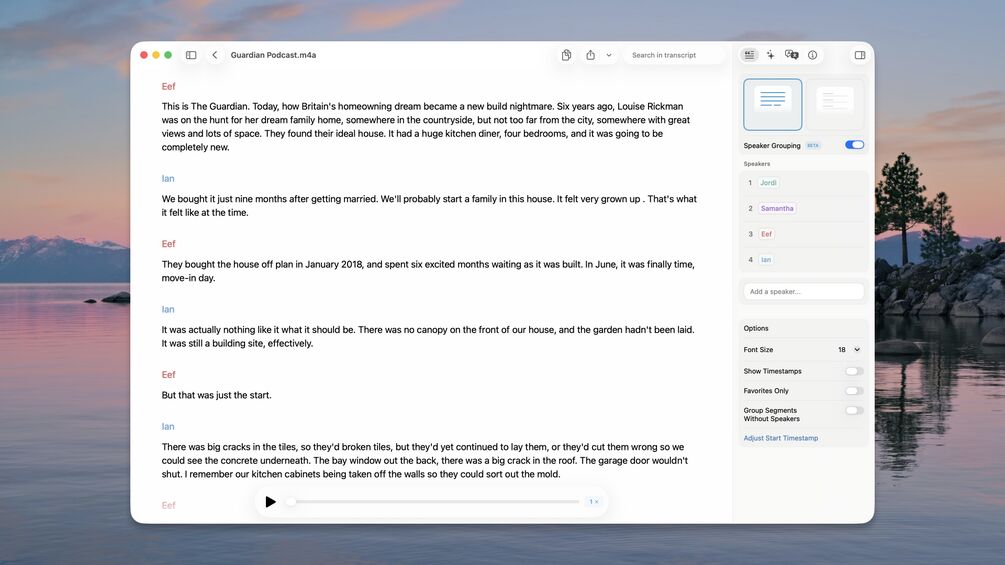
MacWhisper is for audio and video files, like interviews and podcasts, and runs entirely on your Mac with Whisper and Parakeet models. Pro is €65 once with lifetime updates.
What about the free built-in options?
Apple Dictation on macOS 27 has no time limit, adds punctuation and can run on-device. Windows voice typing (Win+H) handles about 50 languages, and on Copilot+ PCs it removes filler words in English. Both are worth a try, but neither rewrites rambling speech or learns your vocabulary.
Dragon is now Windows-only, with no Mac version since 2018, and Microsoft's focus has moved to healthcare. We wouldn't start there in 2026.
Which one should you use?
The verdict
Wispr Flow is the best voice-to-text app for most people in 2026: it's on every platform, with the most natural cleanup and the most complete coding features. Choose Superwhisper if your words should stay on your device, and Aqua Voice for unlimited prompts to AI agents at $10 a month. If you're picking the assistant you'll talk to, see our best AI subscription verdict.
FAQ
What is the best voice to text app?
Wispr Flow is the best voice-to-text app for most people in 2026. It works on Mac, Windows, iPhone and Android, removes filler words, fixes punctuation, handles mid-sentence corrections and adapts its formatting to each app. Pro costs $12 a month billed yearly, and there's a free plan with 2,000 words a week on desktop.
Is Wispr Flow better than Superwhisper?
Wispr Flow is more polished and easier to set up, and its coding features are stronger. Superwhisper is better for privacy because it can run Whisper entirely on your device, with unlimited free local dictation. Wispr Flow always transcribes in the cloud.
Is there a free voice to text app?
Yes. Apple Dictation and Windows voice typing are free and built in. Superwhisper's free plan includes unlimited local dictation, and Wispr Flow's free plan covers 2,000 words a week on desktop.
What's the best dictation app for coding?
Wispr Flow has the most complete coding features, including voice file tagging and variable recognition in Cursor and Windsurf. Aqua Voice is the best value for dictating prompts to AI coding tools like Claude Code and Codex, at $10 a month billed yearly for unlimited words.
Does Wispr Flow work offline?
No. Wispr Flow always transcribes in the cloud. For offline dictation, use Superwhisper with a local model, Willow's offline mode, MacWhisper, or the on-device dictation built into macOS.