Our verdict: if you only use cloud APIs, a cheap Windows or Linux mini PC is plenty. Pick a Mac mini if you want iMessage, local models or a silent 24/7 box, and an NVIDIA PC only if raw local AI speed is the goal.
OpenClaw is built to be an always-on agent: you set it up, connect your chat apps, and it works in the background. The software runs on macOS, Windows and Linux, but the machine you pick changes the power bill, the noise, the apps it can reach and which local AI models it can load.
 Mac (Apple Silicon)
Windows PC
 Linux PC
 NVIDIA GPU PC
 OpenClaw
The 3 setups at a glance
Mac mini (M6)- CPU and GPU share one memory pool
- About 4 W at idle, per Apple
- The only way to run iMessage
The catch: memory can't be added later.
- Plenty for an agent calling cloud APIs
- Low power and near silent
- Windows Hub app or Linux
The catch: too weak for useful local models.
NVIDIA GPU PC- CUDA GPUs are fastest at inference
- RAM and GPU can be upgraded
- Runs Windows or Linux
The catch: 50 W+ at idle, and models must fit in VRAM.
Price, power and noise
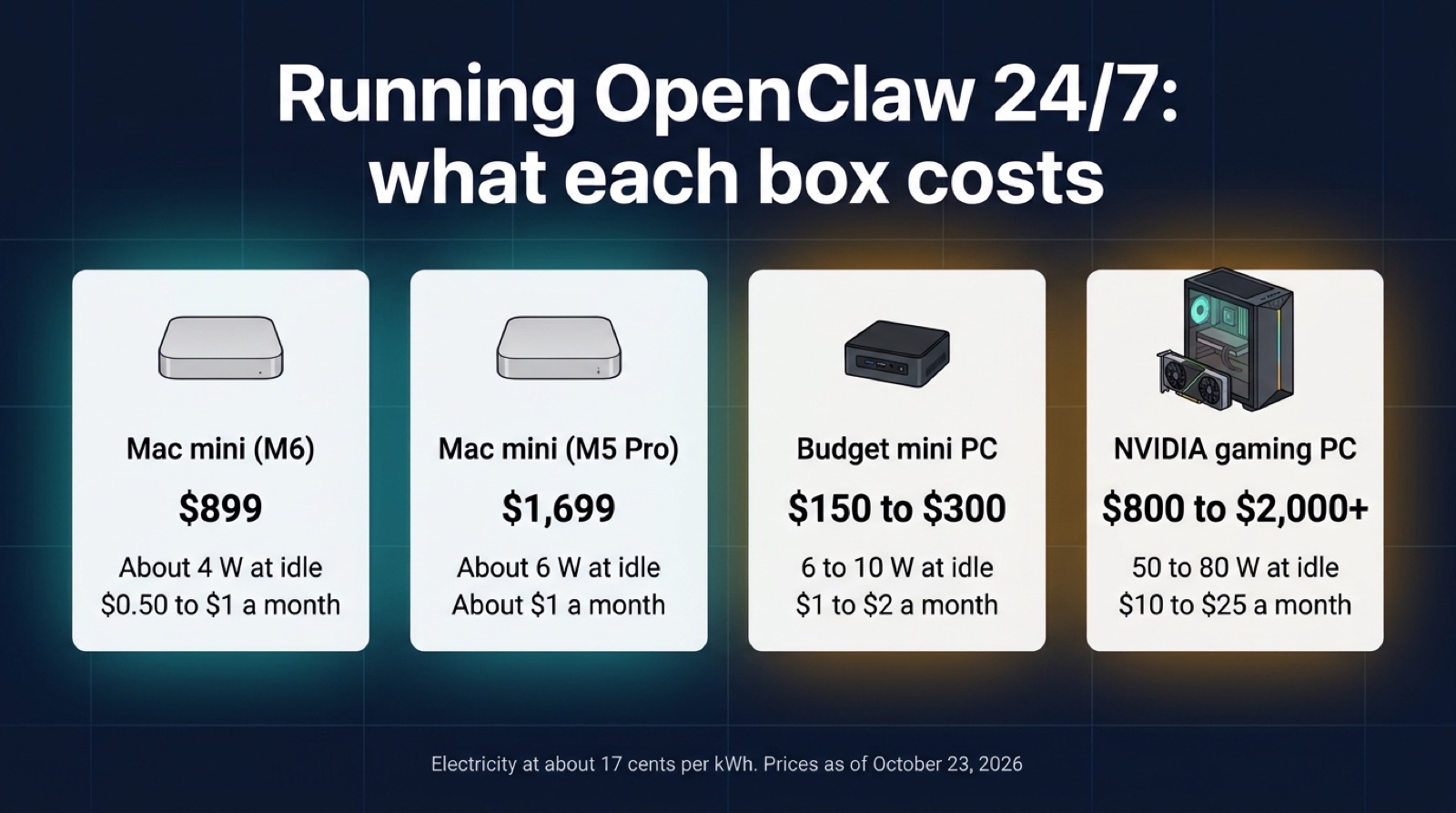
Prices checked October 23, 2026, on Apple's site. PC rows are typical ranges, not one model, and electricity assumes about 17 cents per kWh.
| Machine | Price | Memory | Idle power | Electricity, 24/7 |
|---|---|---|---|---|
| Mac mini (M6) | $899 | 16 GB unified, up to 32 GB | 4 W (Apple) | ~$0.50 to $1/mo |
| Mac mini (M5 Pro) | $1,699 | Up to 64 GB unified | 6 W (Apple) | ~$1/mo |
| Budget mini PC (N100) | $150 to $300 | Upgradable RAM | 6 to 10 W | ~$1 to $2/mo |
| Gaming PC (NVIDIA) | $800 to $2,000+ | RAM plus 8 to 24 GB VRAM | 50 to 80 W | ~$10 to $25/mo |
What each platform can do
| Feature | Mac | Windows | Linux |
|---|---|---|---|
| Runs OpenClaw | ✓ | ✓ | ✓ |
| Desktop companion app | ✓ | ✓ | ✓ |
| iMessage | ✓ | Via a Mac | Via a Mac |
| Telegram, WhatsApp, Discord, Slack | ✓ | ✓ | ✓ |
| Add RAM later | ✗ | Most desktops | Most desktops |
| GPU uses all system memory | ✓ | ✗ | ✗ |
| Silent at idle | ✓ | Mini PCs | Mini PCs |
Platform support and channels from OpenClaw's docs. "Via a Mac" means a PC gateway calling a signed-in Mac over SSH.
Memory: the biggest difference
This matters most if you run local AI models next to OpenClaw. On a Mac, the CPU and GPU share one pool of unified memory, so a model can use most of the RAM you bought. On a PC, the model has to fit in your graphics card's VRAM, and most consumer cards have 8 to 12 GB.
| Factor | Mac (Apple Silicon) | PC (Windows/Linux) |
|---|---|---|
| Memory type | Unified (CPU and GPU share) | Separate RAM and VRAM |
| Loading AI models | Whole model in the shared pool | Limited by VRAM (8 to 24 GB typical) |
| Upgrades | Soldered, buy what you need upfront | Desktops: add sticks later |
| Cost of more memory | Extra at purchase, from Apple | Cheap system RAM |
When a model spills out of VRAM into system RAM, it slows down sharply. So the Mac wins for local models, while a PC wins if you just want lots of cheap RAM for cloud API use.
Mac: the quiet always-on box
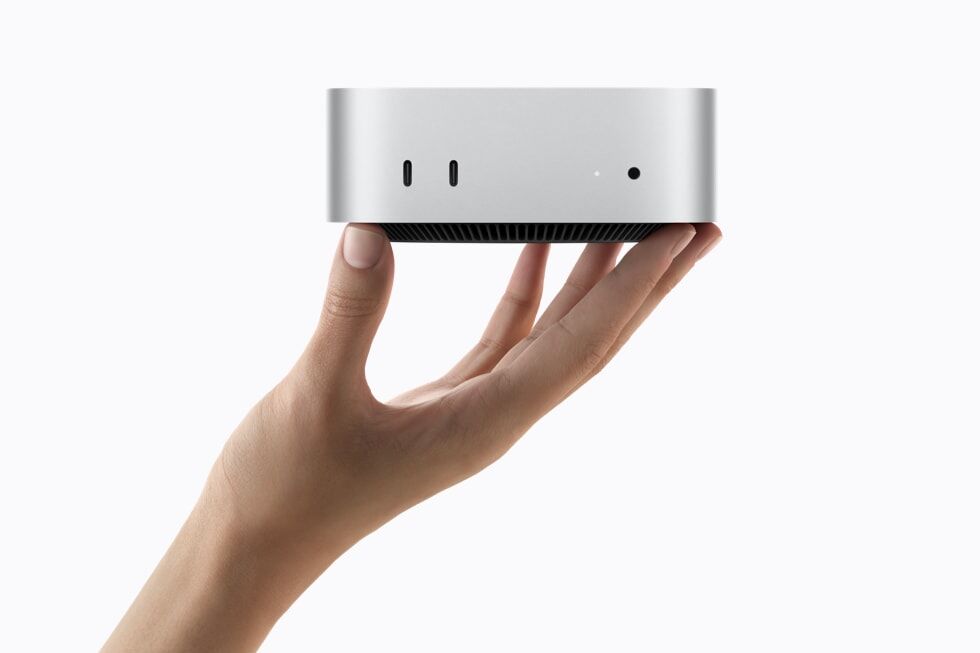
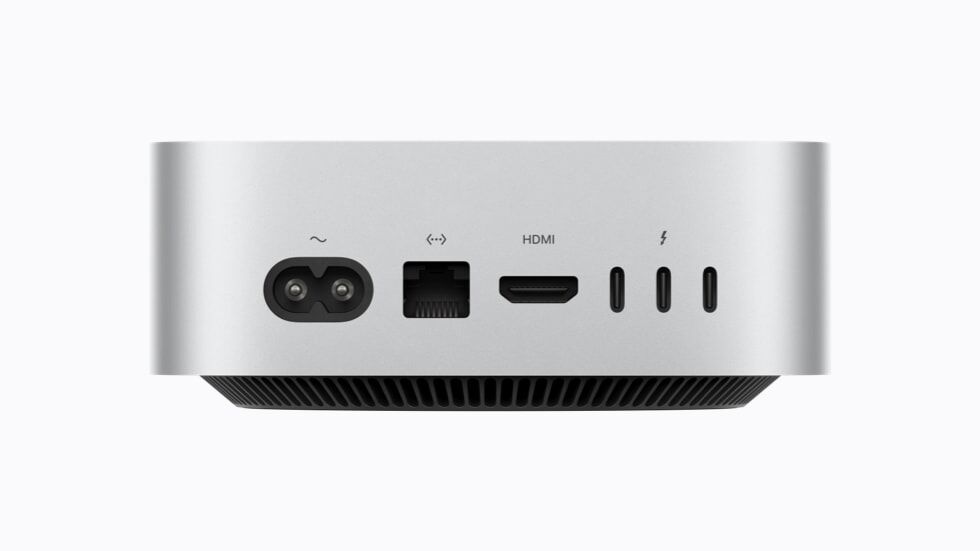
Apple replaced the $599 M4 Mac mini with an M6 model in August 2026, now from $899 with 16 GB. Apple lists it at 4 W idle and 5 dBA at idle, so you can leave it running in a bedroom and forget it's there. The M5 Pro model ($1,699) goes up to 64 GB for bigger local models.
It's also the only way to give your agent iMessage. OpenClaw's iMessage channel runs on a Mac signed in to Messages, and Apple Silicon's efficiency cores keep background tasks from slowing down whatever you're doing in front of it.
Windows PC: cheap and flexible
OpenClaw's docs now recommend the native Windows Hub app for most people, with a PowerShell installer for terminal users. A WSL2 gateway is still there if you want the most Linux-compatible setup.
A $150 to $300 N100 mini PC handles a cloud-only agent easily, since the agent is mostly waiting on API calls. A gaming PC works too, but it can cost 20 times more in electricity to leave on.
Linux PC: the headless server
Linux runs OpenClaw as well as a Mac does, and it's the natural pick for a headless box in a closet. Put Linux on the same budget mini PC and you get the cheapest always-on setup here.
Local AI: speed vs size
NVIDIA GPUs are faster at pure inference, but only for models that fit in VRAM. An 8 GB RTX 4060 handles small models quickly, and a 24 GB RTX 4090 runs larger ones fast at a much higher price.
A Mac loads bigger models into unified memory and runs them more slowly. Agent work is mostly waiting on apps and websites, so fitting a capable model usually matters more than top speed.
What about a VPS or a laptop?
If you'd rather not keep hardware at home, a small cloud server runs a cloud-only agent for a few dollars a month; see our best VPS for AI agents and VPS vs local hosting guides. If you code with Claude Code or Cursor on the same machine, start with the Claude Code laptop guide or, for local models, best laptop for LLMs.
Which one should you use?
The verdict
For a cloud-only agent, a $150 to $300 Windows or Linux mini PC is all you need. If you want iMessage, local models or a silent 24/7 server, the Mac mini (from $899) is the better buy, and the power user move is a Mac mini as the agent server with a separate PC for gaming and heavy GPU work.
FAQ
Can OpenClaw run on both Mac and PC?
Yes. OpenClaw runs on macOS, Windows and Linux, with Node as its default runtime. The experience still differs between platforms because of memory, app integrations and power use.
Is a Mac better than a PC for running OpenClaw?
For an always-on agent with local AI models, usually yes. Apple Silicon's unified memory and low idle power suit 24/7 use. If you only use cloud APIs, a budget Windows or Linux mini PC works just as well for much less money.
How much RAM do I need for OpenClaw?
With cloud APIs only, 8 GB is enough because the agent itself is light. For local models, plan on 16 GB for 7B models and 32 GB or more for larger ones. On a Mac, unified memory lets the GPU use most of that RAM.
Can OpenClaw access iMessage on Windows?
Not on its own. OpenClaw's iMessage channel runs on a Mac signed in to Messages. A Windows or Linux gateway can reach that Mac over SSH, but you still need a Mac. Telegram, WhatsApp, Discord and Slack work on every platform.
Should I run OpenClaw on WSL2 on Windows?
You don't have to. OpenClaw's docs recommend the native Windows Hub app for most people, with a PowerShell installer as another option. Choose WSL2 if you want the most Linux-compatible gateway.